1
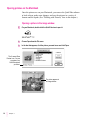
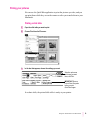
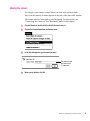
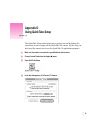
Opening a slide table
1
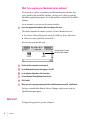
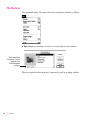
On your Macintosh, double-click the QuickTake icon to open it.
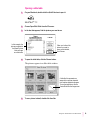
2
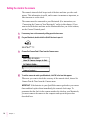
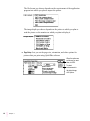
Choose Open Slide Table from the File menu.
3
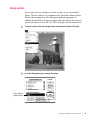
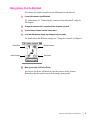
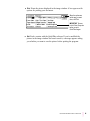
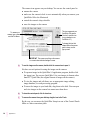
In the box that appears, find the pictures you want to see.
In this example, the
pictures contained in
the Mixed Pictures
folder will open
as a slide table.
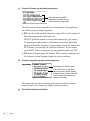
4
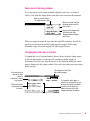
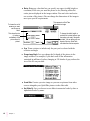
When you’ve found the
pictures you want to
open as a slide table,
click Choose.
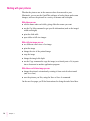
To open the slide table, click the Choose button.
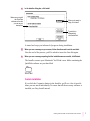
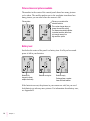
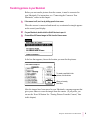
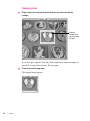
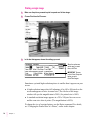
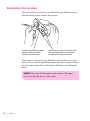
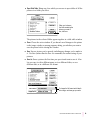
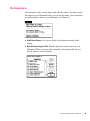
The pictures appear in a slide table window.
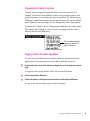
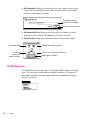
A slide like this represents an
image with no preview imported
from another application program.
To see the image here, choose
Create Slide from the Image menu.
5
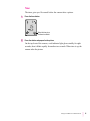
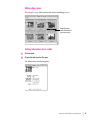
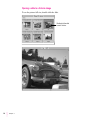
To see a picture in detail, double-click the slide.
Using the Camera With Your Macintosh
23