1
2-2 Connecting the Host Computer to the Printer
n
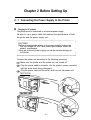
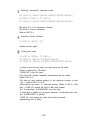
Connecting the interface cable
Connect the printer to a host ECR (host computer) using an interface
cable matching the specifications of the printer and the host ECR
(host computer).
TM-T6O/T80
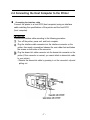
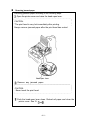
Connect the interface cable according to the following procedure.
Turn off the printer, power unit, and host computer.
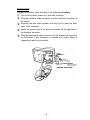
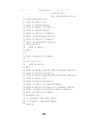
Plug the interface cable connector into the interface connector on the
printer; then insert a screwdriver between the rear rubber feet and fasten
the screws on both sides of the connector.
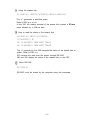
Plug the drawer-kick cable connector into the drawer-kick connector on the
printer (if this connector is covered, you cannot attach a drawer-kick cable
to your printer).
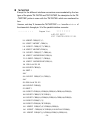
Remove the drawer-kick cable by pressing in on the connector’s clip and
pulling out.
l
-7-