1
Section 3 - Configuration
Port Forwarding
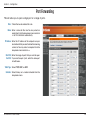
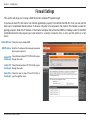
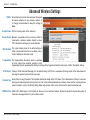
This will allow you to open a single port or a range of ports.
Rule: Check the box to enabled the rule.
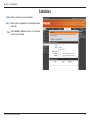
Name: Enter a name for the rule. You may select an
application from the drop-down menu and click
<< to fill in the fields automatically.
IP Address: Enter the IP address of the computer on your
local network that you want to allow the incoming
service to. You may select a computer from the
drop-down menu and click <<.
Start Port/ Enter the range of ports that you want to open.
End Port: If you want to open 1 port, enter the same port
in both boxes.
Traffic Type: Select TCP, UDP, or ANY.
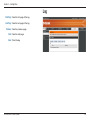
Schedule: Select Always or a created schedule from the
drop-down menu.
D-Link DIR-451 User Manual
20