1
2.4.2
CPU Configuration
The items in this menu show the CPU-related information that the BIOS
automatically detects.
Configure Advanced CPU settings
Manufacturer:
Brand String:
Frequency
:
FSB Speed
:
Cache L1
Cache L2
Cache L3
Intel
Genuine Intel (R) CPU 2.40 GHz
2400 MHz
533 MHz
: 16 KB
: 1024 KB
: 0 KB
Sets the ratio between
CPU Core Clock and the
FSB Frequency.
NOTE: If an invalid
ratio is set in CMOS
then actual and
setpoint values may
differ.
Ratio Status: Unlocked (Max: 28, Min:14)
Ratio Actual Value : 18
Ratio CMOS Setting:
[ 18]
Max CPUID Value Limit:
[Disabled]
Enhanced C1 Control
[Auto]
CPU Internal Thermal Control
[Auto]
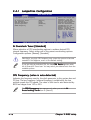
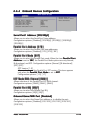
Ratio CMOS Setting [ 18]
Sets the ratio between the CPU Core Clock and the Front Side Bus
frequency. The default value of this item is auto-detected by BIOS. Use the
<+> or <-> keys to adjust the values.
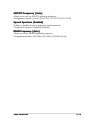
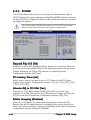
Max CPUID Value Limit [Disabled]
Enable this item to boot legacy operating systems that cannot support
CPUs with extended CPUID functions. Configuration options: [Disabled]
[Enabled]
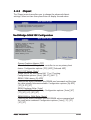
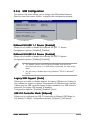
Enhanced C1 Control [Auto]
When set to [Auto], the BIOS will automatically check the CPU’s capability
to enable the C1E support. In C1E mode, the CPU power consumption is
lower when idle. Configuration options: [Auto] [Disabled]
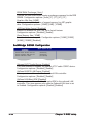
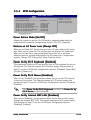
CPU Internal Thermal Control [Auto]
Disables or sets the CPU internal thermal control.
Configuration options: [Auto] [Disabled]
2-20
Chapter 2: BIOS setup