1
Troubleshooting
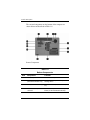
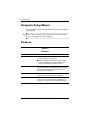
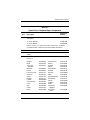
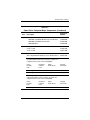
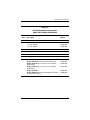
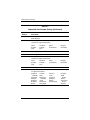
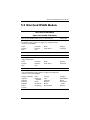
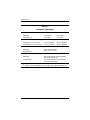
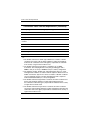
Security Menu
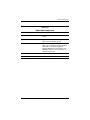
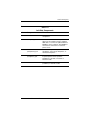
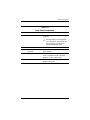
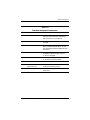
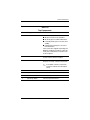
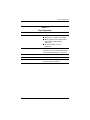
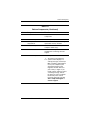
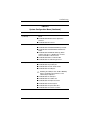
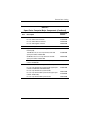
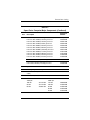
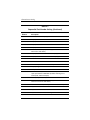
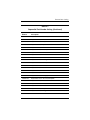
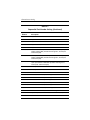
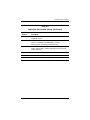
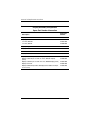
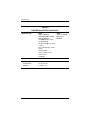
Table 2-2
Security Menu
Select
To do this
Setup password
Enter, change, or delete a setup password.
Power-On password
Enter, change, or delete a power-on password.
Password options
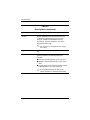
■ Enable/disable stringent security.
■ Enable/disable password requirement on computer
restart.
DriveLock passwords
■ Enable/disable DriveLock on any computer hard
drive and on optional MultiBay hard drives.
■ Change a DriveLock user password or master
password.
settings are accessible only when
✎ DriveLock
you enter Computer Setup by turning on (not
restarting) the computer.
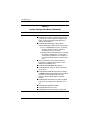
Smart Card security
Enable/disable support for smart card and Java™
Card power-on authentication.
authentication for smart cards is
✎ Power-on
supported only on computers with optional
smart card readers.
must have an administrator password to
✎ You
change this setting.
Maintenance and Service Guide
2–5