1
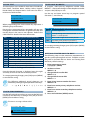
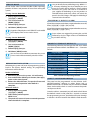
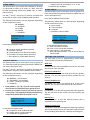
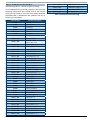
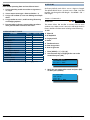
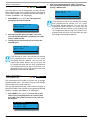
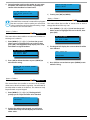
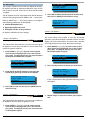
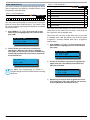
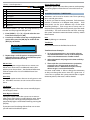
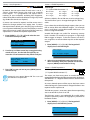
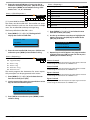
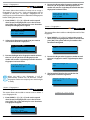
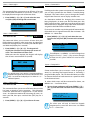
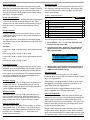
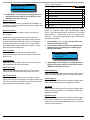
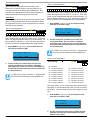
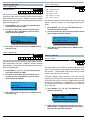
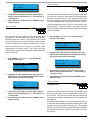
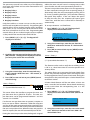
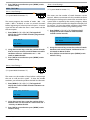
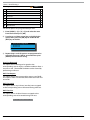
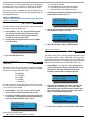
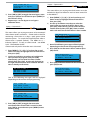
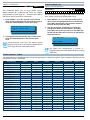
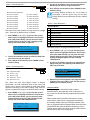
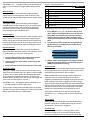
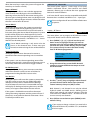
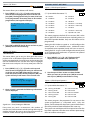
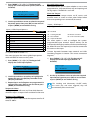
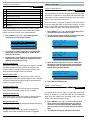
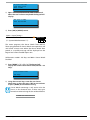
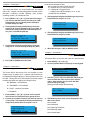
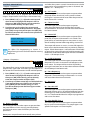
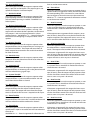
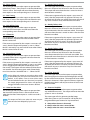
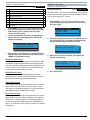
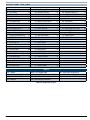
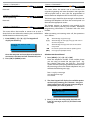
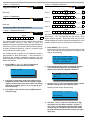
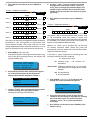
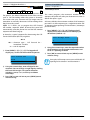
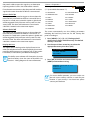
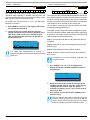
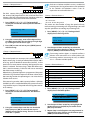
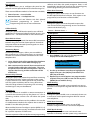
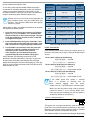
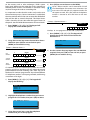
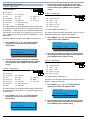
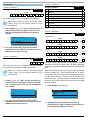
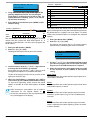
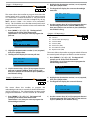
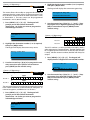
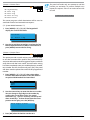
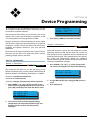
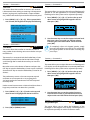
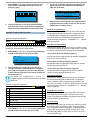
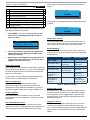
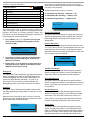
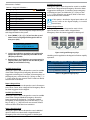
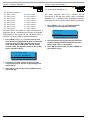
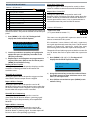
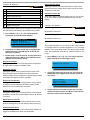
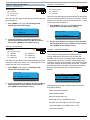
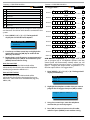
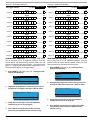
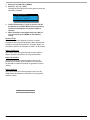
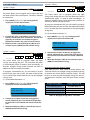
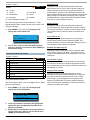
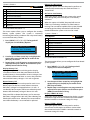
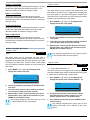
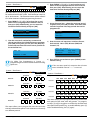
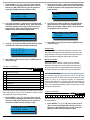
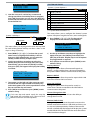
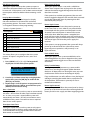
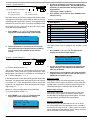
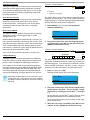
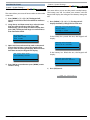
Solution-144 Installation Manual Area Programming Keyswitch On/Off When selected, the panel will activate the strobe output for six seconds when a user turns the area on via a keyswitch zone or the programmable input. This provides silent feedback to the user that the signal has been received when turning the area on or off. 24Hr Alarm When selected, the panel will activate the strobe output when a zone programmed as 24-hour (audible or silent) has registered an alarm. Zones programmed as 24-Hour Hold-Up are not included. Areas > Area Properties > Part Mode 1 Name - P a r t 1 1 A r e a Areas > Area Properties > Part Mode 2 Name - P a r t 1 2 A r e a This menu allows you to program the name for each area when turning the area Part On or Part 2 On. Each area name can be programmed with up to 20 characters. At factory default, only Area 1 is used. The control panel can have a maximum of 8 independent areas programmed. 1) Enter [MENU] + [2] + [1] + [6] and select the area from the list and press [OK]. Part Mode 2 Name A1 Part 2 Area 1 Name Press OK to SAVE N a m e 1) Enter [MENU] + [2] + [1] + [6] and select the area from the list and press [OK]. Part Mode 1 Name A1 2) Use the arrow and number keys to move and change text. When the area name is complete, press [OK]. At any time you can press the [OFF] key to clear the text from the current cursor position to the end of the line. i Note Part 1 Area 1 Name Press OK to SAVE See Alpha Text section in Section 4 - Programming Overview for further detail on entering alpha text. Areas > Area Properties > Auto Arming 2) Use the arrow and number keys to move and change text. When the area name is complete, press [OK]. At any time you can press the [OFF] key to clear the text from the current cursor position to the end of the line. Note N a m e MENU 2-1-6 This menu allows you to program the name for each area when turning the area Part On or Part 2 On. Each area name can be programmed with up to 20 characters. At factory default, only Area 1 is used. The control panel can have a maximum of 8 independent areas programmed. i MENU 2-1-7 See Alpha Text section in Section 4 - Programming Overview for further detail on entering alpha text. - MENU 2-1-8 0 00 - Disabled 01 - 24 Hour TimeZone 02 - TimeZone 2 Name 03 - TimeZone 3 Name 04 - TimeZone 4 Name 05 - TimeZone 5 Name 06 - TimeZone 6 Name 07 - TimeZone 7 Name 08 - TimeZone 8 Name 0 09 - TimeZone 9 Name 10 - TimeZone 10 Name 11 - TimeZone 11 Name 12 - TimeZone 12 Name 13 - TimeZone 13 Name 14 - TimeZone 14 Name 15 - TimeZone 15 Name 16 - TimeZone 16 Name This menu allows you to assign which time zone the area will follow to automatically turn the area All On and/or off (disarm). Only one time zone can be assigned to each area. 1) Enter [MENU] + [2] + [1] + [8] and select the area from the list and press [OK]. Auto Arming A1 00 - Disabled Press 0-9 OK to SAVE 2) Use the arrow and number keys to select the time zone that you want the area to follow, then press [OK] to save and exit. Bosch Security Systems 10/12 BLCC600BI 6-7