1
Removal and Replacement Procedures (RRPs)
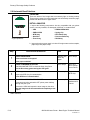
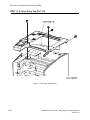
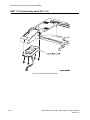
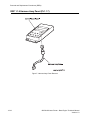
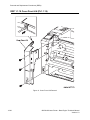
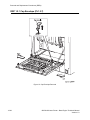
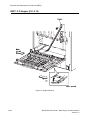
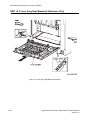
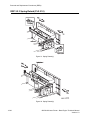
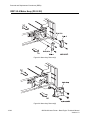
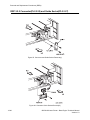
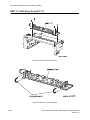
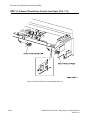
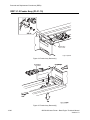
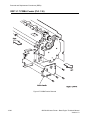
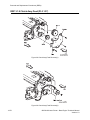
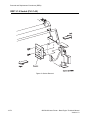
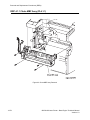
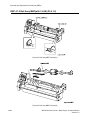
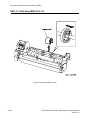
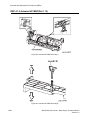
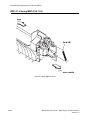
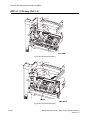
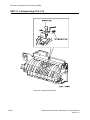
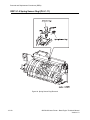
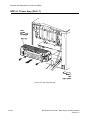
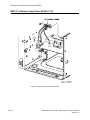
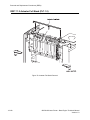
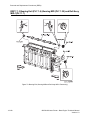
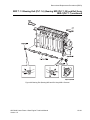
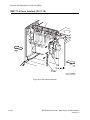
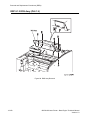
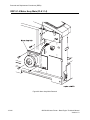
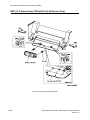
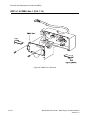
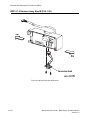
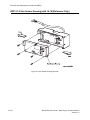
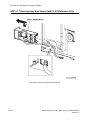
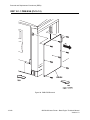
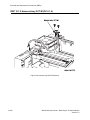
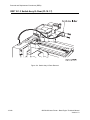
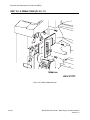
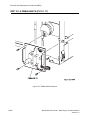
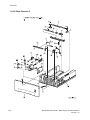
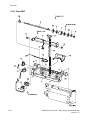
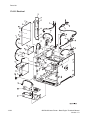
RRP 3.1.9 Socket (PL3.1.40) continued
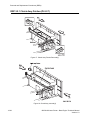
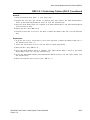
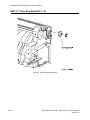
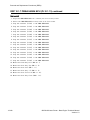
Removal
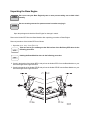
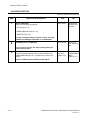
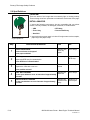
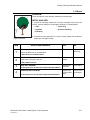
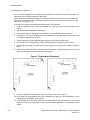
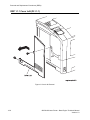
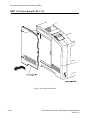
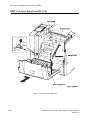
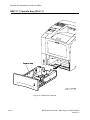
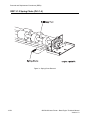
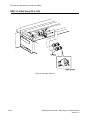
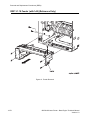
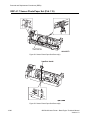
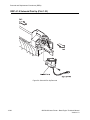
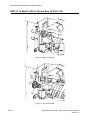
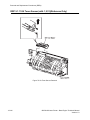
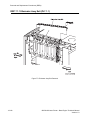
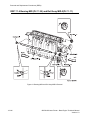
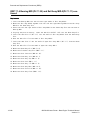
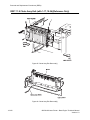
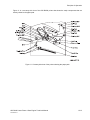
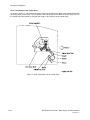
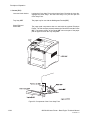
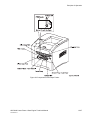
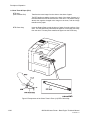
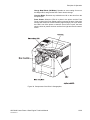
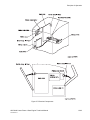
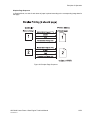
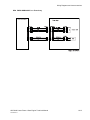
1. Draw the Cassette Assy (PL2.1.1) from the printer.
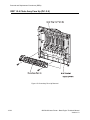
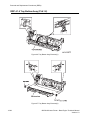
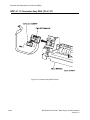
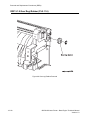
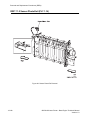
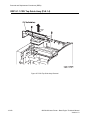
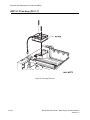
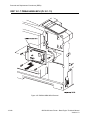
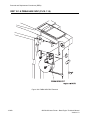
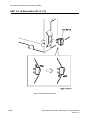
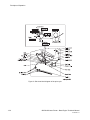
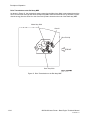
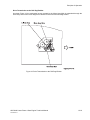
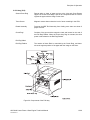
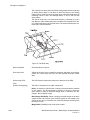
2. Remove the two screws securing the Socket to the Feeder in the printer.
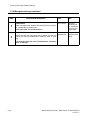
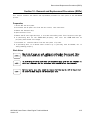
In the following steps, do not detach Feeder and Socket far away because they are
connected with the harness.
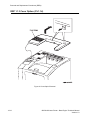
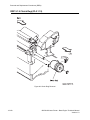
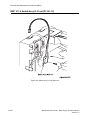
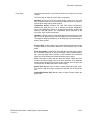
3. Detach the Socket a little from the Feeder.
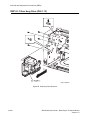
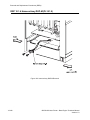
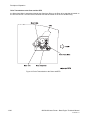
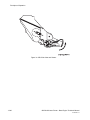
4. Unplug the connector (P/J671) from the Socket.
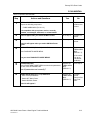
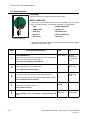
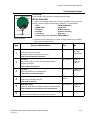
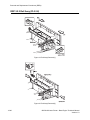
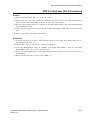
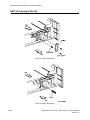
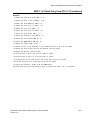
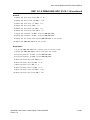
Replacement
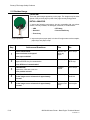
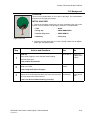
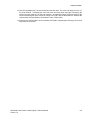
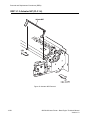
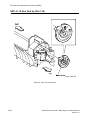
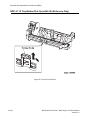
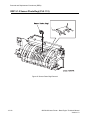
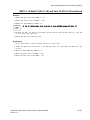
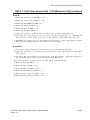
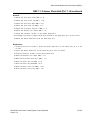
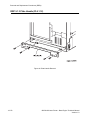
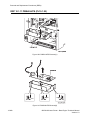
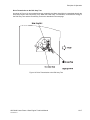
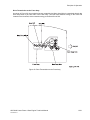
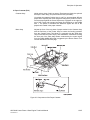
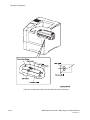
1. Plug the connector (P/J671) to the Socket.
In the following steps, do not allow the harness to get caught between Feeder and
Socket.
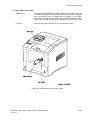
2. Aligning the position exactly, insert the boss of Socket into a hole in the Feeder.
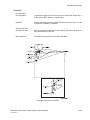
3. Secure the Socket to the Feeder with two screws.
4. Mount the Cassette Assy (RRP 2.1.1).
OKI B6100 Laser Printer - Base Engine Technical Manual
Version 1.0
10-75