1
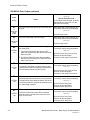
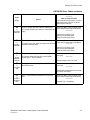
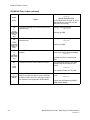
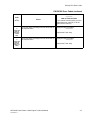
Primary FIPs:Image Quality Problems
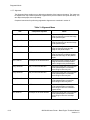
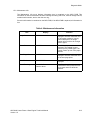
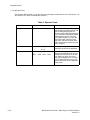
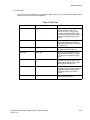
Image Quality Problems
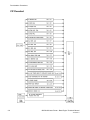
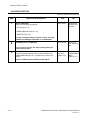
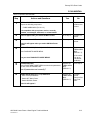
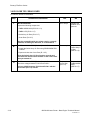
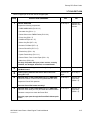
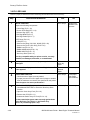
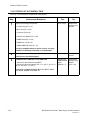
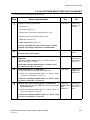
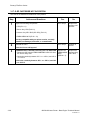
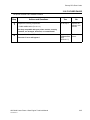
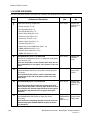
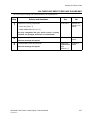
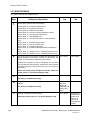
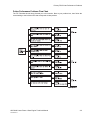
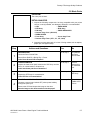
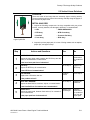
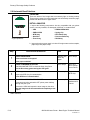
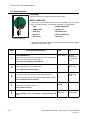
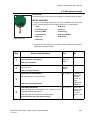
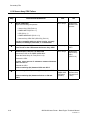
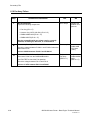
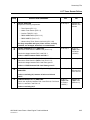
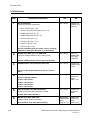
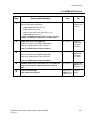
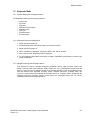
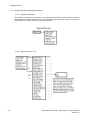
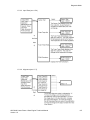
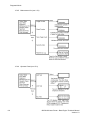
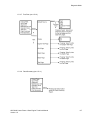
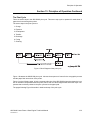
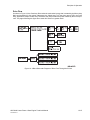
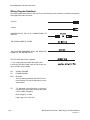
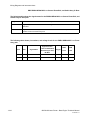
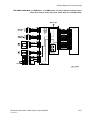
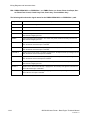
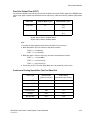
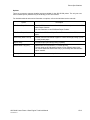
The FIP Flowchart or a Level 1 FIP should have directed you to this section.
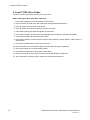
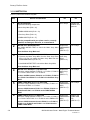
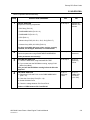
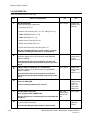
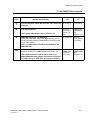
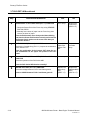
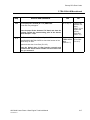
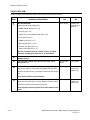
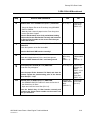
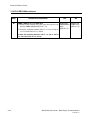
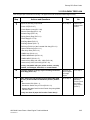
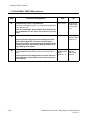
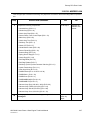
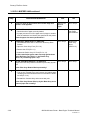
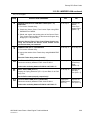
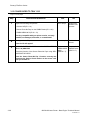
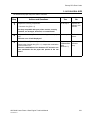
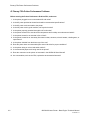
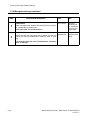
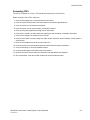
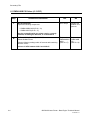
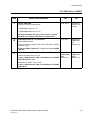
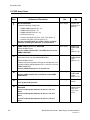
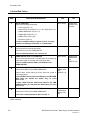
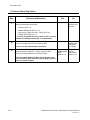
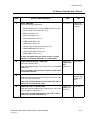
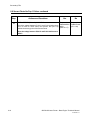
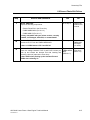
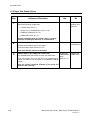
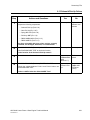
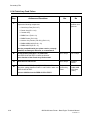
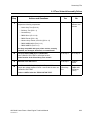
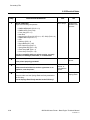
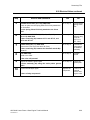
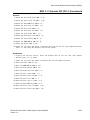
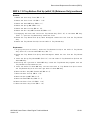
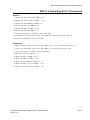
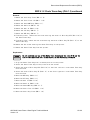
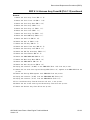
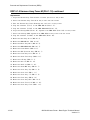
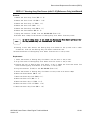
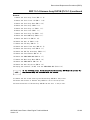
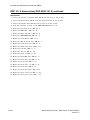
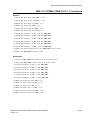
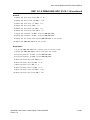
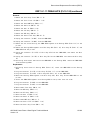
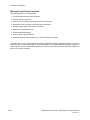
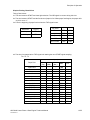
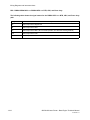
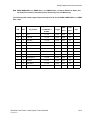
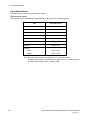
Before entering the Image Quality FIPs, make sure:
1. Is the printer plugged into a recommended AC wall outlet?
2. Is the AC power provided at the wall outlet within recommended specifications?
3. Is the AC power cord connected to the printer.
4. Is the AC power cord in good condition; not frayed or broken?
5. Is the printer properly grounded through the AC wall outlet?
6. Is the printer located in an area where the temperature and humidity are moderate and stable?
7. Is the printer located in an area that is free of dust?
8. Is the printer located in an area away from water outlets, steamers, electric heaters, volatile gases, or
open flames?
9. Is the printer shielded from the direct rays of the sun?
10. Does the printer have recommended space around all sides for proper ventilation?
11. Is the printer sitting on a level and stable surface?
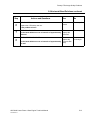
12. Is recommended paper stock being used in the printer?
13. Does the customer use the printer as instructed in the OKI B6100 User Manual?
14. Are consumables, such as the CRU, replaced at recommended intervals?
OKI B6100 Laser Printer - Base Engine Technical Manual
Version 1.0
5-3