1
85
Tutorial
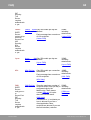
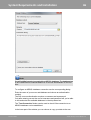
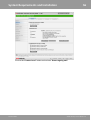
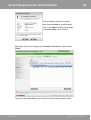
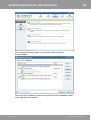
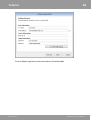
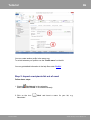
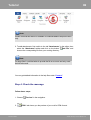
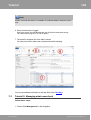
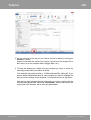
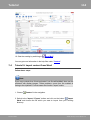
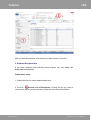
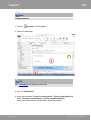
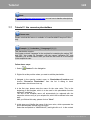
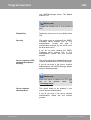
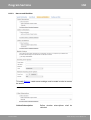
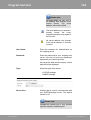
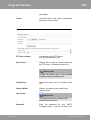
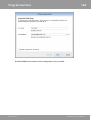
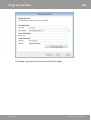
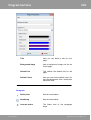
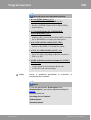
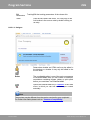
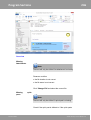
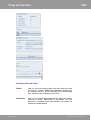
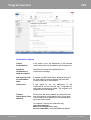
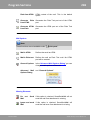
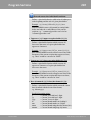
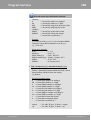
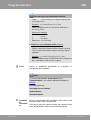
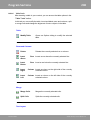
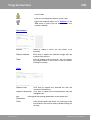
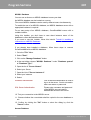
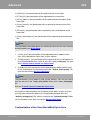
3. As 'Reply Address' enter the address where you want to receive the
returns.
If not specified, the 'From Address' will be used for returns.
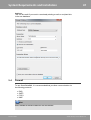
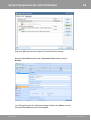
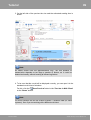
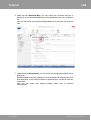
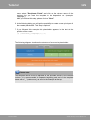
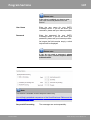
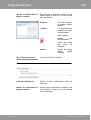
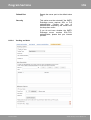
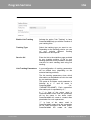
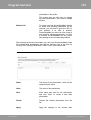
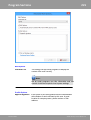
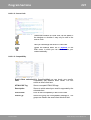
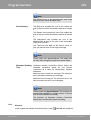
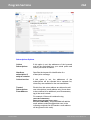
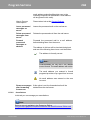
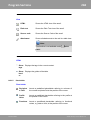
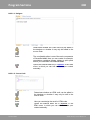
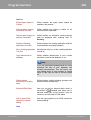
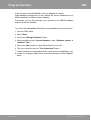
4. In 'Advanced Sender Information' you can apply additional settings to your
current profile.
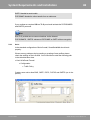
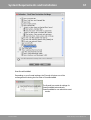
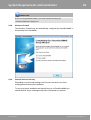
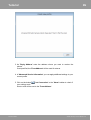
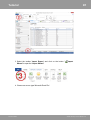
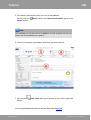
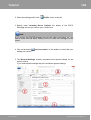
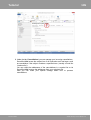
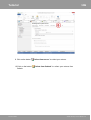
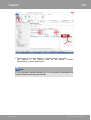
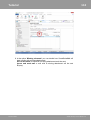
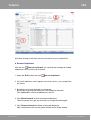
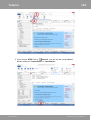
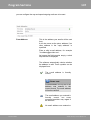
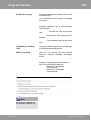
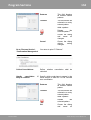
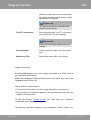
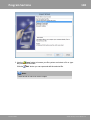
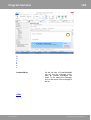
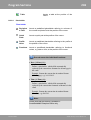
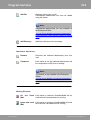
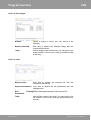
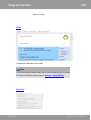
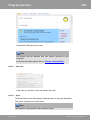
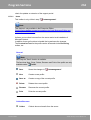
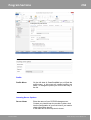
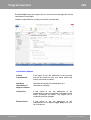
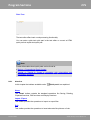
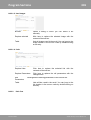
5. Click on the button '
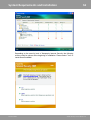
Test Connection' in the 'Home' toolbar to check if
your settings work.
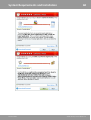
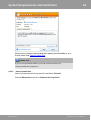
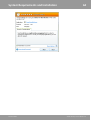
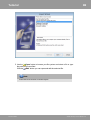
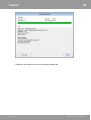
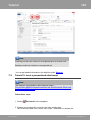
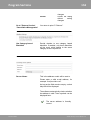
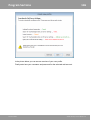
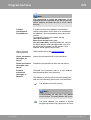
A test e-mail will be sent to the 'From Address'.
SmartSerialMail
©1996-2015 by Joachim Marder e.K.