1
82
Tutorial
You learn how to use the subscription and unsubscription function of
SmartSerialMail.
7.1
Tutorial 1: Getting started
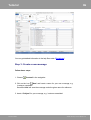
Step 1: Create a sender's profile
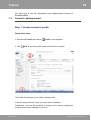
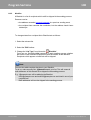
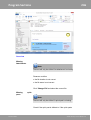
Follow these steps:
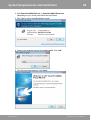
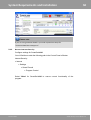
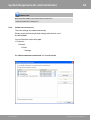
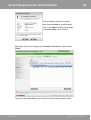
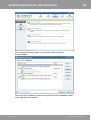
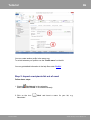
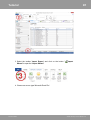
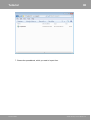
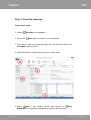
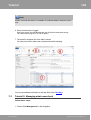
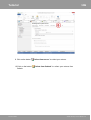
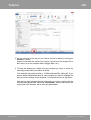
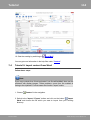
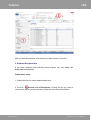
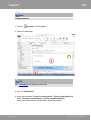
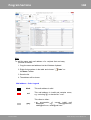
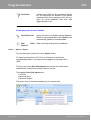
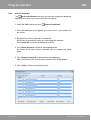
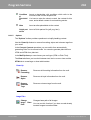
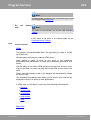
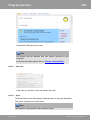
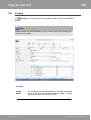
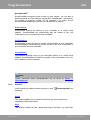
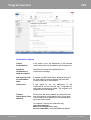
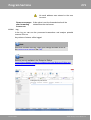
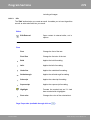
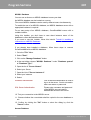
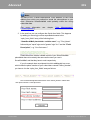
1. Start SmartSerialMail and choose '
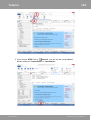
2. Click '
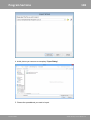
Profile' in the navigation.
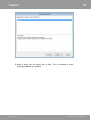
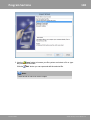
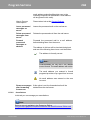
New' to open the profile wizard and create a new profile.
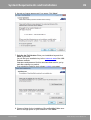
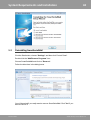
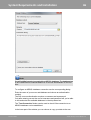
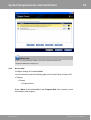
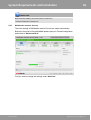
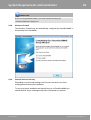
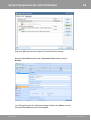
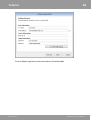
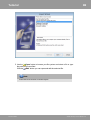
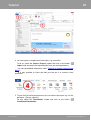
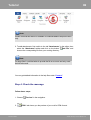
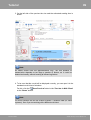
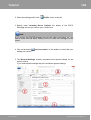
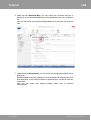
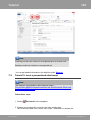
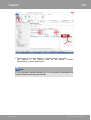
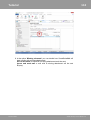
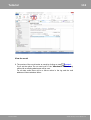
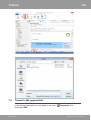
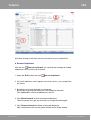
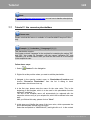
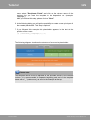
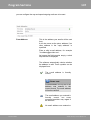
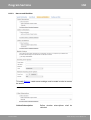
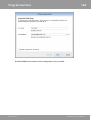
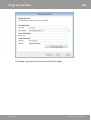
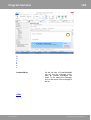
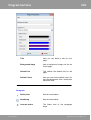
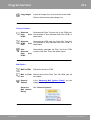
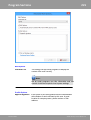
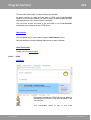
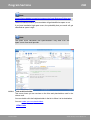
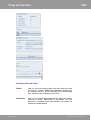
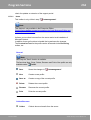
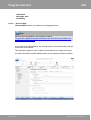
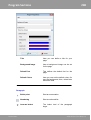
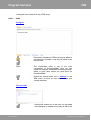
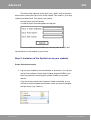
The Profile Wizard helps you to create a sender profile.
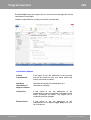
In the first step you have to insert your name and mail address.
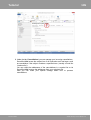
Furthermore, you have the possibility to change to the manual configuration
mode to set the server settings on your own.
SmartSerialMail
©1996-2015 by Joachim Marder e.K.