1
6.2 External Calling: Using Compiled Code in Maple
•
353
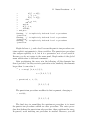
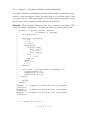
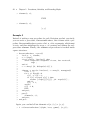
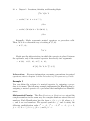
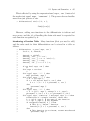
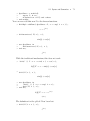
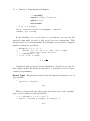
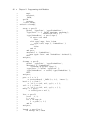
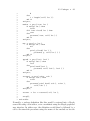
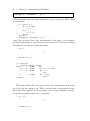
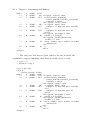
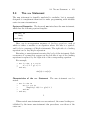
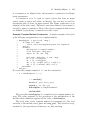
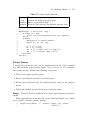
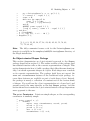
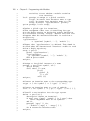
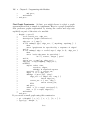
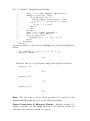
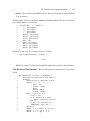
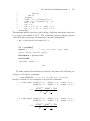
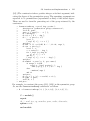
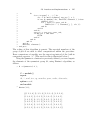
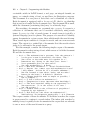
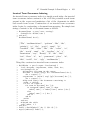
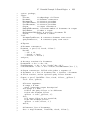
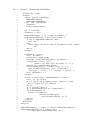
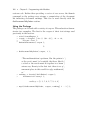
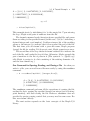
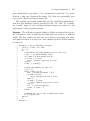
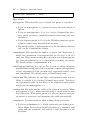
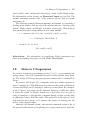
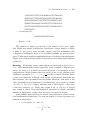
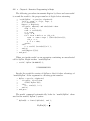
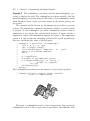
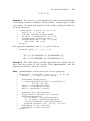
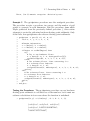
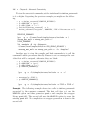
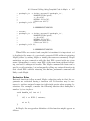
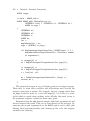
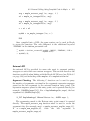
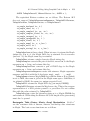
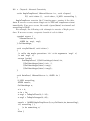
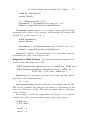
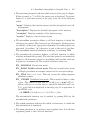
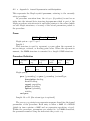
/* Program to add two numbers from Maple */
#include <stdio.h>
#include <stdlib.h>
#include <maplec.h>
/* main entry point - MWRAP_add */
ALGEB myAdd( MKernelVector kv, ALGEB fn_args )
{
INTEGER32 a1;
/* INTEGER32 => int (defined in */
/* mpltable.h) */
INTEGER32 a2;
INTEGER32 r;
if( MapleNumArgs(kv,fn_args) != 2 )
MapleRaiseError(kv,"Incorrect number of arguments");
/* convert from Maple integer to C int */
a1 = MapleToInteger32(kv,((ALGEB*)fn_args)[1]);
/* convert from Maple integer to C int */
a2 = MapleToInteger32(kv,((ALGEB*)fn_args)[2]);
r = a1 + a2;
return( ToMapleInteger(kv,(long) r) );
}
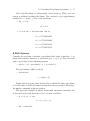
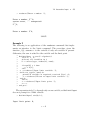
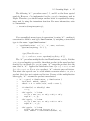
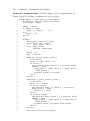
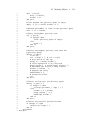
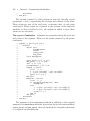
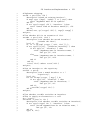
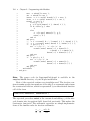
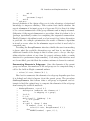
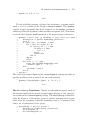
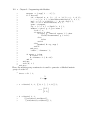
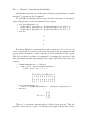
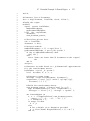
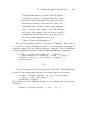
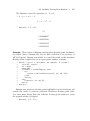
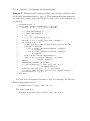
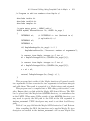
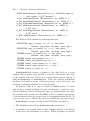
This program first verifies if the Maple function call passed exactly
two arguments. It then converts the two arguments to hardware integers
and adds them. The result is converted to a Maple integer and returned.
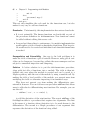
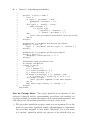
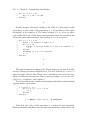
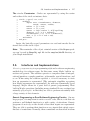
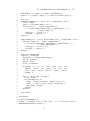
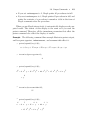
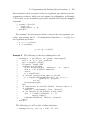
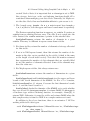
This program can be compiled into a DLL using your favorite C compiler. Ensure that you link with the Maple API shared library. The DLL
can be placed into the Maple bin.$SYSTEM directory, or somewhere else
in the PATH. When using DLLs outside of bin.$SYSTEM directory, you
may need to specify the full path to the DLL in the LIB argument to
define_external. UNIX developers may need to set their load-librarypath.
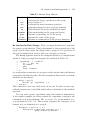
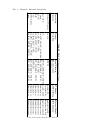
Table 6.5 on page 394 lists the Maple API Libraries for C and Fortran.
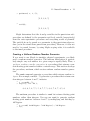
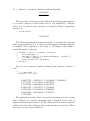
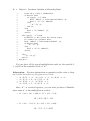
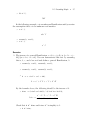
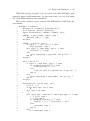
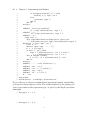
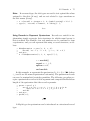
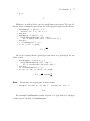
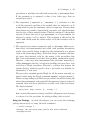
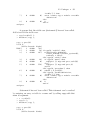
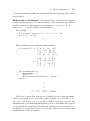
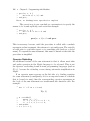
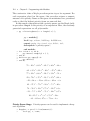
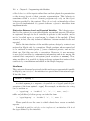
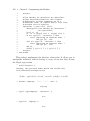
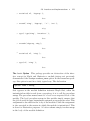
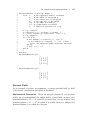
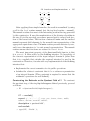
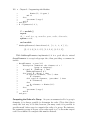
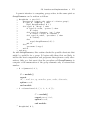
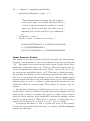
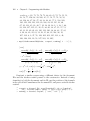
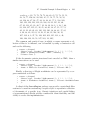
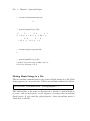
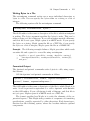
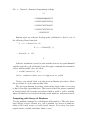
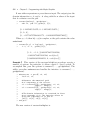
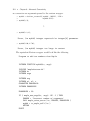
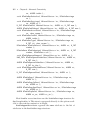
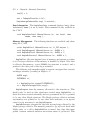
After compiling the DLL, the function can be used in Maple. No type
desciptors are needed in the define_external call because Maple does