1
4.2 Hardware Floating-Point Numbers
• 229
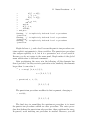
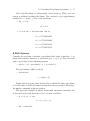
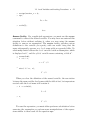
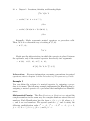
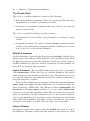
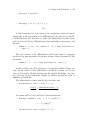
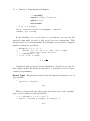
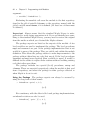
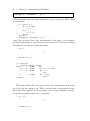
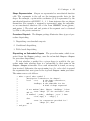
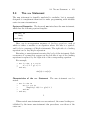
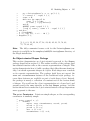
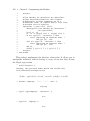
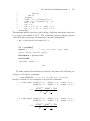
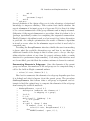
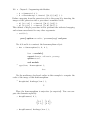
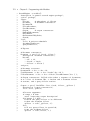
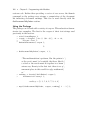
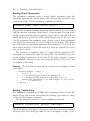
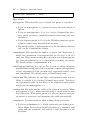
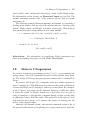
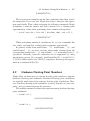
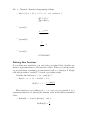
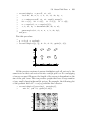
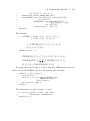
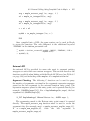
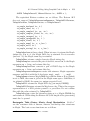
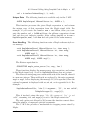
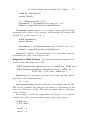
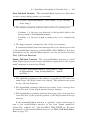
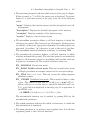
> evalhf(Digits);
15.
> Digits := 10;
Digits := 10
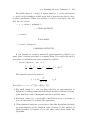
You can use the evalhf(Digits) construct to determine whether
hardware floating-point arithmetic provides sufficient precision in a particular application. If Digits is less than evalhf(Digits), then you can
take advantage of the faster hardware floating-point calculations. Otherwise, you should use software floating-point arithmetic to perform the
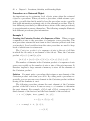
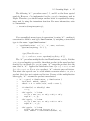
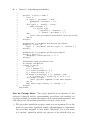
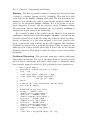
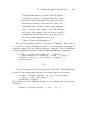
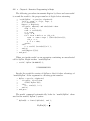
calculation, with sufficient digits. The following evaluate procedure takes
an unevaluated parameter, expr. Without the uneval declaration, Maple
would evaluate expr symbolically before invoking evaluate.
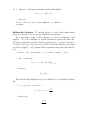
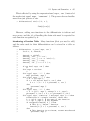
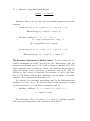
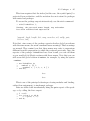
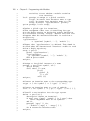
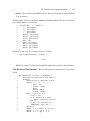
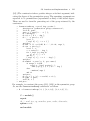
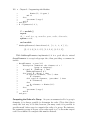
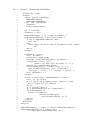
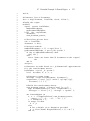
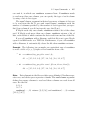
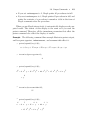
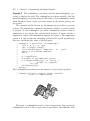
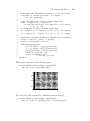
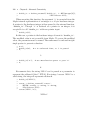
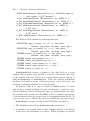
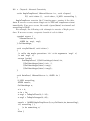
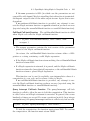
> evaluate := proc(expr::uneval)
>
if Digits < evalhf(Digits) then
>
evalf(evalhf(expr));
>
else
>
evalf(expr);
>
end if;
> end proc:
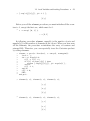
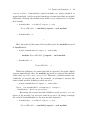
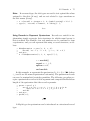
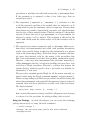
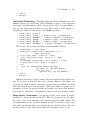
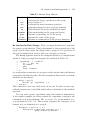
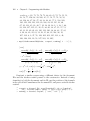
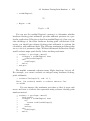
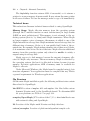
The evalhf command evaluates many Maple functions, but not all.
For example, you cannot evaluate an integral using hardware floatingpoint arithmetic.
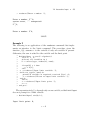
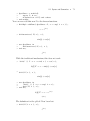
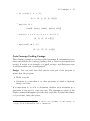
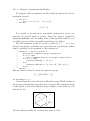
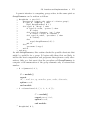
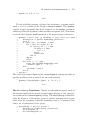
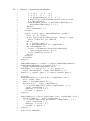
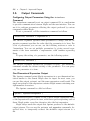
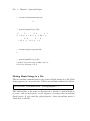
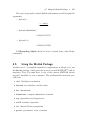
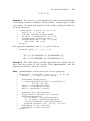
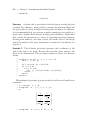
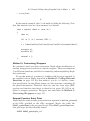
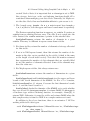
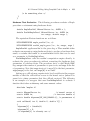
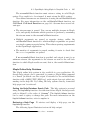
> evaluate( Int(exp(x^3), x=0..1) );
Error, (in evaluate) unable to evaluate function ‘Int‘
in evalhf
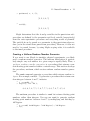
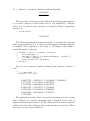
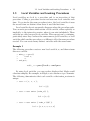
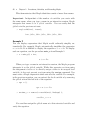
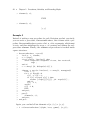
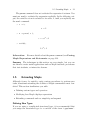
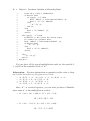
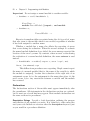
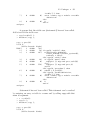
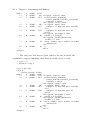
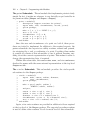
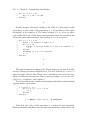
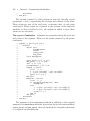
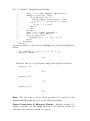
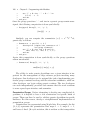
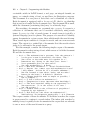
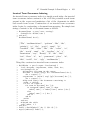
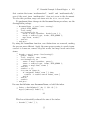
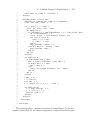
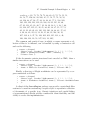
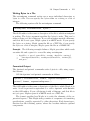
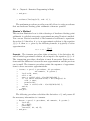
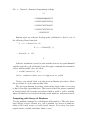
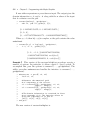
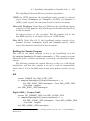
You can improve the evaluate procedure so that it traps such
errors and tries to evaluate the expression using software floating-point
numbers instead.
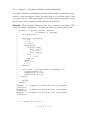
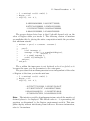
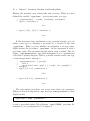
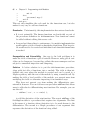
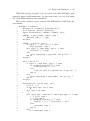
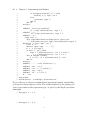
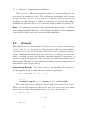
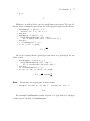
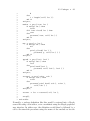
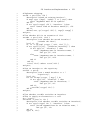
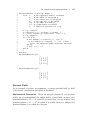
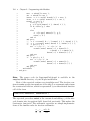
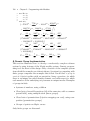
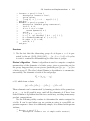
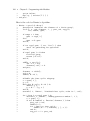
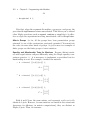
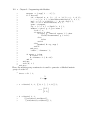
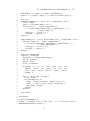
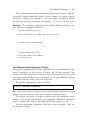
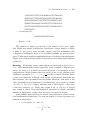
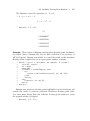
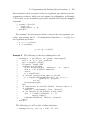
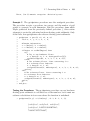
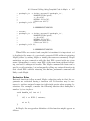
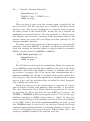
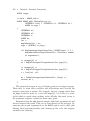
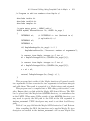
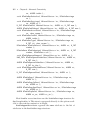
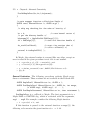
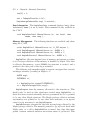
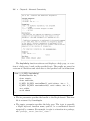
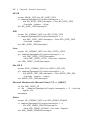
> evaluate := proc(expr::uneval)
>
local result;
>
if Digits < evalhf(Digits) then
>
try
>
return evalf(evalhf(expr));
>
catch:
>
end try;
>
else
>
evalf(expr);
>
end if;