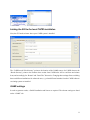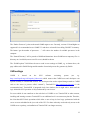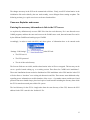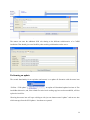
1
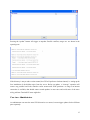
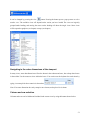
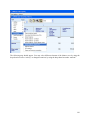
The tabular view opens up the possibility of using numeric filters, an option discussed in the following.
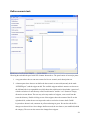
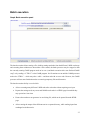
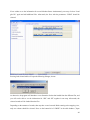
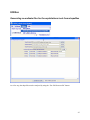
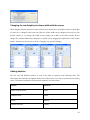
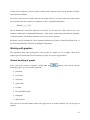
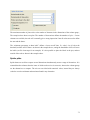
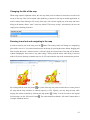
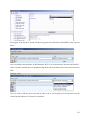
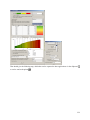
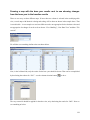
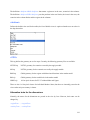
Take for example the task to select all regions where the Nitrogen Fertilizer Consumption is between 100
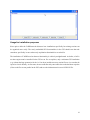
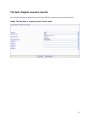
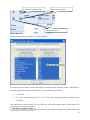
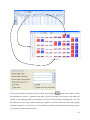
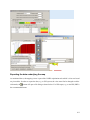
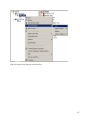
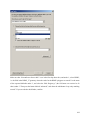
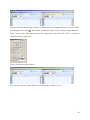
and 150 kg/ha. First, switch from map to tabular view. In the table click with the right mouse button in the
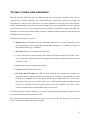
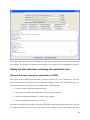
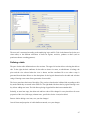
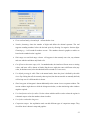
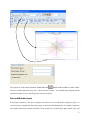
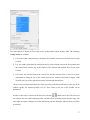
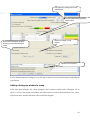
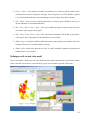
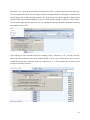
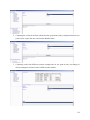
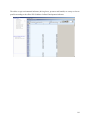
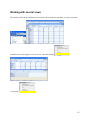
column header of that column holding the values to which the filter should be applied, as shown below.
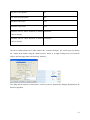
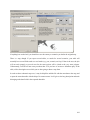
We will need to apply the filter step-wise, first e.g. selecting all values greater than 100 and then removing
those which are above 150.
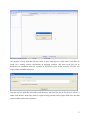
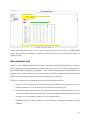
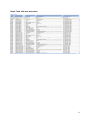
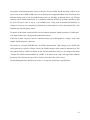
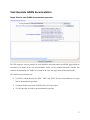
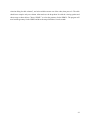
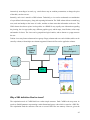
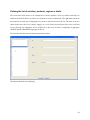
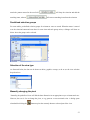
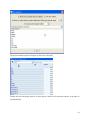
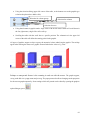
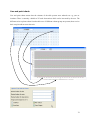
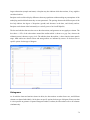
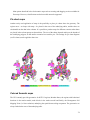
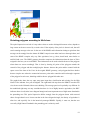
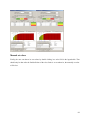
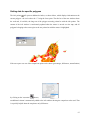
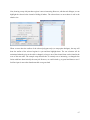
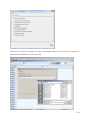
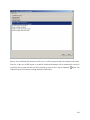
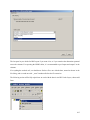
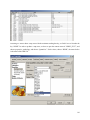
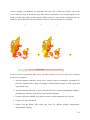
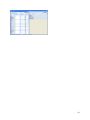
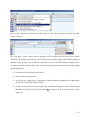
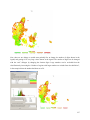
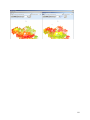
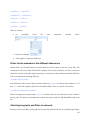
After clicking on “clear selection and select according to filter”, and then on “ok”, the table will only
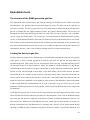
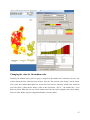
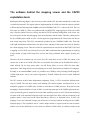
show such regions where the value in the column “BASE” is above 100, as shown below. Next, we must
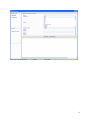
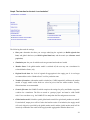
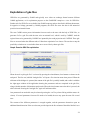
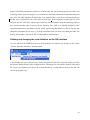
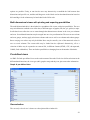
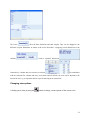
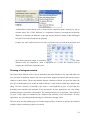
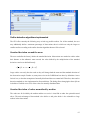
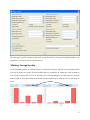
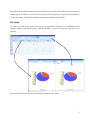
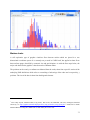
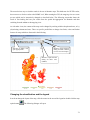
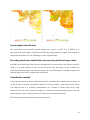
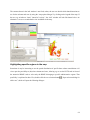
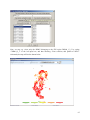
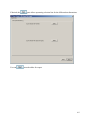
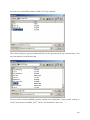
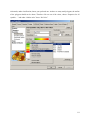
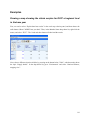
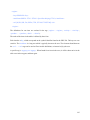
exclude the regions above 150 kg/ha. To do so, set the filter to “>” “150”m and then press “remove result
of filter from existing selection”.
96