1
Bash Guide for Beginners
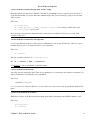
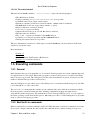
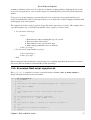
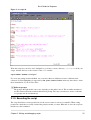
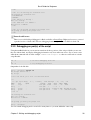
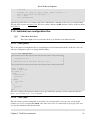
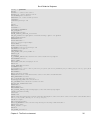
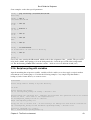
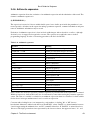
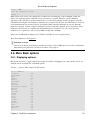
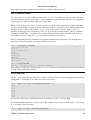
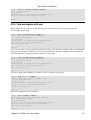
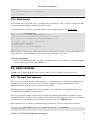
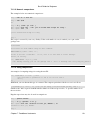
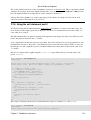
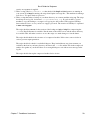
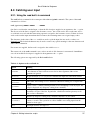
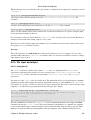
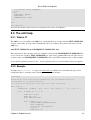
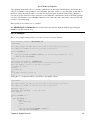
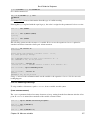
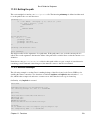
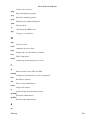
+ echo
+ echo 'I'\''m setting two variables now.'
I'm setting two variables now.
+ COLOUR=black
+ VALUE=9
+ echo 'This is a string: '
This is a string:
+ echo 'And this is a number: '
And this is a number:
+ echo
+ echo 'I'\''m giving you back your prompt now.'
I'm giving you back your prompt now.
+ echo
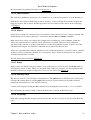
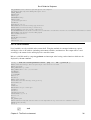
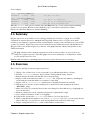
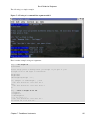
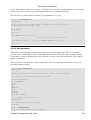
Future Bash Features
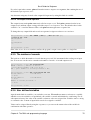
There is now a full−fledged debugger for Bash, available at SourceForge. Right now however, you need
a patched version of bash−2.05. The new debugging features might become available in bash−3.0.
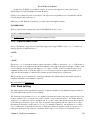
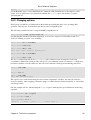
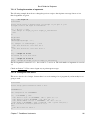
2.3.2. Debugging on part(s) of the script
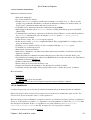
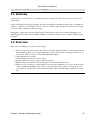
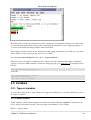
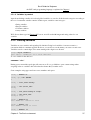
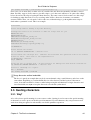
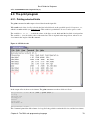
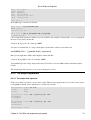
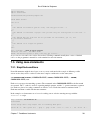
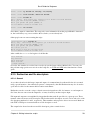
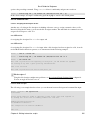
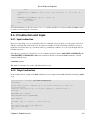
Using the set Bash built−in you can run in normal mode those portions of the script of which you are sure
they are without fault, and display debugging information only for troublesome zones. Say we are not sure
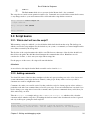
what the w command will do in the example commented−script1.sh, then we could enclose it in the
script like this:
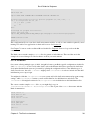
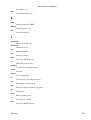
set −x
w
set +x
# activate debugging from here
# stop debugging from here
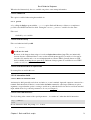
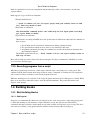
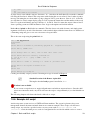
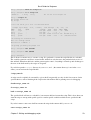
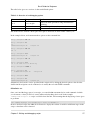
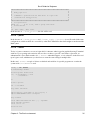
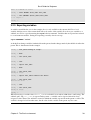
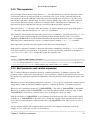
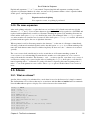
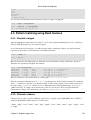
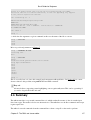
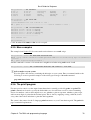
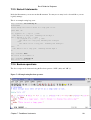
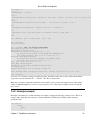
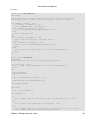
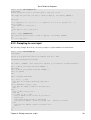
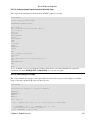
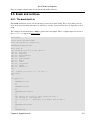
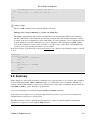
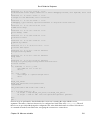
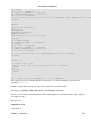
Output then looks like this:
willy: ~/scripts> script1.sh
The script starts now.
Hi, willy!
I will now fetch you a list of connected users:
+ w
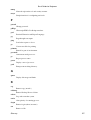
5:00pm
USER
root
willy
willy
willy
+ set +x
up 18 days, 7:00,
TTY
FROM
tty2
−
:0
−
pts/3
−
pts/2
−
4 users, load average: 0.79, 0.39, 0.33
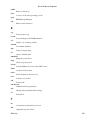
LOGIN@
IDLE
JCPU
PCPU WHAT
Sat 2pm 5:47m 0.24s 0.05s −bash
Sat 2pm
?
0.00s
?
−
Sat 2pm 54:02 36.88s 36.88s BitchX willyke
Sat 2pm 54:02
0.13s 0.06s /usr/bin/screen
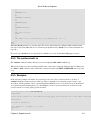
I'm setting two variables now.
This is a string:
And this is a number:
I'm giving you back your prompt now.
willy: ~/scripts>
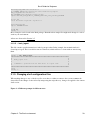
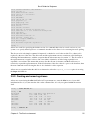
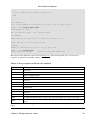
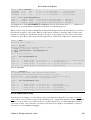
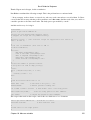
You can switch debugging mode on and off as many times as you want within the same script.
Chapter 2. Writing and debugging scripts
26