1
Bash Guide for Beginners
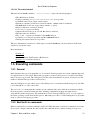
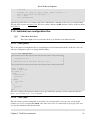
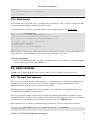
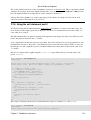
3.3.2. Escape characters
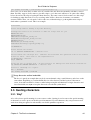
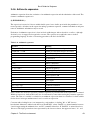
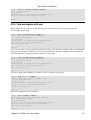
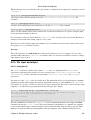
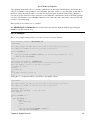
Escape characters are used to remove the special meaning from a single character. A non−quoted backslash, \,
is used as an escape character in Bash. It preserves the literal value of the next character that follows, with the
exception of newline. If a newline character appears immediately after the backslash, it marks the continuation
of a line when it is longer that the width of the terminal; the backslash is removed from the input stream and
effectively ignored.
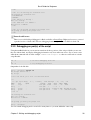
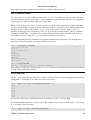
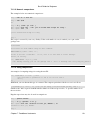
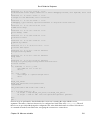
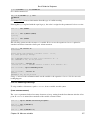
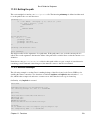
franky ~> date=20021226
franky ~> echo $date
20021226
franky ~> echo \$date
$date
In this example, the variable date is created and set to hold a value. The first echo displays the value of the
variable, but for the second, the dollar sign is escaped.
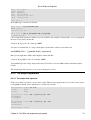
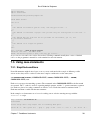
3.3.3. Single quotes
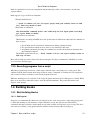
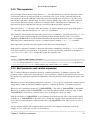
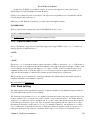
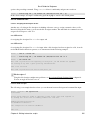
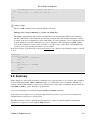
Single quotes ('') are used to preserve the literal value of each character enclosed within the quotes. A single
quote may not occur between single quotes, even when preceded by a backslash.
We continue with the previous example:
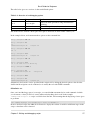
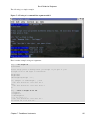
franky ~> echo '$date'
$date
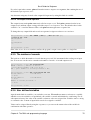
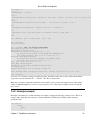
3.3.4. Double quotes
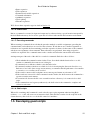
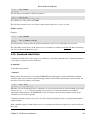
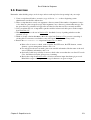
Using double quotes the literal value of all characters enclosed is preserved, except for the dollar sign, the
backticks (backward single quotes, ``) and the backslash.
The dollar sign and the backticks retain their special meaning within the double quotes.
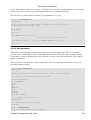
The backslash retains its meaning only when followed by dollar, backtick, double quote, backslash or
newline. Within double quotes, the backslashes are removed from the input stream when followed by one of
these characters. Backslashes preceding characters that don't have a special meaning are left unmodified for
processing by the shell interpreter.
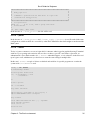
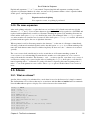
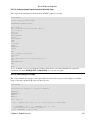
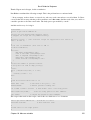
A double quote may be quoted within double quotes by preceding it with a backslash.
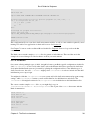
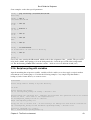
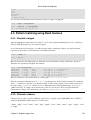
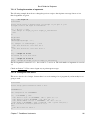
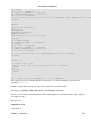
franky ~> echo "$date"
20021226
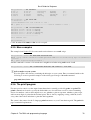
franky ~> echo "`date`"
Sun Apr 20 11:22:06 CEST 2003
franky ~> echo "I'd say: \"Go for it!\""
I'd say: "Go for it!"
franky ~> echo "\"
More input>"
Chapter 3. The Bash environment
45