1
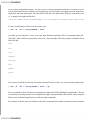
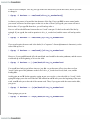
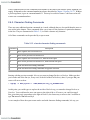
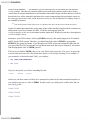
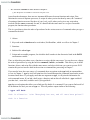
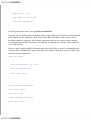
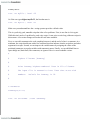
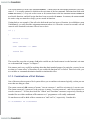
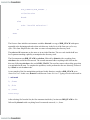
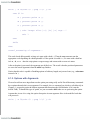
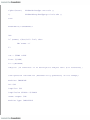
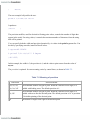
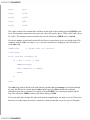
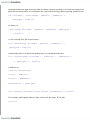
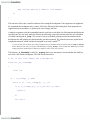
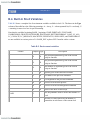
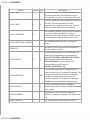
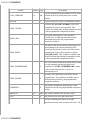
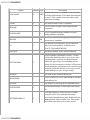
source executes the commands in the specified file, in this case .bash_profile, including any commands
that you have added.
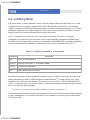
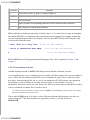
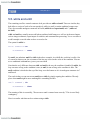
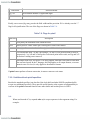
bash allows two synonyms for .bash_profile: .bash_login, derived from the C shell's file named .login,
and .profile, derived from the Bourne shell and Korn shell files named .profile. Only one of these three
is read when you log in. If .bash_profile doesn't exist in your home directory, then bash will look for
.bash_login. If that doesn't exist it will look for .profile.
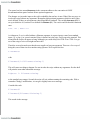
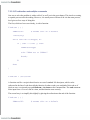
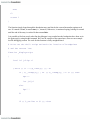
One advantage of bash's ability to look for either synonym is that you can retain your .profile if you
have been using the Bourne shell. If you need to add bash-specific commands, you can put them in
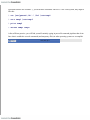
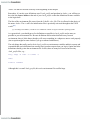
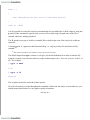
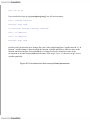
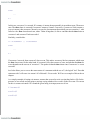
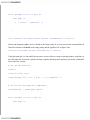
.bash_profile followed by the command source .profile. When you log in, all the bash-specific
commands will be executed, and bash will source .profile, executing the remaining commands. If you
decide to switch to using the Bourne shell you don't have to modify your existing files. A similar
approach was intended for .bash_login and the C shell .login, but due to differences in the basic syntax
of the shells, this is not a good idea.
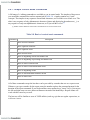
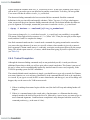
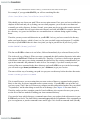
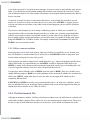
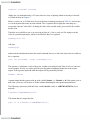
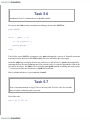
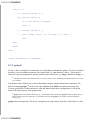
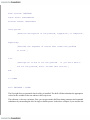
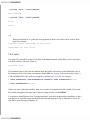
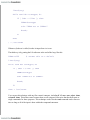
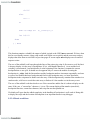
.bash_profile is read and executed only by the login shell. If you start up a new shell (a subshell) by
typing bash on the command line, it will attempt to read commands from the file .bashrc. This scheme
allows you the flexibility to separate startup commands needed at login time from those you might need
when you run a subshell. If you need to have the same commands run regardless of whether it is a login
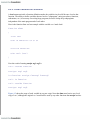
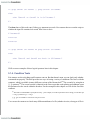
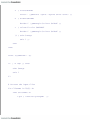
shell or a subshell, you can just use the source command from within .bash_profile to execute .bashrc.
If .bashrc doesn't exist then no commands are executed when you start up a subshell.
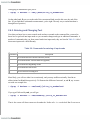
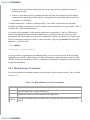
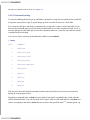
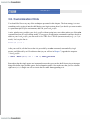
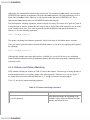
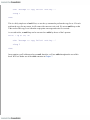
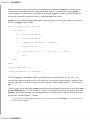
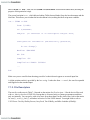
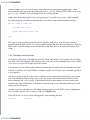
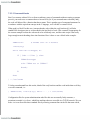
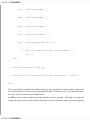
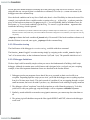
The file .bash_logout is read and executed every time a login shell exits. It is provided to round out the
capabilities for customizing your environment. If you wanted to execute some commands that remove
temporary files from your account or record how much time you have spent logged in to the system
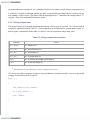
then you would place the commands in .bash_logout. This file doesn't have to exist in your account-if
it isn't there when you log out, then no extra commands are executed.
< Day Day Up >