1
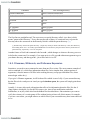
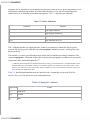
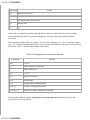
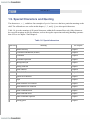
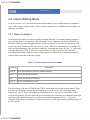
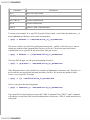
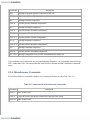
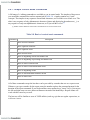
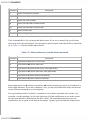
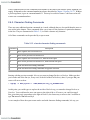
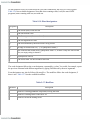
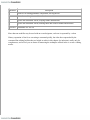
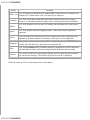
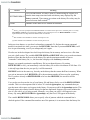
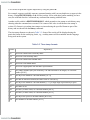
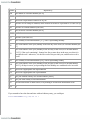
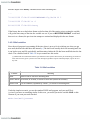
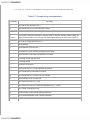
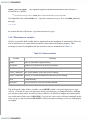
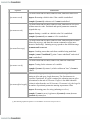
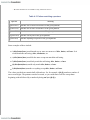
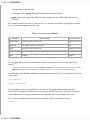
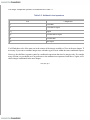
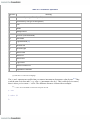
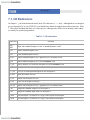
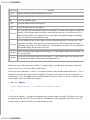
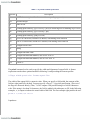
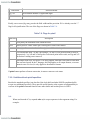
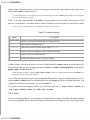
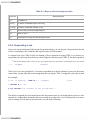
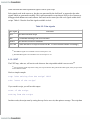
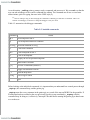
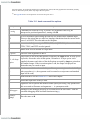
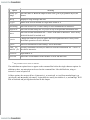
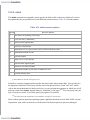
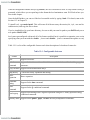
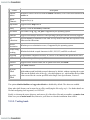
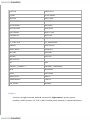
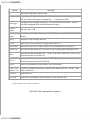
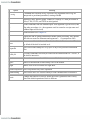
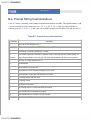
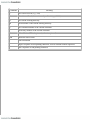
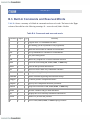
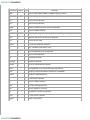
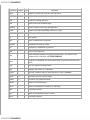
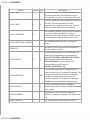
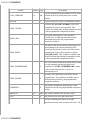
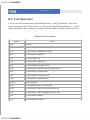
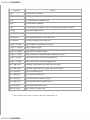
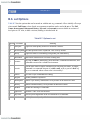
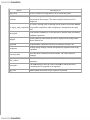
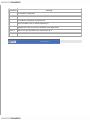
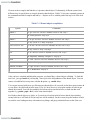
Command
Description
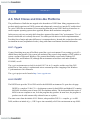
ESC-F
Move one word forward
ESC-DEL
Kill one word backward
ESC-CTRL-H
Kill one word backward
ESC-D
Kill one word forward
CTRL-Y
Retrieve ("yank") last item killed
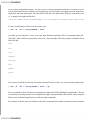
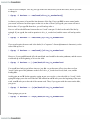
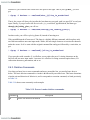
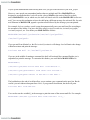
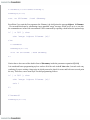
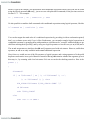
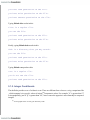
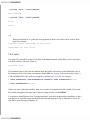
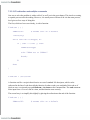
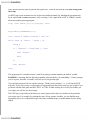
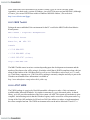
To return to our example: if we type ESC-B, point will move back a word. Since the underscore (_) is
not an alphanumeric character, emacs-mode will stop there:
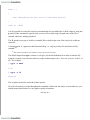
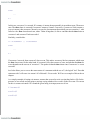
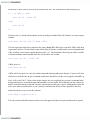
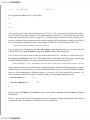
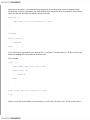
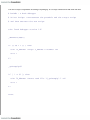
$ grep -l Duchess < ~cam/book/alice_in_[w]onderland
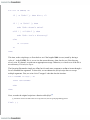
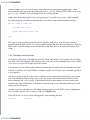
The cursor is on the w in wonderland, and point is between the _ and the w. Now let's say we want to
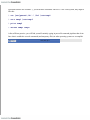
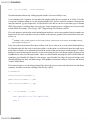
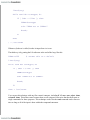
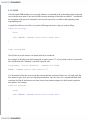
change the -l option of this command from Duchess to Cheshire. We need to move back on the
command line, so we type ESC-B four more times. This gets us here:
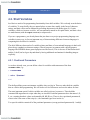
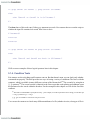
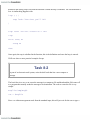
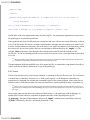
$ grep -l Duchess < ~[c]am/book/alice_in_wonderland
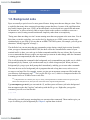
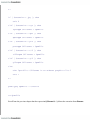
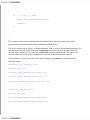
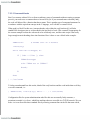
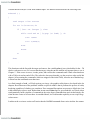
If we type ESC-B again, we end up at the beginning of Duchess:
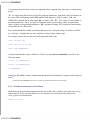
$ grep -l [D]uchess < ~cam/book/alice_in_wonderland
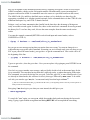
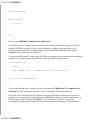
Why? Remember that a word is defined as a sequence of alphanumeric characters only. Therefore < is
not a word; the next word in the backward direction is Duchess. We are now in position to delete
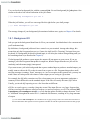
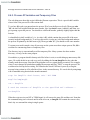
Duchess, so we type ESC-D and get:
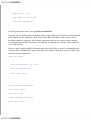
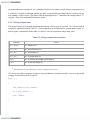
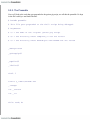
$ grep -l []< ~cam/book/alice_in_wonderland
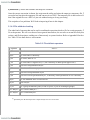
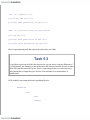
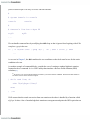
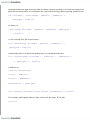
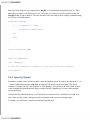
Now we can type in the desired argument:
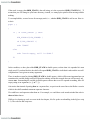
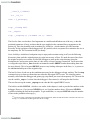
$ grep -l Cheshire[]< ~cam/book/alice_in_wonderland
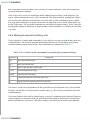
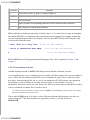
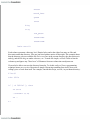
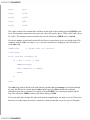
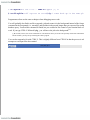
If you want Duchess back again you can use the CTRL-Y command. The CTRL-Y "yank" command
will undelete a word if the word was the last thing deleted. In this case, CTRL-Y would insert Duchess
at the point.