1
Redsail Laser machine user manual
Chapter 2
System Configuration &
Installation
2.1 The condition for installing software system
A、Operation system: Windows 2000 or Windows XP of Chinese or English version
B、Hardware requirement: IBM compatible computer
C、Basal running collocation:
CPU: Above Pentium 2;
Storage: 128 Meg;
Hardware: Above 10 G and CD-ROM;
PCI extending slot;
Above one USB interface;
2.2
hardware installation
2.2.1
Copy files
Copy content of CD to the computer hard disk, software contains generally the
following:
2.2.2
Install USB DOG
There is a USB DOG in machine package that should be inserted in any USB slot of
the computer. After this, there is an instruction to find new hardware. At first, please
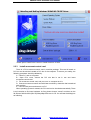
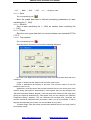
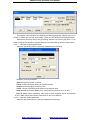
choose “cancel” and then run the file Drivers\ MicroDogInstdrv.exe in CD. You will see
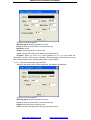
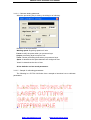
the dialog box as following:
http://www.hflaser.com
http://www.easycut.cn