1
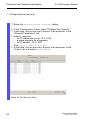
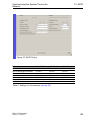
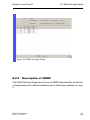
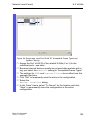
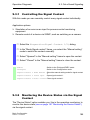
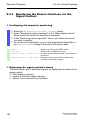
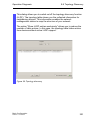
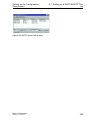
Network Load Control 8.2.6 8.2 Multicast Application Setting GMRP Select the Switching:Multicasts:GMRP dialog. Operation The “Operation” frame allows you to enable GMRP globally for the entire device. It GMRP is disabled, then X the device does not generate any GMRP packets, X does not evaluate any GMRP packets received, and X sends (floods) received data packets to all ports. The device is transparent for received GMRP packets, regardless of the GMRP setting. Settings per Port (Table) X „GMRP” This table column enables you to enable/disable the GMRP for each port when the GMRP is enabled globally. When you switch off the GMRP at a port, no registrations can be made for this port, and GMRP packets cannot be forwarded at this port. X “GMRP Service Requirement” Devices that do not support GMRP can be integrated into the Multicast addressing by means of X a static filter address entry on the connecting port. X selecting “Forward all groups” in the table column “GMRP Service Requirement”. The device enters ports with the selection “Forward all groups” in all Multicast filter entries learned via GMRP. Basic Configuration Release 6.0 07/2010 135