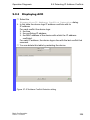
1
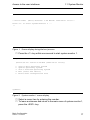
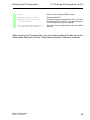
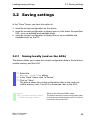
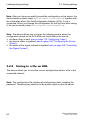
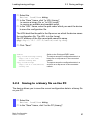
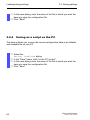
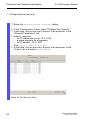
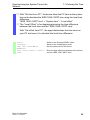
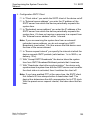
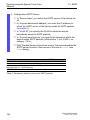
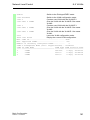
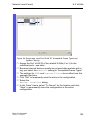
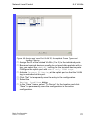
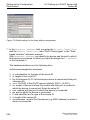
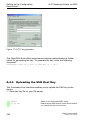
Loading/saving settings 3.2 Saving settings Select the Basics: Load/Save dialog. In the “Save” frame, click “to URL (binary)” to receive a binary file, or “to URL (script)” to receive an editable and readable script. In the “URL” frame, enter the path under which you want the device to save the configuration file. The URL identifies the path to the tftp server on which the device saves the configuration file. The URL is in the format tftp://IP address of the tftp server/path name/file name (e.g. tftp://10.1.112.5/switch/config.dat). Click "Save". enable copy nvram:startup-config tftp://10.1.112.159/ switch/config.dat copy nvram:script tftp://10.0.1.159/switch/ config.txt 3.2.3 Switch to the Privileged EXEC mode. The device saves the configuration data in a binary file on a tftp server in the connected network The device saves the configuration data in a script file on a tftp server in the connected network. Saving to a binary file on the PC The device allows you to save the current configuration data in a binary file on your PC. Select the Basics: Load/Save dialog. In the "Save" frame, click "on the PC (binary)". Basic Configuration Release 6.0 07/2010 61