1
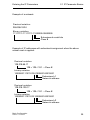
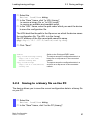
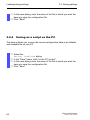
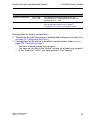
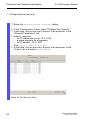
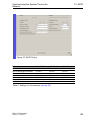
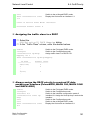
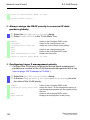
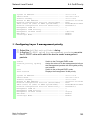
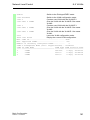
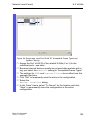
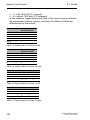
Network Load Control 8.4 QoS/Priority exit show classofservice trust 1/1 Switch to the privileged EXEC mode. Display the trust mode on interface 1/1. Class of Service Trust Mode: Untrusted Untrusted Traffic Class: 4 Assigning the traffic class to a DSCP Select the QOS/Priority:IP DSCP Mapping dialog. In the "Traffic Class" column, enter the desired values. enable Switch to the Privileged EXEC mode. configure Switch to the Configuration mode. classofservice ip-dscpAssign traffic class 1 to DSCP CS1. mapping cs1 1 show classofservice ip-dscp-mapping IP DSCP ------------0(be/cs0) 1 . . 8(cs1) . Traffic Class ------------2 2 1 Always assign the DSCP priority to received IP data packets per interface (PowerMICE, MACH 104, MACH 1040 and MACH 4000) enable configure interface 6/1 classofservice trust ipdscp exit exit show classofservice trust 6/1 Basic Configuration Release 6.0 07/2010 Switch to the Privileged EXEC mode. Switch to the Configuration mode. Switch to the interface configuration mode of interface 6/1. Assign the "trust ip-dscp" mode to the interface. Switch to the Configuration mode. Switch to the privileged EXEC mode. Display the trust mode on interface 6/1. 151