1
Configuring Port Binding
5
Configuring Port Binding
The Port Binding page enables you to bind a specific switch or
director port to the WWN of an attached device for exclusive
communication.
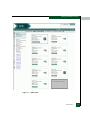
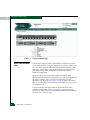
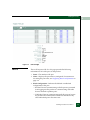
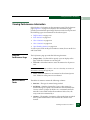
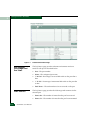
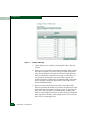
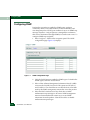
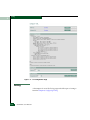
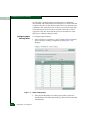
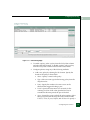
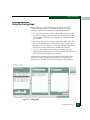
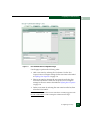
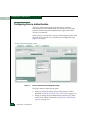
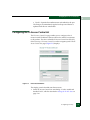
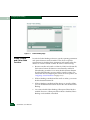
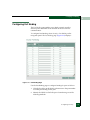
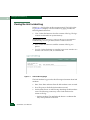
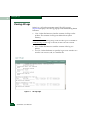
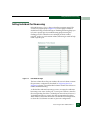
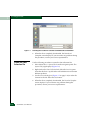
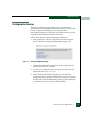
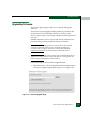
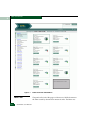
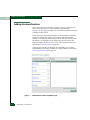
To configure Port Binding, select Security > Port Binding on the
navigation panel. The Port Binding page (Figure 5-10) displays.
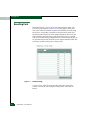
Figure 5-10
Port Binding Page
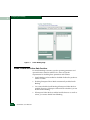
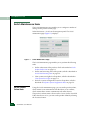
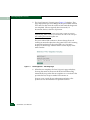
Use the Port Binding page to configure binding for ports as follows:
1. Click the check box in the Binding column next to the port number
to enable port binding for the port.
2. Identify the WWN to which the port is bound using one of the
following methods:
Configuring Security
5-33