1
6
Using SimView Server
With SimView you can record simulation sessions and annotate the video included in the event log file. You
can view the video either as a student or as an administrator.
Note! Only the administrator can make annotations in the event log file to aid the student.
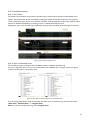
6.1 The login screen
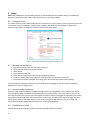
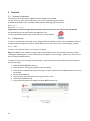
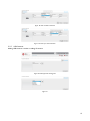
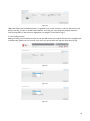
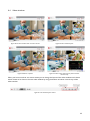
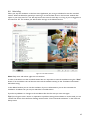
When SimView Server is started the first thing to do is log in, this is done on the login screen.
Figure 39
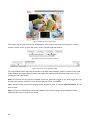
Enter your username and password and click Log in.
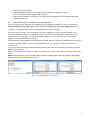
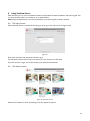
You will then see the home screen, from where you can choose your next step.
If you do not have a login, you should contact your SimView administrator.
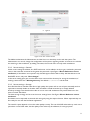
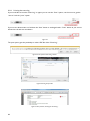
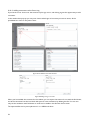
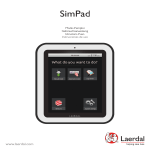
6.2 The Home screen:
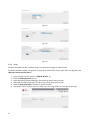
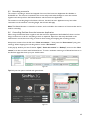
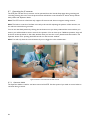
Figure 40 The Home screen
Select the simulation to watch by clicking on the link below the picture.
21