1
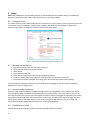
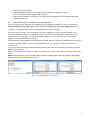
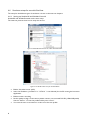
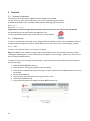
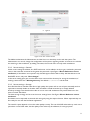
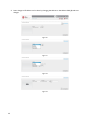
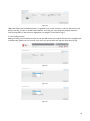
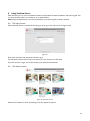
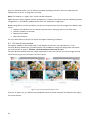
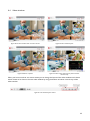
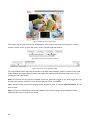
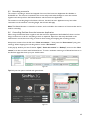
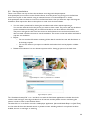
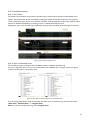
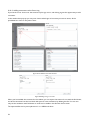
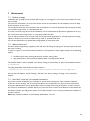
Figure 60 Transferring a SimView recording to another person by using the export function.
6.9.1 Exporting a simulation
When exporting the simulation you have two options, the whole simulation or just one of the video files.
When exporting the whole simulation it will in SimViewer look exactly as in SimView with all video and
event log etc.
Choosing to export a video file will only show the video from the chosen camera.
When exporting you have the option to save the file on a USB memory stick (thumb drive) for use on other
PCs, even stand-alone PCs with no network connection, but you can also save the file on a network
attached hard drive for use on the local network. The PC needs to have SimViewer installed in order to
show the recordings.
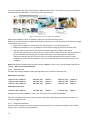
6.9.2 Sharing simulation links
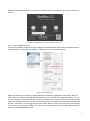
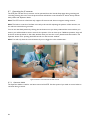
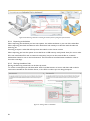
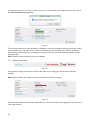
Sharing simulation by private links can be done by e-mail.
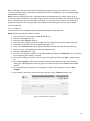
To use the e-mail option you will have either have a Live Mail account or have a mail client with a valid email account installed on the SimView Server, or the PC from where you are doing the export.
Figure 61 Sharing a link to a simulation.
30