1
Chapter 3
Embedded I/O
Configure the High-speed Counters
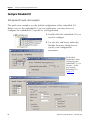
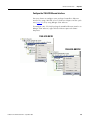
The Embedded HSC Counters Module Properties dialog box lets you
configure the high-speed counters for your application. Configuration
of the counters is typically completed by using RSLogix 5000 software
during the initial system configuration.
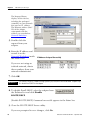
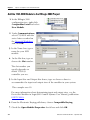
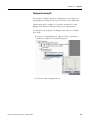
To configure your HSC Counters in RSLogix 5000 software, complete
these steps.
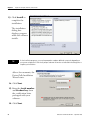
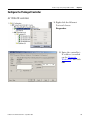
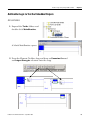
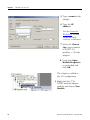
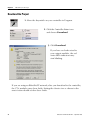
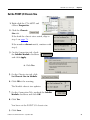
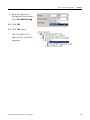
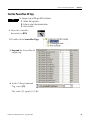
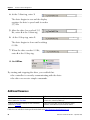
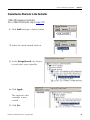
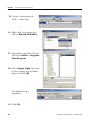
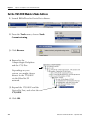
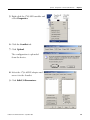
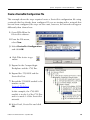
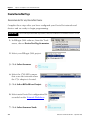
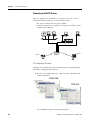
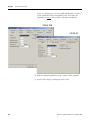
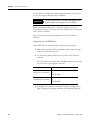
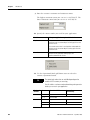
1. In the I/O Configuration tree, right-click slot 4, Embedded HSC
Counters and choose Properties.
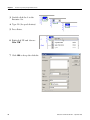
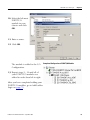
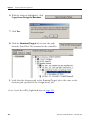
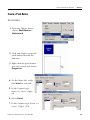
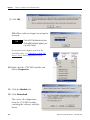
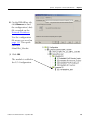
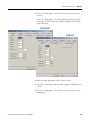
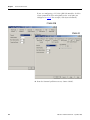
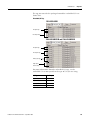
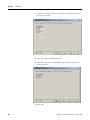
2. Click the Input Configuration tab.
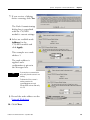
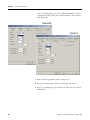
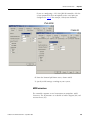
3. Specify the number of counters you are using.
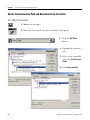
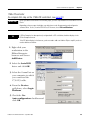
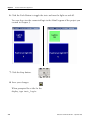
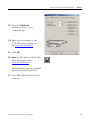
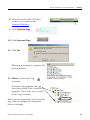
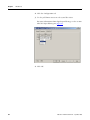
4. If you are using the built-in low-pass input filters, use the
pull-down menus to specify your input filter times.
198
Publication IASIMP-QS010A-EN-P - September 2008