1
Using Expansion Modules
Adding Expansion I/O
Modules
Chapter 4
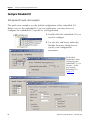
This section explains how to add expansion I/O modules to the
packaged controller.
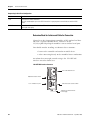
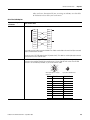
Hardware
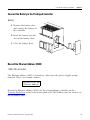
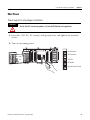
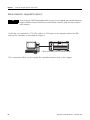
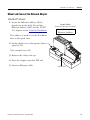
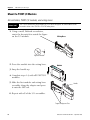
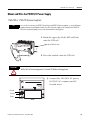
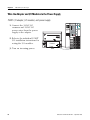
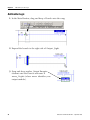
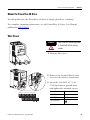
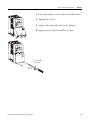
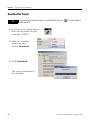
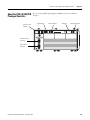
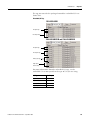
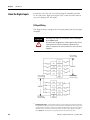
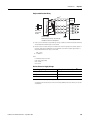
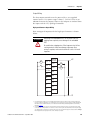
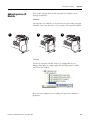
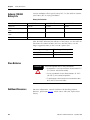
All expansion I/O modules are attached on the right of the packaged
controller. You must attach the end cap to the last expansion module.
1
2
3
Software
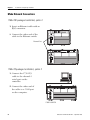
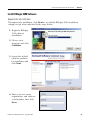
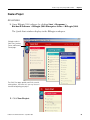
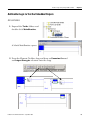
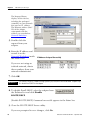
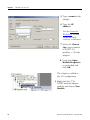
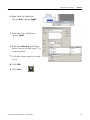
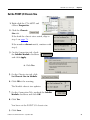
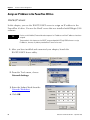
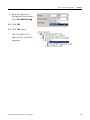
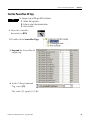
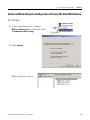
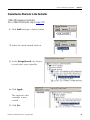
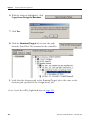
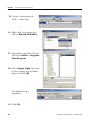
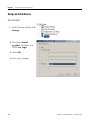
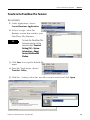
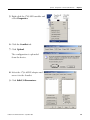
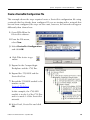
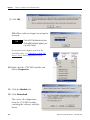
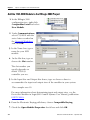
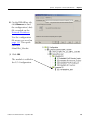
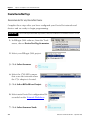
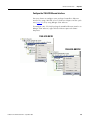
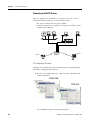
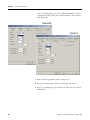
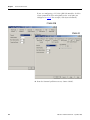
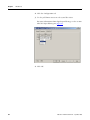
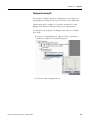
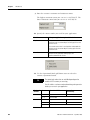
To add an expansion module to the I/O configuration tree in
RSLogix 5000 software, simply right-click the Expansion I/O folder
and select New Module.
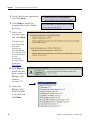
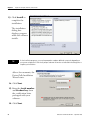
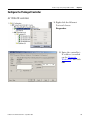
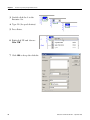
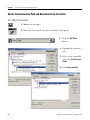
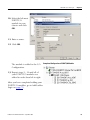
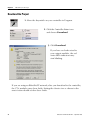
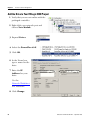
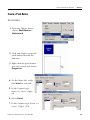
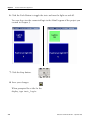
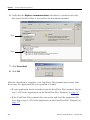
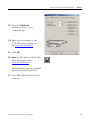
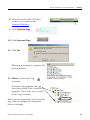
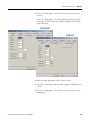
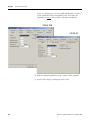
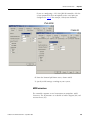
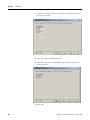
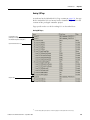
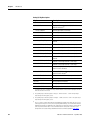
Then select the module you are adding and specify the module’s
properties.
Publication IASIMP-QS010A-EN-P - September 2008
217