1
3.3.4
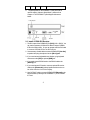
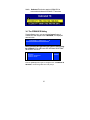
CCE900-IP-R OFF: To disable the connection between the
CCE900-IP-R and connected CCE900-IP-T. To enable the
connection, press the push button again.
CCE900-IP-R off
3.3.5
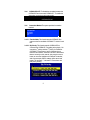
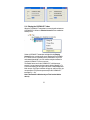
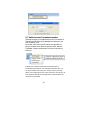
Connection Method: The system provides 3 connection
method:
>First Available
>By Priority
>Dedicated
>EXIT
3.3.5.1 First Available: This function sets the CCE900-IP-R to
connect to the first available CCE900-IP-T which it found
first.
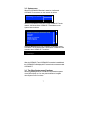
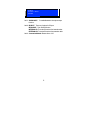
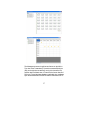
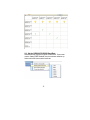
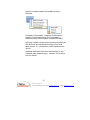
3.3.5.2 By Priority: This function sets the CCE900-IP-R to
connect to the CCE900-IP-T according to the priority. You
can set the 1st priority and the 2nd priority for 2 different
CCE900-IP-T transmitters. As the following picture,
there are two sections, each has a list of all Transmitters
that are currently on the network; just press the source
button to move the highlight to the desired Transmitter,
wait a few seconds, and the settings will be saved and
restart. The prefixed “*” indicate the Transmitter with
that priority setting.
9