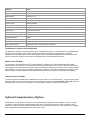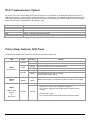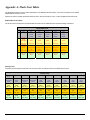
1
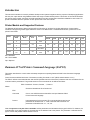
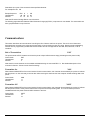
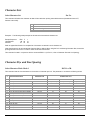
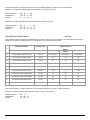
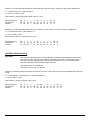
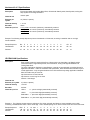
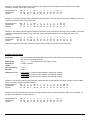
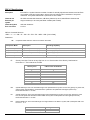
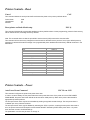
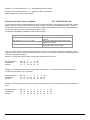
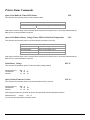
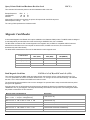
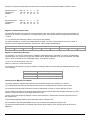
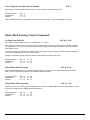
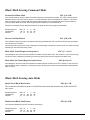
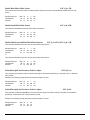
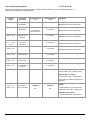
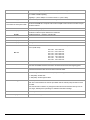
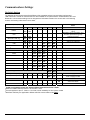
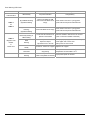
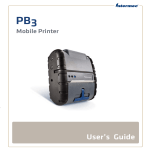
Error/ Warning LED Panel LED # LED Color/ Status Description Action Required LED # 1 Communication RED/ Steady Low power indication: Charge battery (#1) GREEN/ Flashing (#3) RED/ Flashing Printer is in RS232 or USB mode and Printer Buffer is not empty. LED # 1 & LED # 3 LED # 3 Magnetic Card Reader & Printer Error (#1) BLUE-GREEN Flashing* (#3) RED/ Flashing Printer is in Bluetooth mode and Printer Buffer is not empty. Press Feed to clear error. Cycling printer power will result in printer buffer data loss. Press Feed to clear error. Cycling printer power will result in printer buffer data loss. GREEN Momentary flashing RED Flashing Printer has discovered and is parked on the Q-Mark Advance Q-Mark to tear bar level to continue (refer to manual for Q-Mark commands) RED Flashing Paper Error/ Paper Door Open/ Dip Switch 5 and 7 are ON Insert paper properly (refer to User’s Guide)/ Close paper door to clear error/ Place printer in correct mode RED Steady Print Error: Printer out of paper RED Flash Fast Print head is hot. Printer will stop printing Blue Flashing Firmware upload via serial cable is completed successfully 51 Replace roll of paper Allow print head to cool off: restart print temperature recommended is 75oC Cycle printer power to continue