1
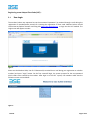
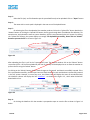
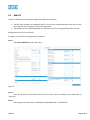
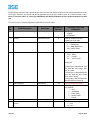
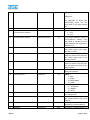
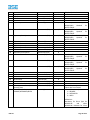
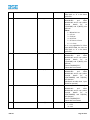
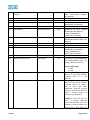
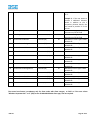
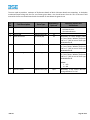
The above screen shows the first page after the members logs in to the site. Member can view the UCC tab on
the top panel. On clicking on the UCC tab, the dropdown list is shown as mentioned in the figure above. The UCC
tab gives the Upload , Download, Add UCC, Edit UCC, List Error Log and BAT User Report option for the BAT, i.e.,
the main member. The detailed description of the option is given below :
3.2
Upload Option
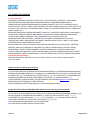
The UCC Upload Option is a batch upload facility whereby the members have to generate batch files in the
prescribed format provided by BSE (given in Manual below) and upload the same using this option. The file
upload procedure is described as under :
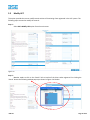
Step 1 :
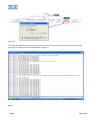
Select UCC-> Upload from the main menu
Figure 3
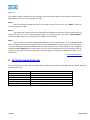
Step 2 :
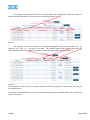
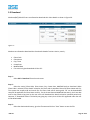
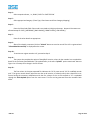
Click on “Browse” Button and following screen is displayed.
Figure 3.1
BSE Ltd.
Page 7 of 25