1
APPENDIX
13. Import Text File to Excel
If your data has in a text (.txt) file format, you can
import that into Excel with a few simple steps.
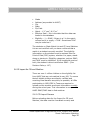
•
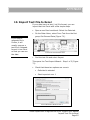
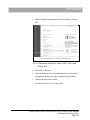
Open a new Excel workbook. Select the Data tab.
•
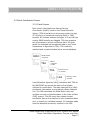
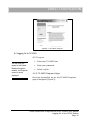
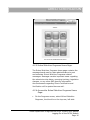
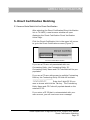
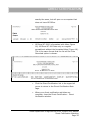
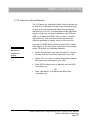
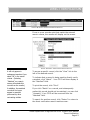
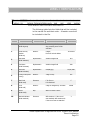
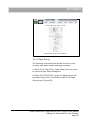
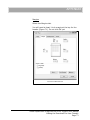
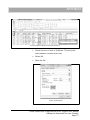
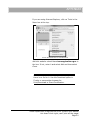
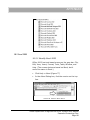
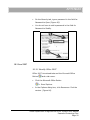
On the Data ribbon, select From Text from the first
group Get External Data (Figure 70).
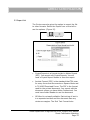
If you open a
response file in
Firefox, it will
usually open as a
text file in Notepad.
Import it into Excel
so that you can use
the data.
F IGURE 61 GET EXTERNAL DATA
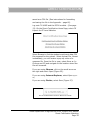
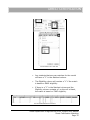
•
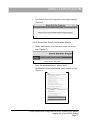
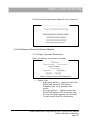
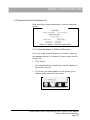
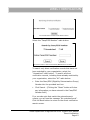
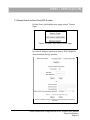
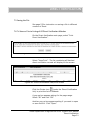
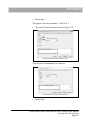
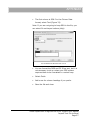
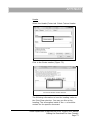
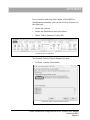
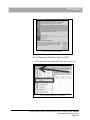
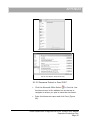
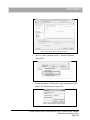
Find the text file and select Import.
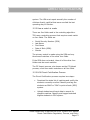
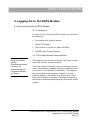
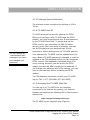
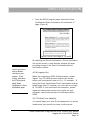
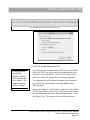
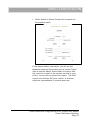
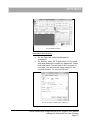
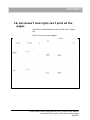
This opens the Text Import Wizard – Step 1 of 3 (Figure
71).
•
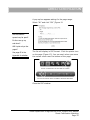
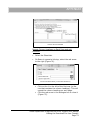
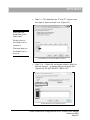
Check that these two options are correct:
•
Delimited is selected
•
Start import at row: 1
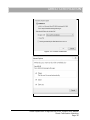
F IGURE 62 I MPORT W IZARD S TEP 1
Texas Department of Agriculture DCDV System User Manual
Import Text File to Excel
Page 65