1
11 INSTRUCTIONS AND FUNCTIONS
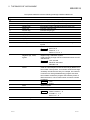
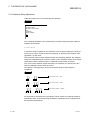
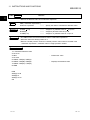
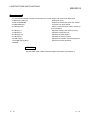
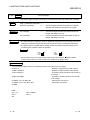
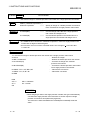
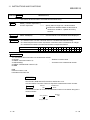
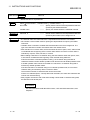
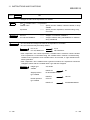
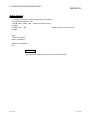
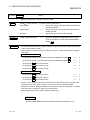
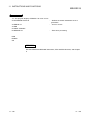
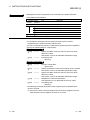
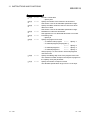
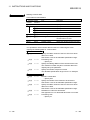
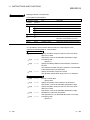
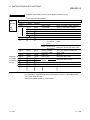
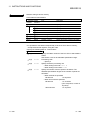
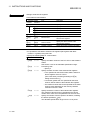
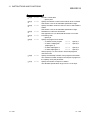
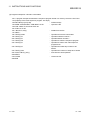
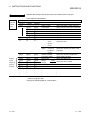
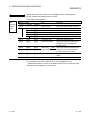
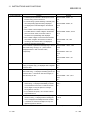
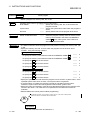
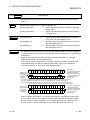
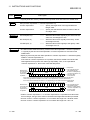
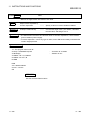
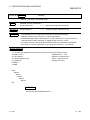
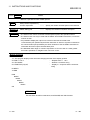
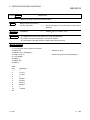
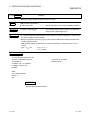
ON GOTO
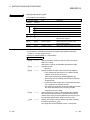
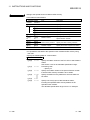
Instruction
MELSEC-Q
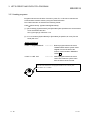
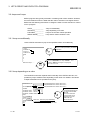
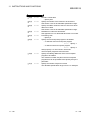
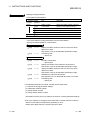
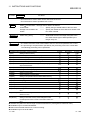
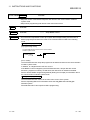
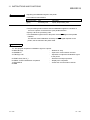
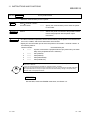
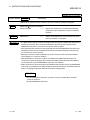
ON to GOTO
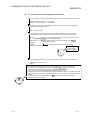
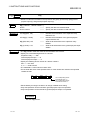
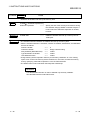
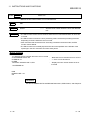
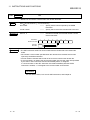
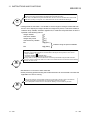
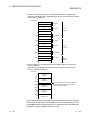
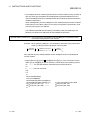
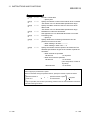
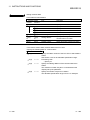
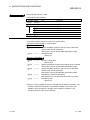
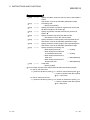
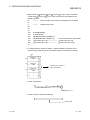
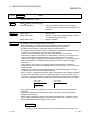
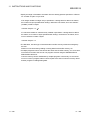
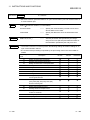
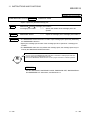
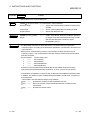
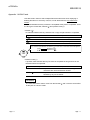
• Branches to one of the lines specified with the line numbers according to the value.
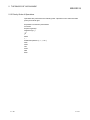
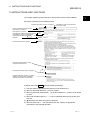
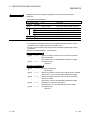
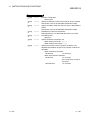
Syntax
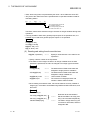
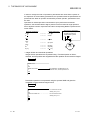
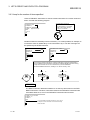
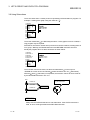
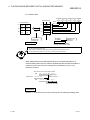
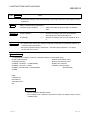
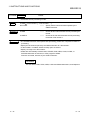
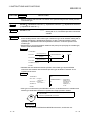
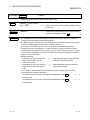
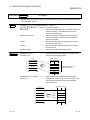
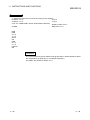
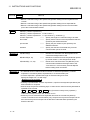
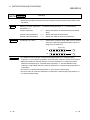
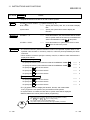
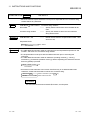
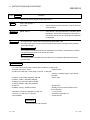
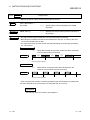
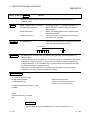
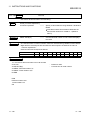
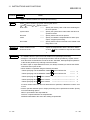
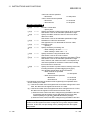
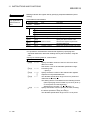
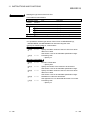
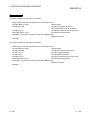
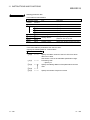
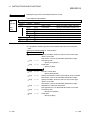
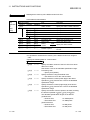
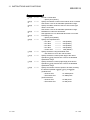
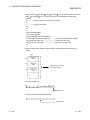
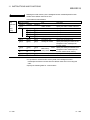
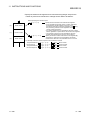
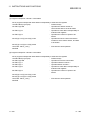
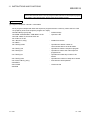
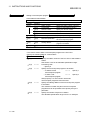
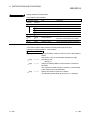
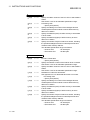
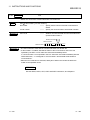
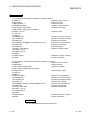
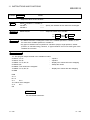
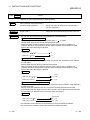
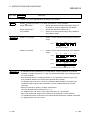
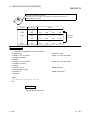
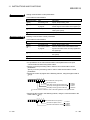
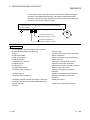
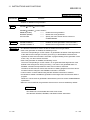
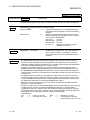
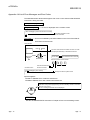
ON <expression> GOTO <line number>[,<line number>…]
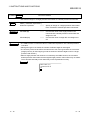
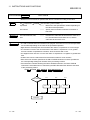
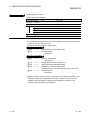
expression
• • • • Branches to the specified line number depending on
the value of the expression.
line number
• • • • Specify the line number to which the execution is
branched.
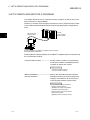
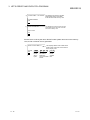
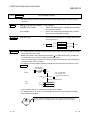
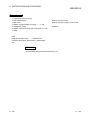
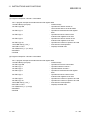
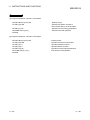
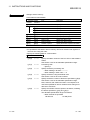
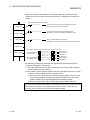
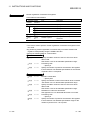
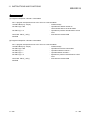
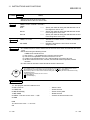
Examples
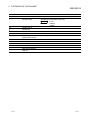
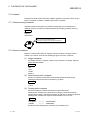
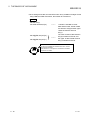
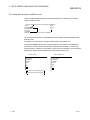
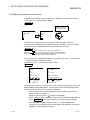
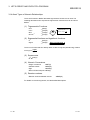
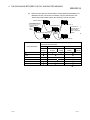
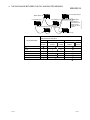
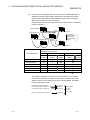
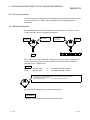
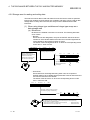
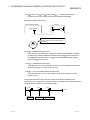
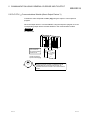
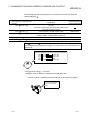
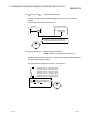
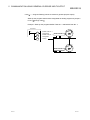
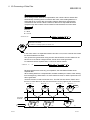
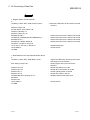
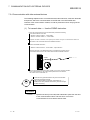
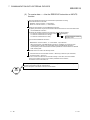
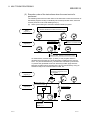
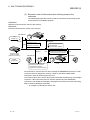
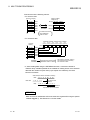
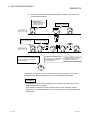
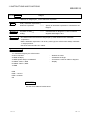
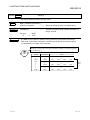
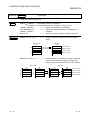
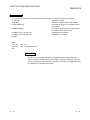
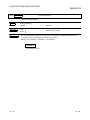
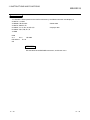
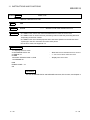
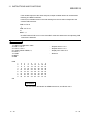
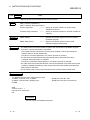
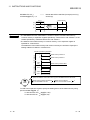
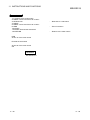
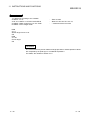
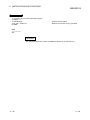
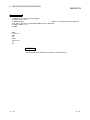
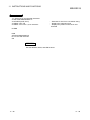
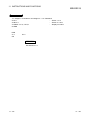
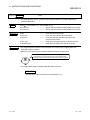
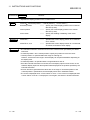
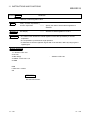
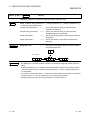
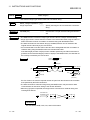
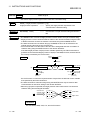
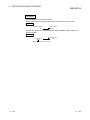
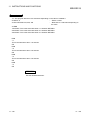
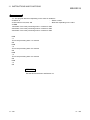
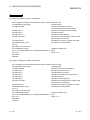
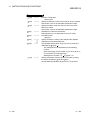
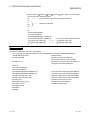
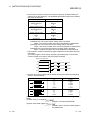
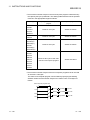
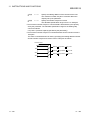
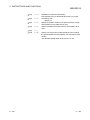
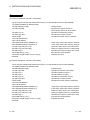
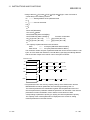
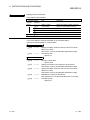
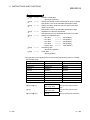
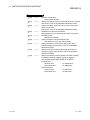
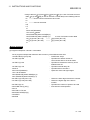
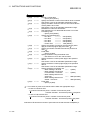
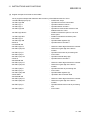
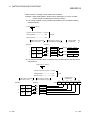
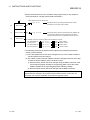
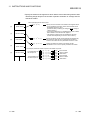
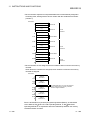
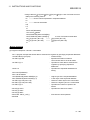
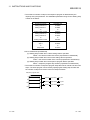
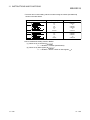
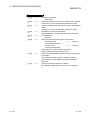
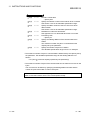
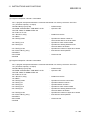
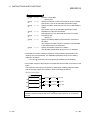
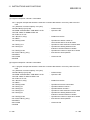
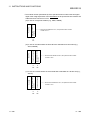
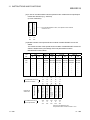
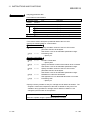
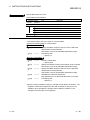
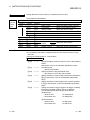
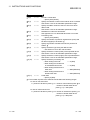
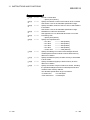
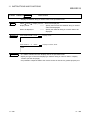
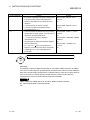
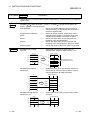
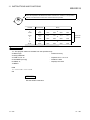
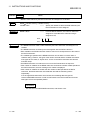
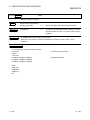
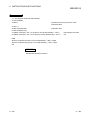
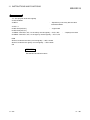
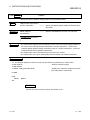
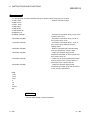
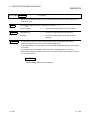
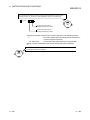
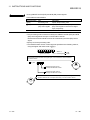
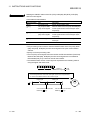
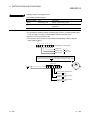
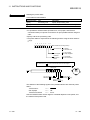
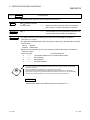
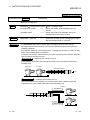
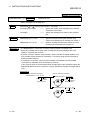
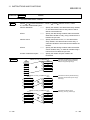
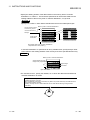
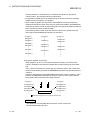
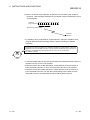
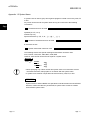
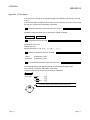
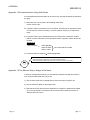
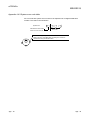
ON A GOTO 200, 300, 400
Description
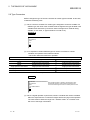
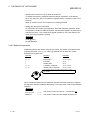
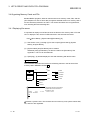
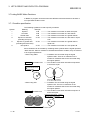
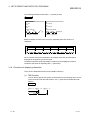
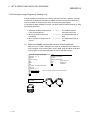
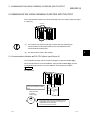
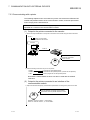
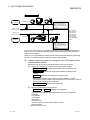
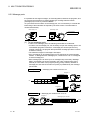
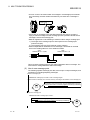
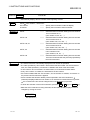
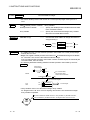
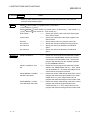
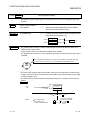
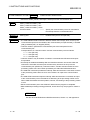
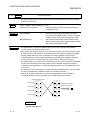
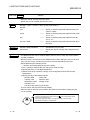
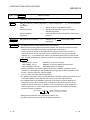
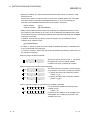
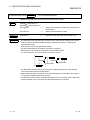
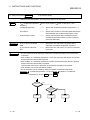
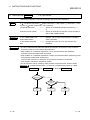
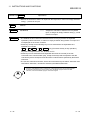
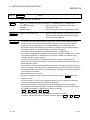
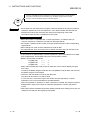
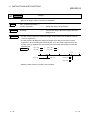
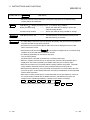
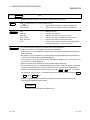
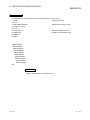
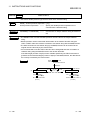
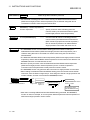
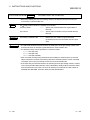
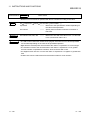
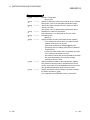
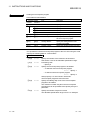
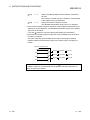
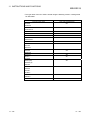
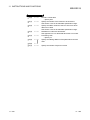
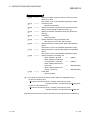
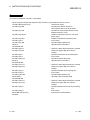
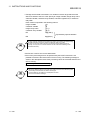
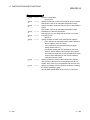
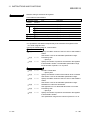
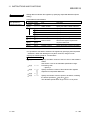
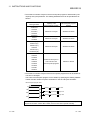
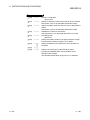
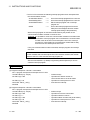
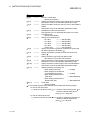
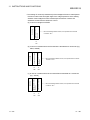
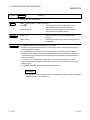
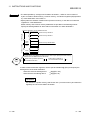
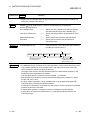
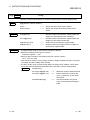
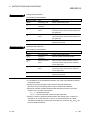
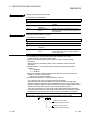
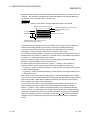
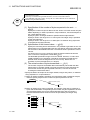
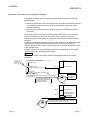
• The ON to GOTO instruction branches the program execution to one of several specified
line numbers depending on the value of the specified expression.
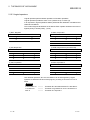
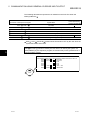
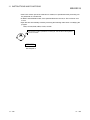
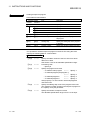
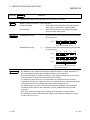
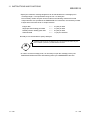
• Digits after the decimal points are truncated if the value of <expression> is not an integer.
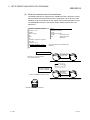
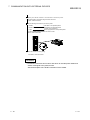
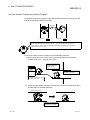
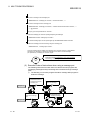
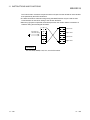
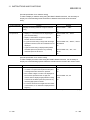
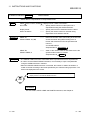
• The execution moves to the next instruction if the value of <expression> is 0 or greater
than the number of specified line numbers, which should be 255 or less.
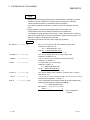
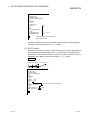
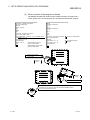
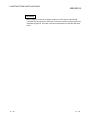
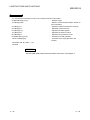
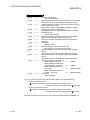
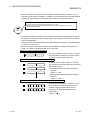
• An “Illegal function call” error occurs if the value of <expression> is negative or greater than
255.
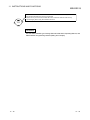
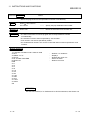
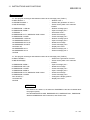
• A label name can be used instead of an actual line number for <line number>.
11 - 149
••••
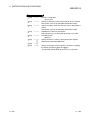
Branches to line 200 if the value of A is 1, to line 300
if A is 2, and to line 400 if A is 3.
11 - 149