1
11 INSTRUCTIONS AND FUNCTIONS
INPUT
Instruction
MELSEC-Q
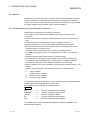
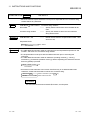
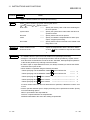
INPUT
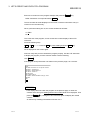
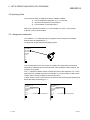
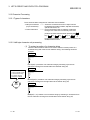
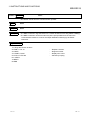
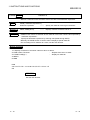
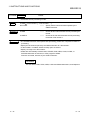
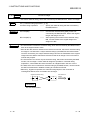
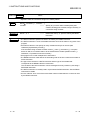
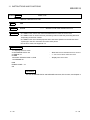
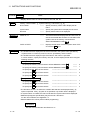
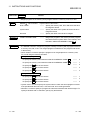
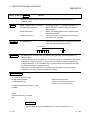
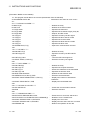
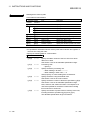
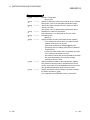
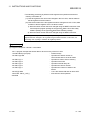
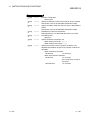
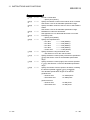
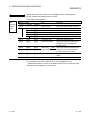
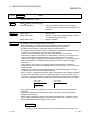
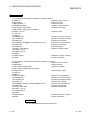
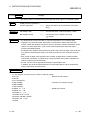
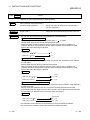
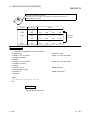
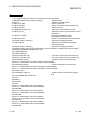
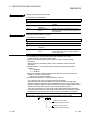
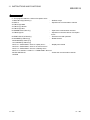
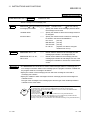
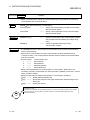
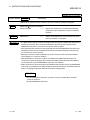
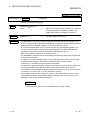
• Data entry from the keyboard.
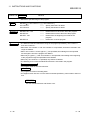
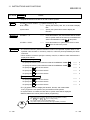
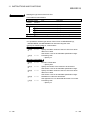
Syntax
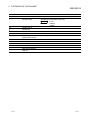
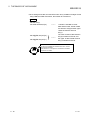
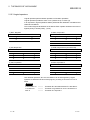
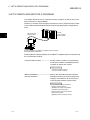
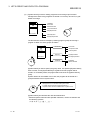
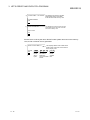
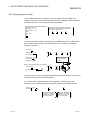
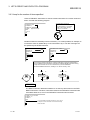
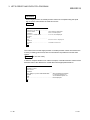
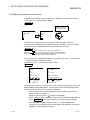
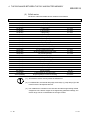
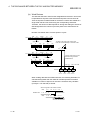
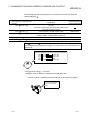
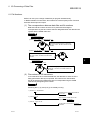
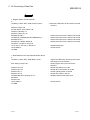
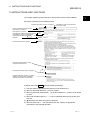
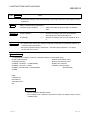
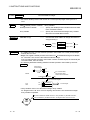
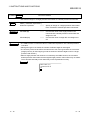
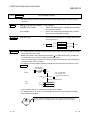
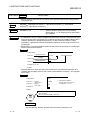
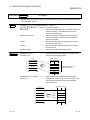
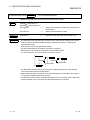
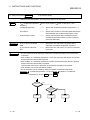
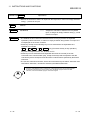
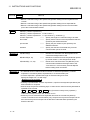
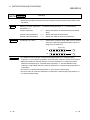
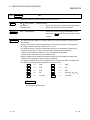
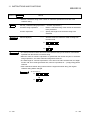
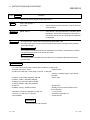
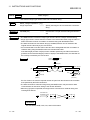
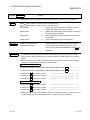
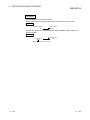
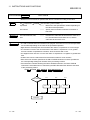
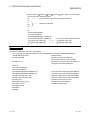
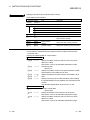
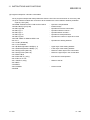
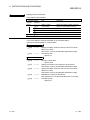
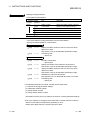
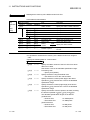
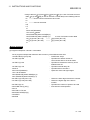
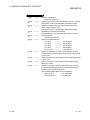
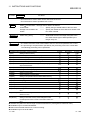
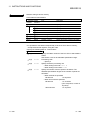
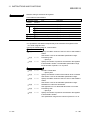
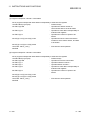
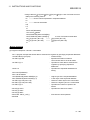
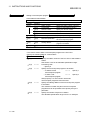
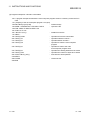
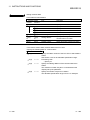
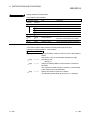
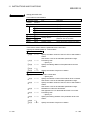
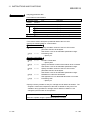
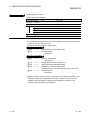
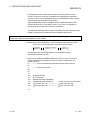
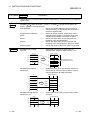
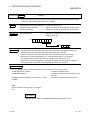
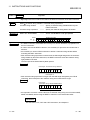
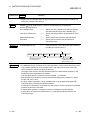
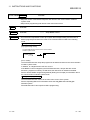
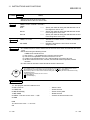
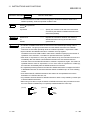
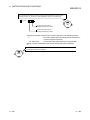
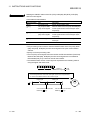
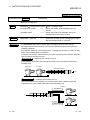
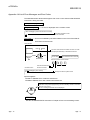
INPUT [“ <character string to be displayed> “;] <variable name> [, <variable name>, …]
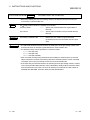
character string to be
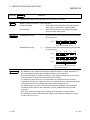
• • • • Specify a character constant to display when
displayed
requesting an input.
variable name
• • • • Specify a variable where the entered data is stored
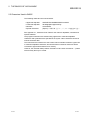
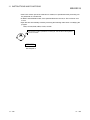
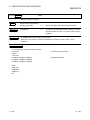
Examples
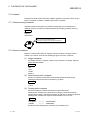
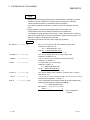
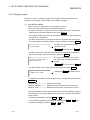
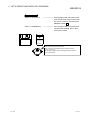
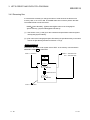
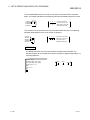
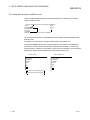
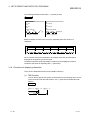
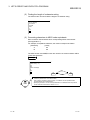
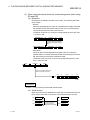
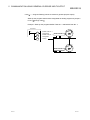
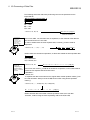
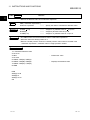
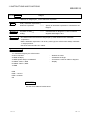
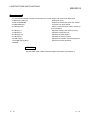
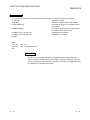
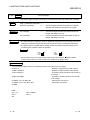
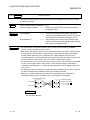
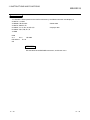
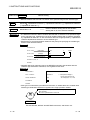
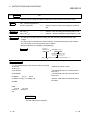
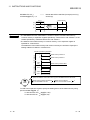
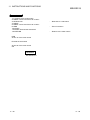
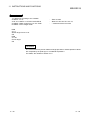
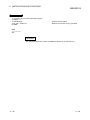
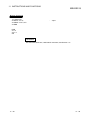
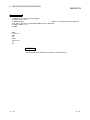
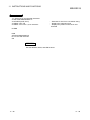
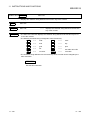
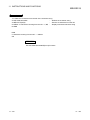
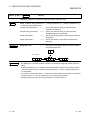
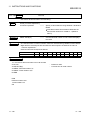
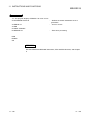
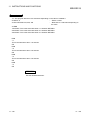
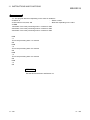
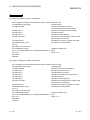
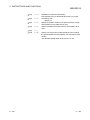
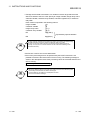
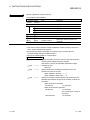
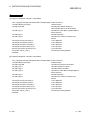
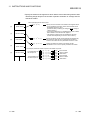
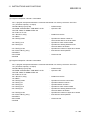
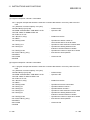
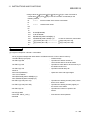
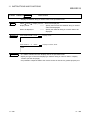
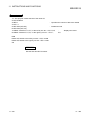
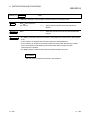
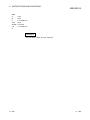
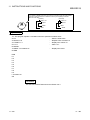
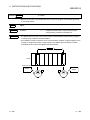
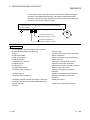
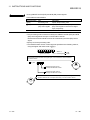
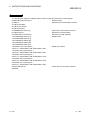
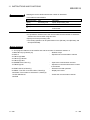
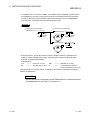
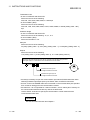
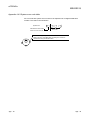
INPUT “Target number=”;M
Description
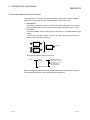
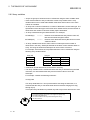
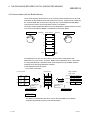
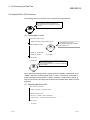
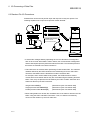
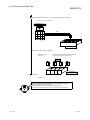
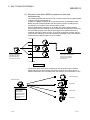
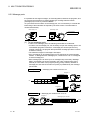
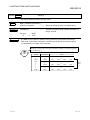
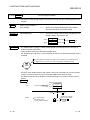
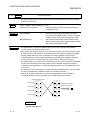
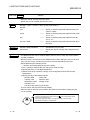
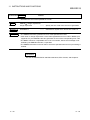
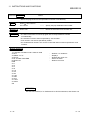
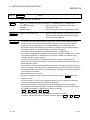
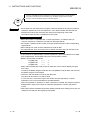
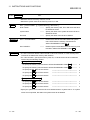
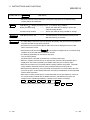
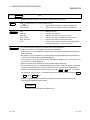
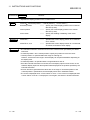
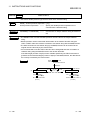
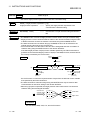
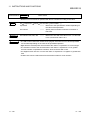
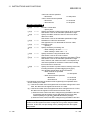
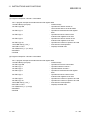
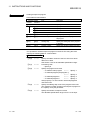
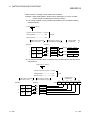
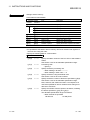
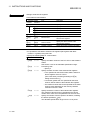
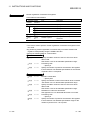
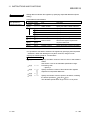
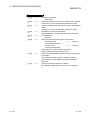
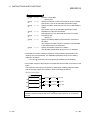
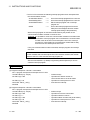
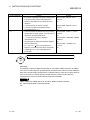
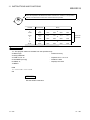
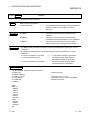
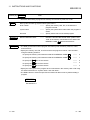
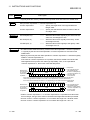
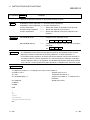
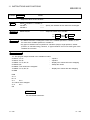
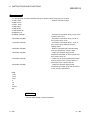
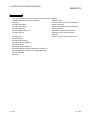
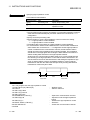
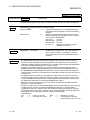
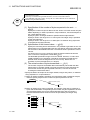
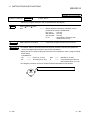
• The INPUT instruction temporarily stops the program execution and displays a question
mark (?) on the screen specified by the ZODV instruction. Once the question mark is
displayed, you can enter data from the keyboard specified by the ZIDV instruction.
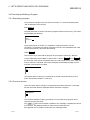
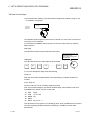
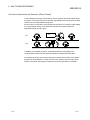
• If <character string to be displayed> is specified, the character string is displayed before
the question mark on the screen specified by the ZODV instruction.
•. The entered data is assigned to the variable specified by <variable name>.
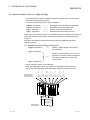
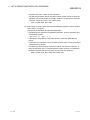
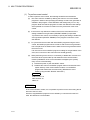
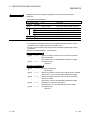
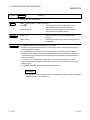
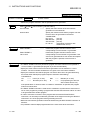
• The number of data items to be entered must match the specified <variable name> counts.
The variable specified by <variable name> is a numeric variable or a character string
variable (including an array variable).
The type of each data item to be entered must match the type of <variable name>.
(Entry of a character string to the INPUT instruction does not have to be enclosed by the
double quotation marks.)
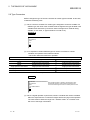
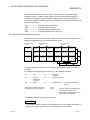
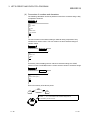
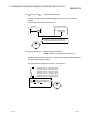
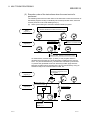
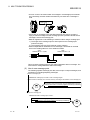
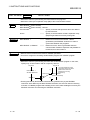
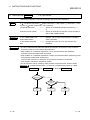
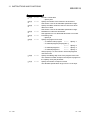
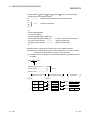
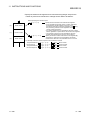
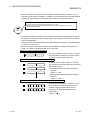
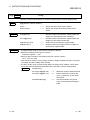
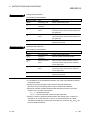
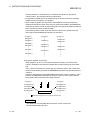
If the number of items or type of the data to be entered to the INPUT instruction does not
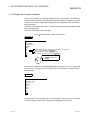
match, a message “?Redo from start” is displayed and waits for an input again. If there are
more data items than the number of <variable> items, “Extra ignored” is displayed and the
next instruction is executed.
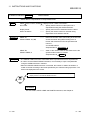
• Delimit data items by a comma (,).
••••
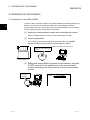
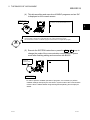
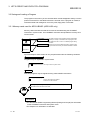
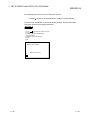
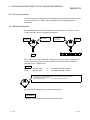
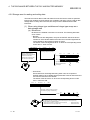
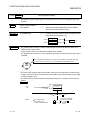
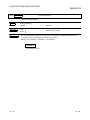
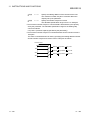
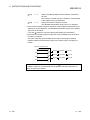
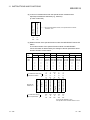
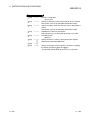
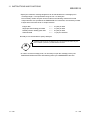
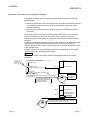
Displays “Target number=” on the console screen
and waits for the next input. When data is entered,
stores the entered data in M.
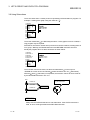
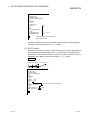
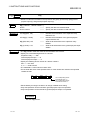
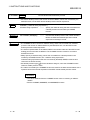
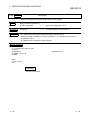
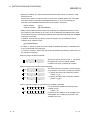
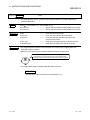
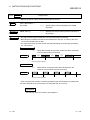
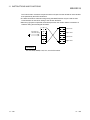
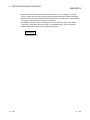
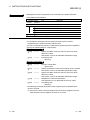
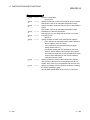
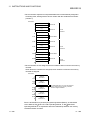
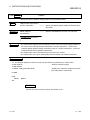
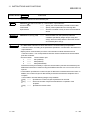
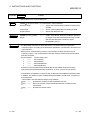
• The INPUT instruction continues waiting for the data entry until the Enter key (enter
code) is entered.
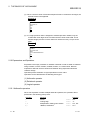
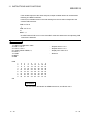
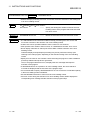
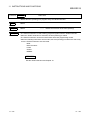
• You cannot enter a comma (,) and a double quotation mark (“) by the INPUT instruction.
Use the LINT INPUT instruction to enter these characters.
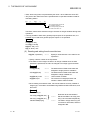
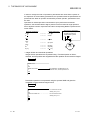
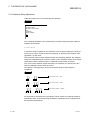
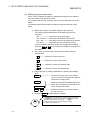
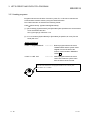
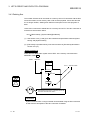
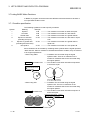
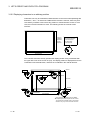
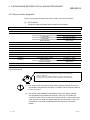
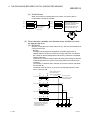
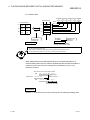
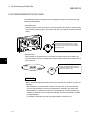
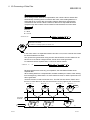
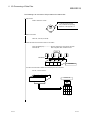
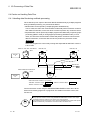
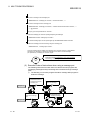
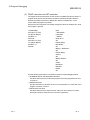
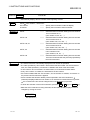
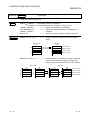
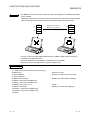
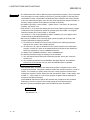
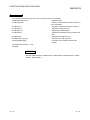
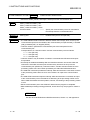
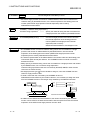
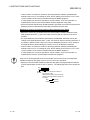
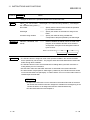
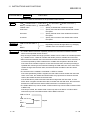
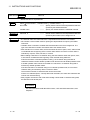
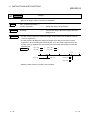
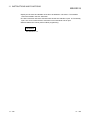
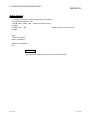
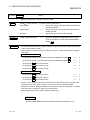
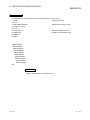
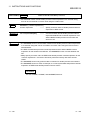
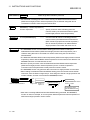
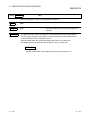
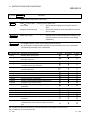
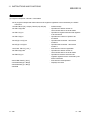
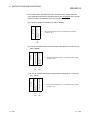
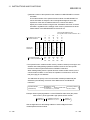
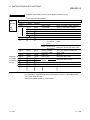
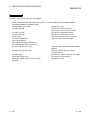
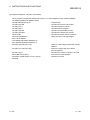
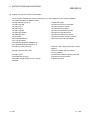
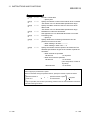
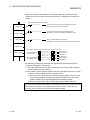
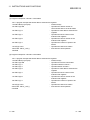
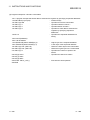
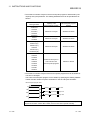
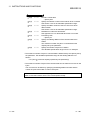
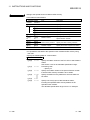
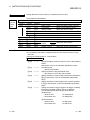
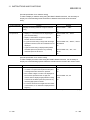
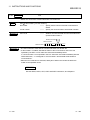
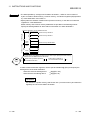
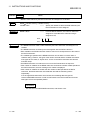
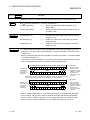
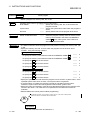
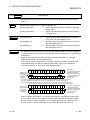
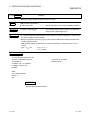
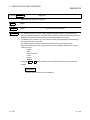
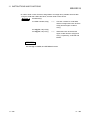
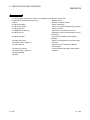
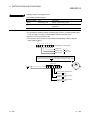
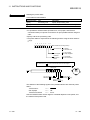
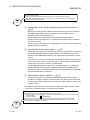
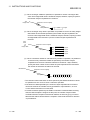
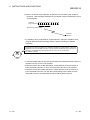
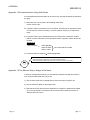
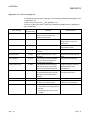
• When input is made from a terminal other than the one specified as a console in the
communication module with the ZIDV instruction, the following key inputs are assigned to
the variables specified by <variable name> without conversion.
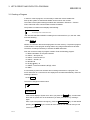
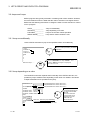
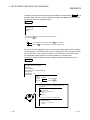
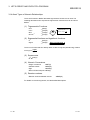
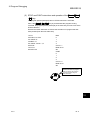
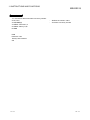
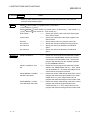
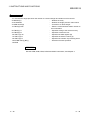
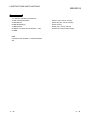
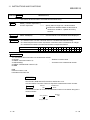
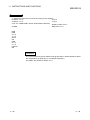
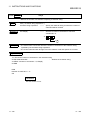
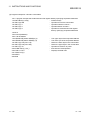
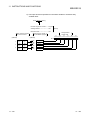
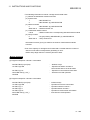
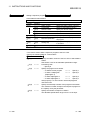
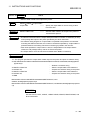
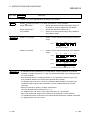
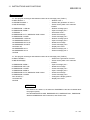
Ctrl +
C , Ctrl +
S , Break
Keys that correspond to DC1/DC3 specified by the ZCNTL instruction
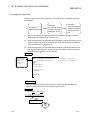
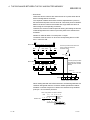
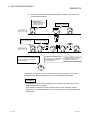
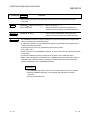
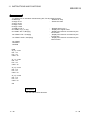
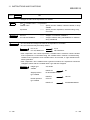
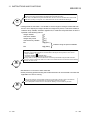
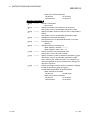
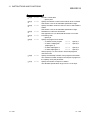
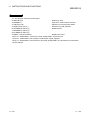
Therefore, note that the program execution cannot be stopped ( Ctrl +
11 - 89
C , Break ).
11 - 89