1
Tutorial 6: Creating Presentations with the Layout Page
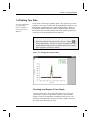
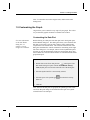
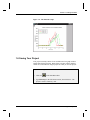
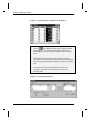
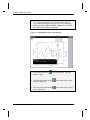
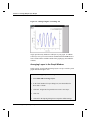
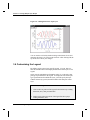
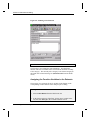
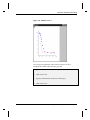
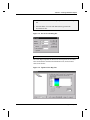
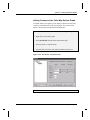
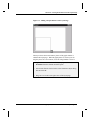
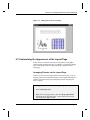
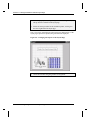
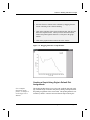
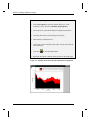
Figure 6.1: Adding a Graph Picture to the Layout Page
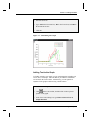
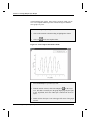
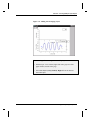
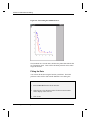
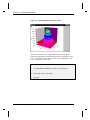
When you release the mouse button a picture of the graph window is
added to the layout page. When the graph picture is selected, you can
drag the picture to a new location, or use the sizing handles to resize it.
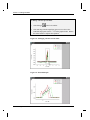
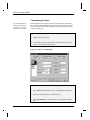
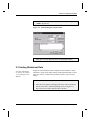
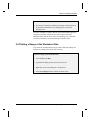
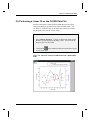
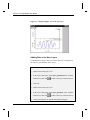
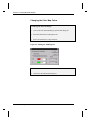
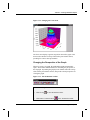
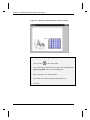
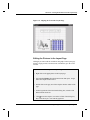
4) Right-click on a blank section of the layout page and then select Add
Worksheet from the shortcut menu that opens.
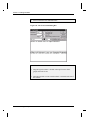
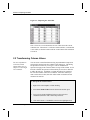
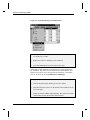
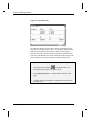
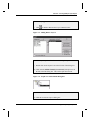
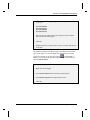
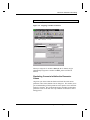
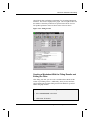
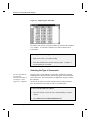
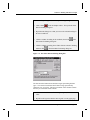
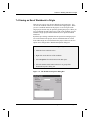
5) Select Peaks from the list box in the Select Worksheet Object dialog
box and click OK.
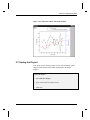
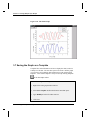
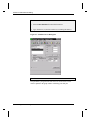
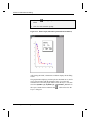
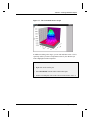
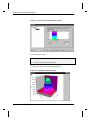
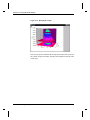
6) Drag out a box in the lower-right corner of the layout page.
6.2 Adding Graphs, Worksheets and Text to the Layout Page•65