1
Tutorial 6: Creating Presentations with the Layout Page
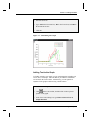
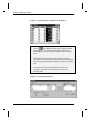
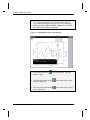
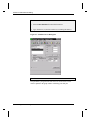
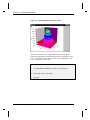
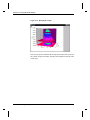
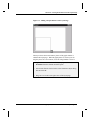
3) Resize the graph picture, using the right horizontal sizing handle, to
take up the lower-left half of the layout page.
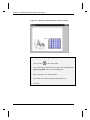
4) Follow the same procedure for the worksheet picture, resizing it to
the lower-right half of the layout page.
Note: The grid is only displayed on the layout page within Origin. If the
layout page is printed or exported, the grid will not be displayed.
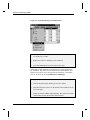
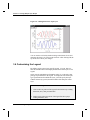
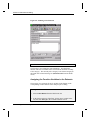
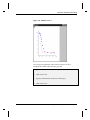
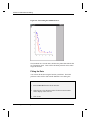
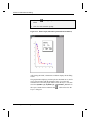
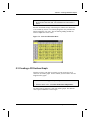
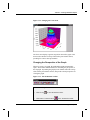
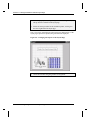
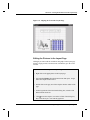
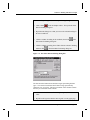
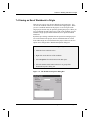
Figure 6.4: Arranging the Objects on the Layout Page
5) Center the text label using the grid lines for alignment.
68 •6.3 Customizing the Appearance of the Layout Page