1
Capturing Alarms and Events
237
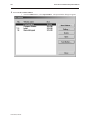
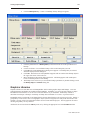
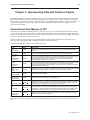
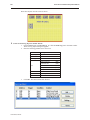
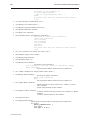
4Create an Event Display object to display alarm history
1.
2.
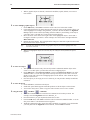
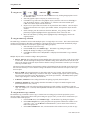
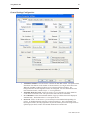
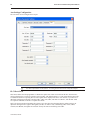
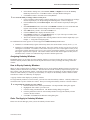
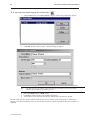
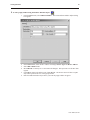
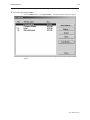
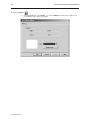
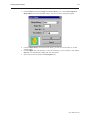
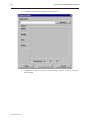
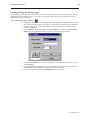
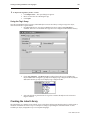
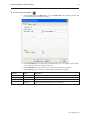
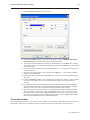
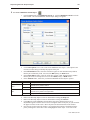
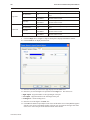
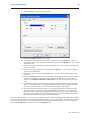
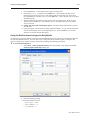
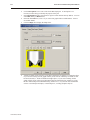
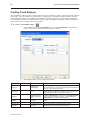
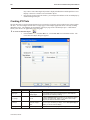
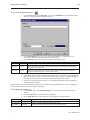
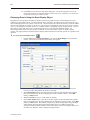
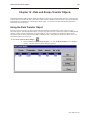
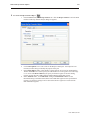
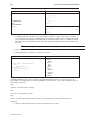
From the Parts menu, click Event Display. Or click the Event Display icon in the Part2
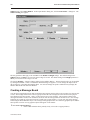
toolbar. The Create Event Display Object dialog box appears.
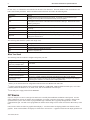
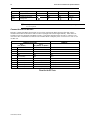
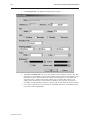
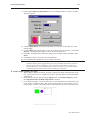
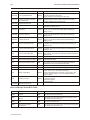
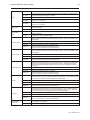
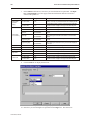
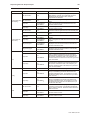
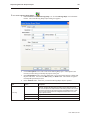
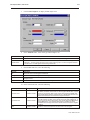
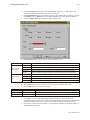
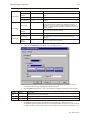
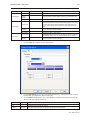
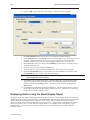
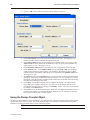
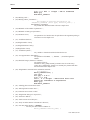
Enter the following parameters for each event:
Tab
Attribute
Setting
General
Read Address
LW0, BIN
Write Address
LW1, BIN
Display Line:
3
Character length:
31
Text Space:
0
Acknowledge Style
Click
Color: Acknowledge
Any color
Color: Return to
Normal
Any color
Color: Select box
Any color
Format
Sequence No.
Event Display
3.
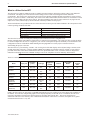
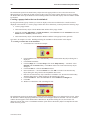
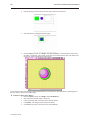
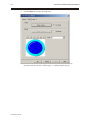
Click OK. Place object directly under the “Alarm History” text box.
Using the Alarm History
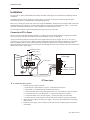
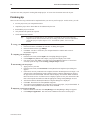
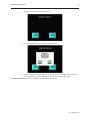
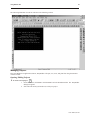
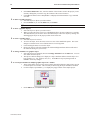
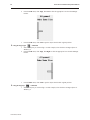
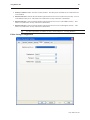
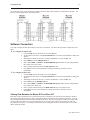
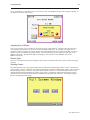
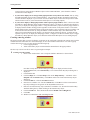
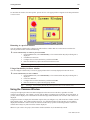
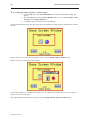
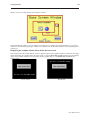
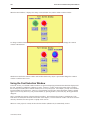
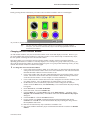
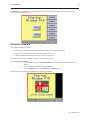
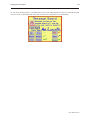
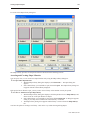
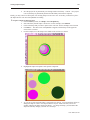
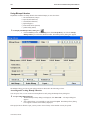
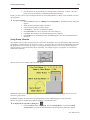
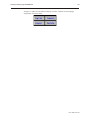
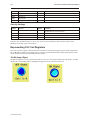
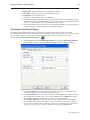
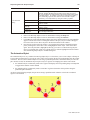
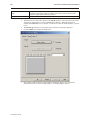
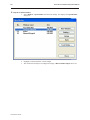
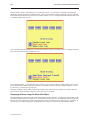
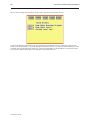
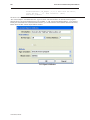
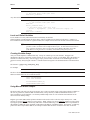
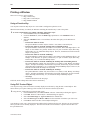
Save and compile the project, then download the project to the OIT or run the simulation mode. The startup screen
should display:
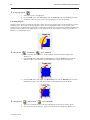
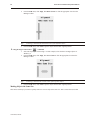
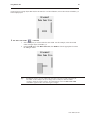
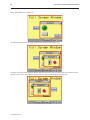
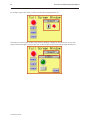
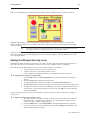
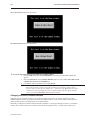
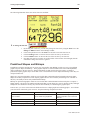
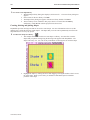
Press each alarm button. Note that as each alarm is activated, the alarm history window displays the most recent
alarm on the top of the list.
1010-1001a, Rev 02