1
Error! Reference source not found.
33
4.
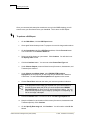
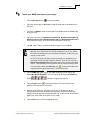
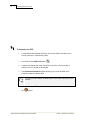
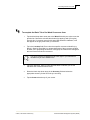
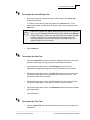
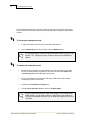
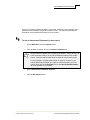
Locate the Excel file on your desktop. Select it and click Open.
5.
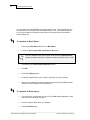
Click Do Import. A confirmation pop-up screen will appear.
6.
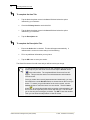
If all information is correct, select Yes.
7.
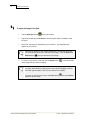
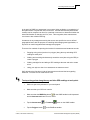
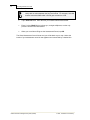
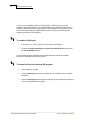
On the window that displays changes/updates that were made to WIMS in the
Import process, click OK.
8.
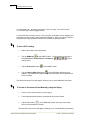
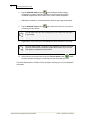
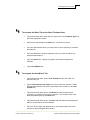
Click the Close button on the Import from Excel window to return to the Main
Menu.
© 2007, The Nature Conservancy
Weed Information Management System (WIMS)