1
Design Architect in the Framework Environment
Setting Up the Page Layout.
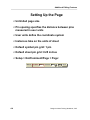
You can setup the browser to display one, two, or four pages at a time. The default
settings allow you to:
• Display one page of the document at a time.
• Turn pages one at a time.
• Scroll 35% of the page when you use the page up or page down keys.
• View the page at 115% of the original page size.
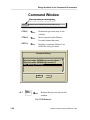
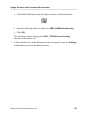
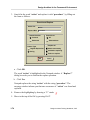
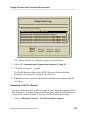
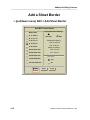
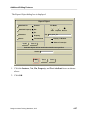
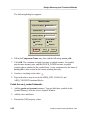
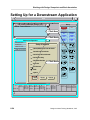
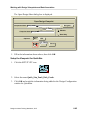
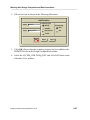
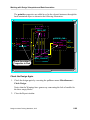
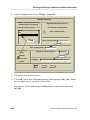
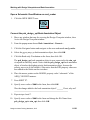
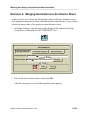
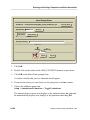
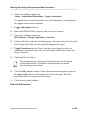
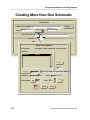
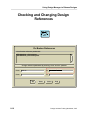
1. Change the Page Layout settings by choosing:
(Menu Bar) Setup > Page Layout...
Setup Page Layout
Number of pages to view
1 page
Rate to turn pages
1 page
2 page
2 page
4 page
4 page
Scroll Percent
Page Scale (%) 90
45
View Scroll Bars?
No
Yes
OK
Reset
Cancel
Help
2. Change the settings to match the figure above.
Design Architect Training Workbook, V8.5
1-79