Getting Started Guide
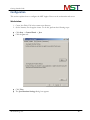
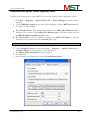
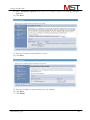
6. The home screen will appear.
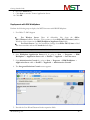
7. Go to Applications -> Install New Application.
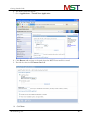
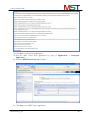
8. Click Browse and navigate to the path where the MSTViewer.war file is stored.
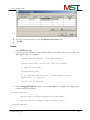
9. Provide the value in the Context root field.
10. Click Next.
MS Technology Inc.
18