1
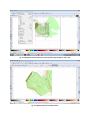
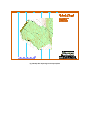
2. 2nd method: Copying contours from existing maps
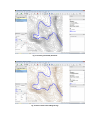
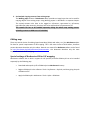
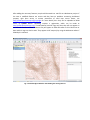
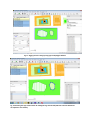
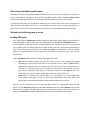
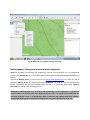
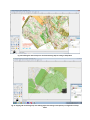
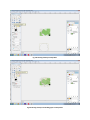
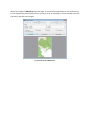
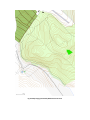
The Walking paper feature of Merkaartor editor provides an image layer that can be used for
copying objects from existing maps. Using Walking papers is described in a separate chapter.
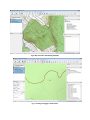
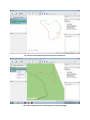
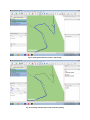
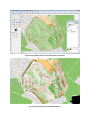
The copied contours also have to be tagged as iof:contour; type:normal or iof:contour;
type:index (for index contours), then they have to be exported into a separate osm file.
This contour file has to be handled separately during the whole map making process,
uploading contours to OSM server is forbidden!
Editing map
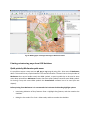
There are several choices for editing Open Street Map (JOSM, web editor, etc.), but Merkaartor editor
fits best for special requirements of IOF mapping. This is the most similar to OCAD editor; therefore
present document describes only this editor. General user manual for Merkaartor editor can be found
at http://merkaartor.be/wiki/merkaartor/Documentation, this document describes only the most
important methods of IOF mapping.
Special settings of Merkaartor SW for IOF mapping
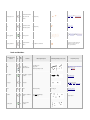
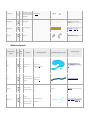
Merkaartor software has no built in support for IOF symbols; therefore ISOM style has to be installed
separately by the following way:
•
Download and unpack zip file of ISOM style into Merkaartor directory.
•
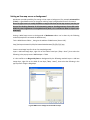
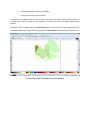
Register ISOM style in the software: Tools > Preferences > Style tab, and then giving the path
of ISOM.mas file.
•
Apply the ISOM style in Merkaartor: Tools > Styles > ISOM.mas