1
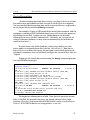
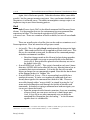
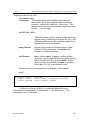
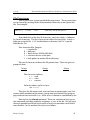
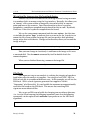
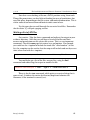
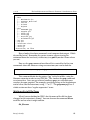
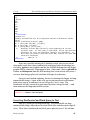
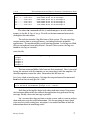
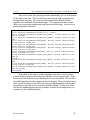
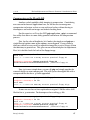
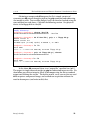
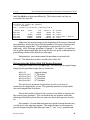
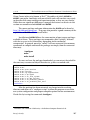
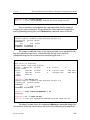
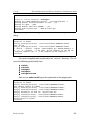
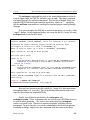
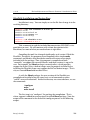
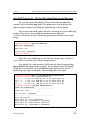
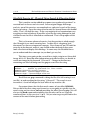
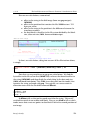
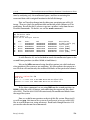
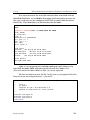
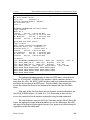
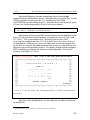
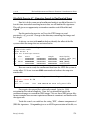
v. 3.78 The Law Enforcement and Forensic Examiner's Introduction to Linux This command will stream all the log files (each one from bottom to top) and send the output to awk which will print the first field, $1 (month), followed by a space (“ “), followed by the second field, $2 (day). This shows the month and day for every entry. Suppose I just want to see one of each date when an entry was made. I don’t need to see repeating dates. I ask to see one of each unique line of output with uniq:
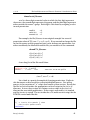
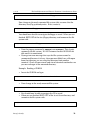
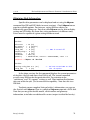
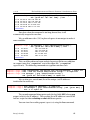
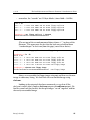
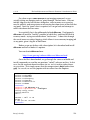
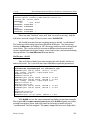
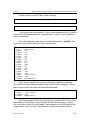
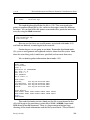
root@rock:~/logs # tac messages* | awk '{print $1" "$2}' | uniq | less
Feb 23
Nov 22
Nov 21
Nov 20
Nov 19
<continues>
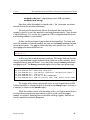
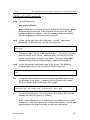
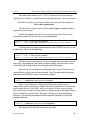
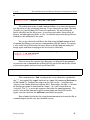
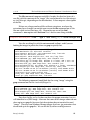
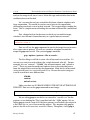
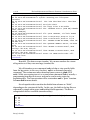
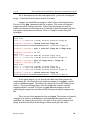
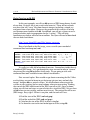
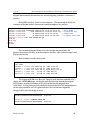
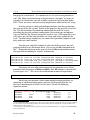
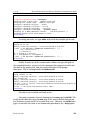
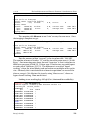
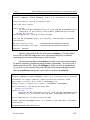
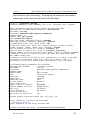
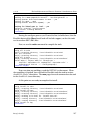
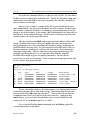
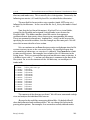
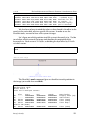
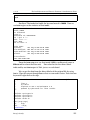
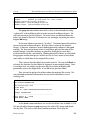
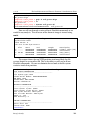
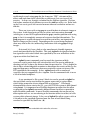
This removes repeated dates, and shows me just those dates with log activity. If a particular date is of interest, I can grep the logs for that particular date:
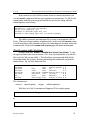
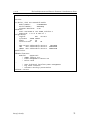
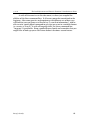
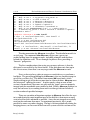
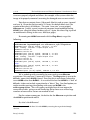
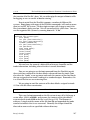
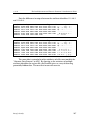
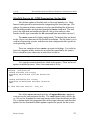
root@rock:~/logs # tac messages* | grep "Nov 4"
Nov 4 17:41:27 hostname123 sshd[27630]: Received disconnect from
1xx.183.221.214: 11: Disconnect requested by Windows SSH Client.
Nov 4 17:13:07 hostname123 sshd(pam_unix)[27630]: session opened for
user root by (uid=0)
Nov 4 17:13:07 hostname123 sshd[27630]: Accepted password for root
from 1xx.183.221.214 port 1762 ssh2
Nov 4 17:08:23 hostname123 sshd(pam_unix)[27479]: session closed for
user root
Nov 4 17:07:11 hostname123 squid[27608]: Squid Parent: child process
27610 started
<continues>
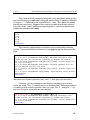
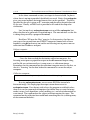
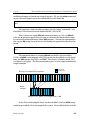
(note there are 2 spaces between “Nov” and “4”, one space will not work)
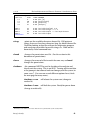
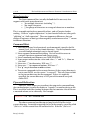
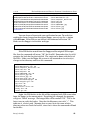
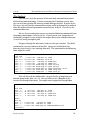
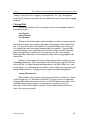
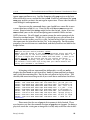
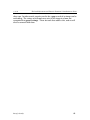
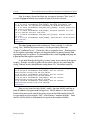
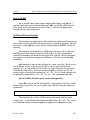
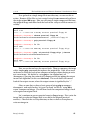
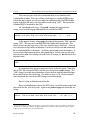
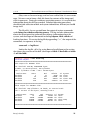
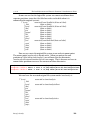
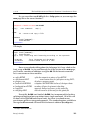
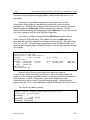
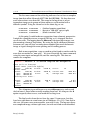
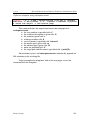
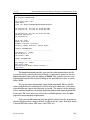
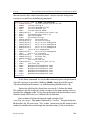
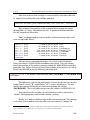
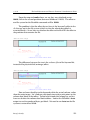
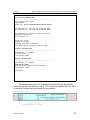
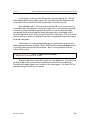
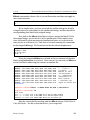
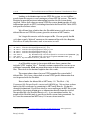
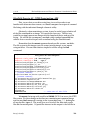
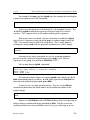
Of course, we have to keep in mind that this would give us any lines where the string “Nov 4” resided, not just in the date field. To be more explicit, we could say that we only want lines that start with “Nov 4”, using the “^” (in our case, this gives essentially the same output):
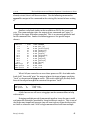
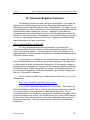
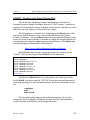
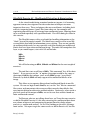
root@rock:~/logs # tac messages* | grep ^"Nov 4"
Nov 4 17:41:27 hostname123 sshd[27630]: Received disconnect from
1xx.183.221.214: 11: Disconnect requested by Windows SSH Client.
Nov 4 17:13:07 hostname123 sshd(pam_unix)[27630]: session opened for
user root by (uid=0)
<continues>
Barry J. Grundy
80