1
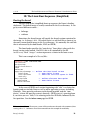
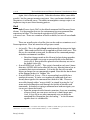
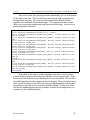
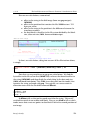
v. 3.78 The Law Enforcement and Forensic Examiner's Introduction to Linux Okay, now we have our image, and we have verified that it is an accurate copy. We now want to know a little bit about the contents of the image and what it represents. During the evidence acquisition process, it is essential that information about the disk be recorded. Standard operating procedures should include collection of disk and system information, and not just the dd image itself.
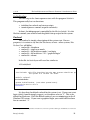
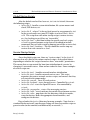
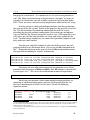
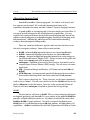
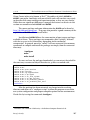
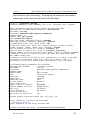
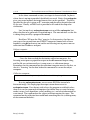
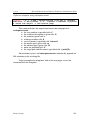
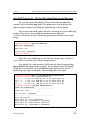
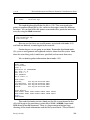
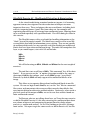
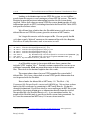
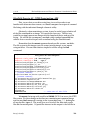
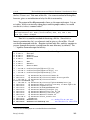
The file able2.log was created from the output of various commands used during the evidence collection process. The log includes information about the investigator that gathered the evidence, information about the system, and the output of commands including hdparm, fdisk, sfdisk and hashing functions. We create the log file by appending (“>>”) the output of the commands, in sequence, to the log:
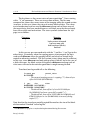
command >> logfile.txt
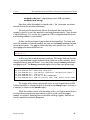
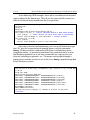
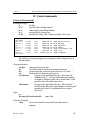
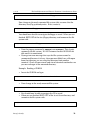
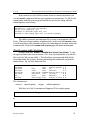
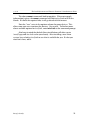
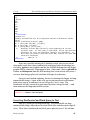
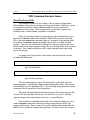
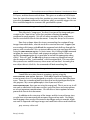
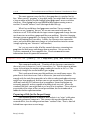
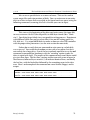
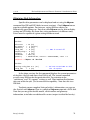
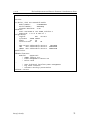
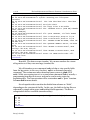
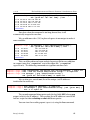
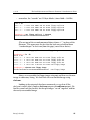
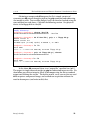
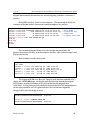
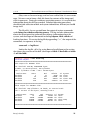
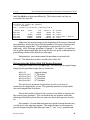
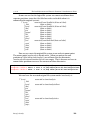
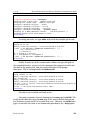
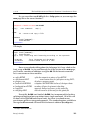
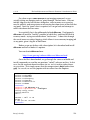
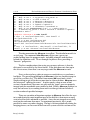
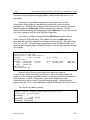
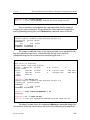
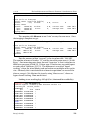
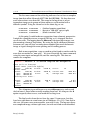
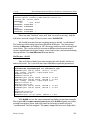
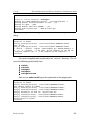
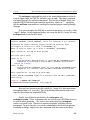
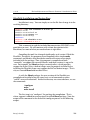
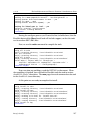
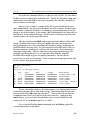
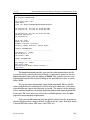
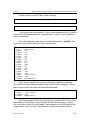
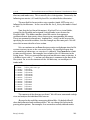
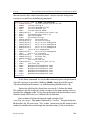
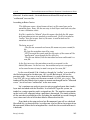
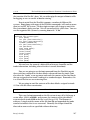
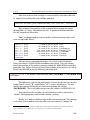
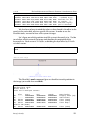
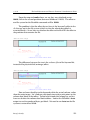
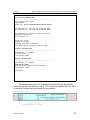
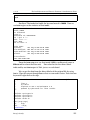
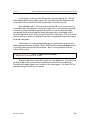
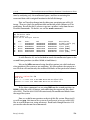
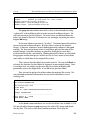
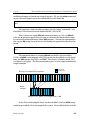
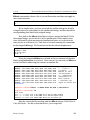
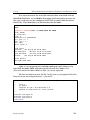
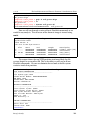
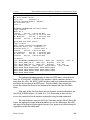
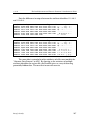
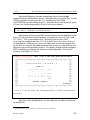
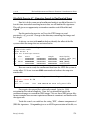
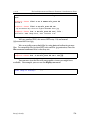
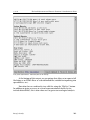
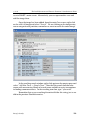
Look at the log file, able2.log, using less and scroll down to the section that shows the structure of the disk (the output of fdisk –l /dev/hdd and sfdisk –l –uS /dev/hdd):
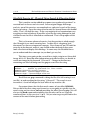
root@rock:~/able2 # less able2.log
<scrolled output>
#################################################################
fdisk output for SUBJECT disk:
Disk /dev/hdd: 345 MB, 345830400 bytes
15 heads, 57 sectors/track, 790 cylinders
Units = cylinders of 855 * 512 = 437760 bytes
Device Boot
/dev/hdd1
/dev/hdd2
/dev/hdd3
/dev/hdd4
Start
1
13
133
210
End
12
132
209
790
Blocks
5101+
51300
32917+
248377+
Id
83
83
82
83
System
Linux
Linux
Linux swap
Linux
#################################################################
sfdisk output for SUBJECT disk:
Disk /dev/hdd: 790 cylinders, 15 heads, 57 sectors/track
Units = sectors of 512 bytes, counting from 0
Device Boot
/dev/hdd1
/dev/hdd2
/dev/hdd3
/dev/hdd4
Start
57
10260
112860
178695
End
10259
112859
178694
675449
#sectors
10203
102600
65835
496755
Id
83
83
82
83
System
Linux
Linux
Linux swap
Linux
#################################################################
Barry J. Grundy
96