1
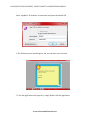
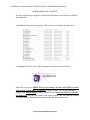
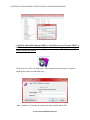
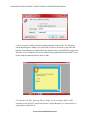
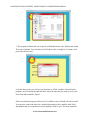
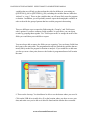
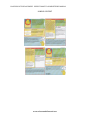
LOCATION OF THIS DOCUMENT: USER’S TOOLKIT COMPLETE PDF MANUAL 7. The program will then ask you to specify a Worksheet name, title, Subject and Author This step is optional. You can choose to fill in these cells or simply hit ‘Continue’ and proceed to the next step. 8. On the data screen, you will see two large boxes. All the variables collected by the program can be found in the right side box. Select the ones that you want to see in your Excel Data Sheet and Hit ‘Export’. Please note that the program collects a lot of variables, some of which will not be useful. You can refer to the code book for a detailed description of the variables in the Excel Spreadsheet that we recommend or assess might be useful to you. The most important www.safensoundallaround.com