1
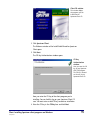
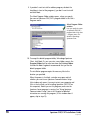
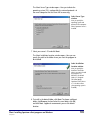
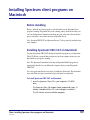
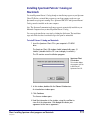
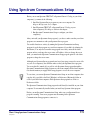
Spectrum Client
5.0 window
This window displays
the programs you can
install from the
Spectrum Client CD.
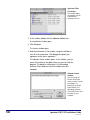
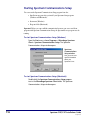
2 In this window, double-click the Librarian Station icon.
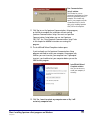
An introduction window opens.
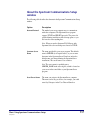
3 Click Continue.
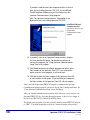
The License window opens.
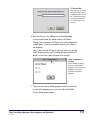
4 Read the information in the window, using the scroll bar to
view all of the information. Click Accept to indicate your
agreement to the license agreement.
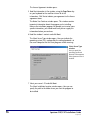
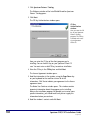
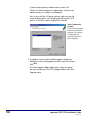
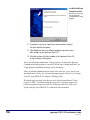
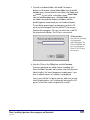
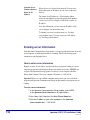
The Librarian Station window opens. In this window, you can
specify the location of the folder where you want to install the
program. The default install location is the Winnebago
Spectrum Client folder on the active hard drive on your
computer.
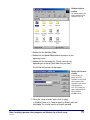
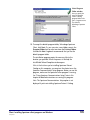
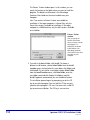
Librarian Station
window
Here you specify the
location of the folder
where you want to install
the program. For
Macintosh, the default
install location is the
Winnebago Spectrum
Client folder on the active
hard drive on your
computer.
108
Spectrum CIRC/CAT Installations Guide
SCC5ig1200kn