1
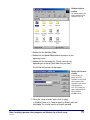
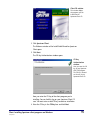
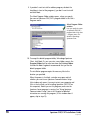
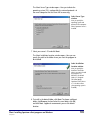
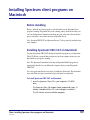
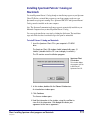
Client CD window
This window displays
the programs you can
install from the
Spectrum Client CD.
2 Click Spectrum Client.
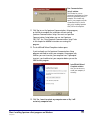
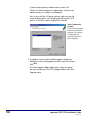
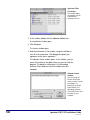
The Welcome window of the lnstallShield Wizard for Spectrum
Client opens.
3 Click Next.
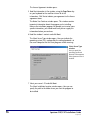
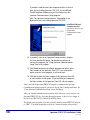
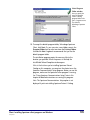
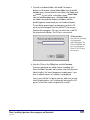
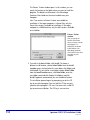
The CD Key Authentication window opens.
CD Key
Authentication
window
Here you enter the CD
key of your Spectrum
CIRC/CAT program.
The CD key is located
on the case of your
Spectrum Client CD.
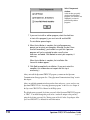
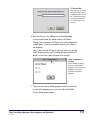
Here you enter the CD key of the client program you’re
installing. You can find this key on your Spectrum Client CD
case. You must enter a valid CD key to continue installation.
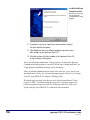
4 Enter the CD key in the CD Key box and click Next.
Client: Installing Spectrum client programs on Windows
SCC5ig1200kn
95