1
6. Messaging
features
94
Smartphone User Manual
6.1 Setting up accounts
Your phone is equipped with powerful messaging features
such as the ability to send and receive E-mail, Short Message Service (SMS), and Multimedia Messaging (MMS). It
also allows you to view and manage your message folders,
customize message notifications and use MSN Messenger
to communicate with others. Please note that not all E-mail
services allow users to set up POP3 on mobile devices. Consult your network administrator or service provider for more
information on toll and service charges or other related information. This section describes the steps required for setting
up the phone to send and receive E-mail messages.
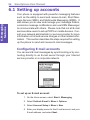
Configuring E-mail accounts
You can send E-mail messages by synchronizing or by connecting directly to an E-mail server through your Internet
service provider or a corporate network.
To set up an E-mail account:
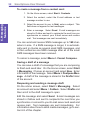
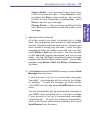
1. On the Home screen, select Start > Messaging.
2. Select Outlook E-mail > Menu > Options.
3. Select Account Setup > Menu > New.
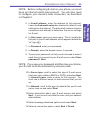
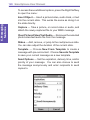
4. Enter your display name for this E-mail account, and your
E-mail address, and select Next.