1
Руководство пользователя
GeoScan32
4.4.4. Multichannel mode
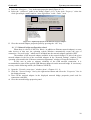
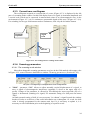
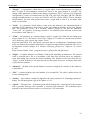
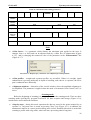
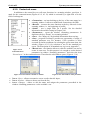
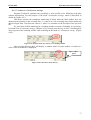
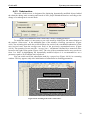
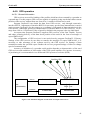
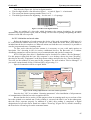
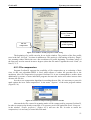
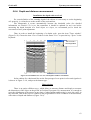
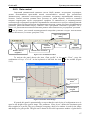
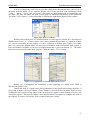
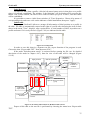
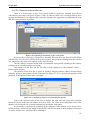
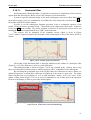
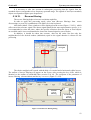
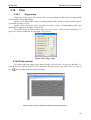
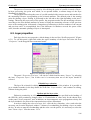
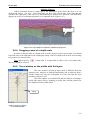
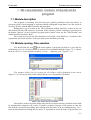
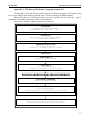
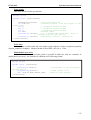
It is designated for operation with multichannel GPR. In order to initialize the mode it is
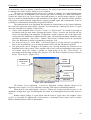
necessary to tick off against the caption “Multichannel” (Figure 4.4.11), there after a of channel
quantity selection window will appear to the right of the caption. Usually 2 or 3 channels are used,
but a maximum quantity depends on the GPR design and can be up to 8
Channel
selection
quantity
Figure 4.4.11. Initialization of a multichannel mode.
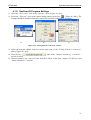
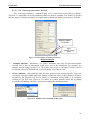
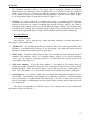
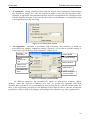
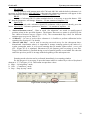
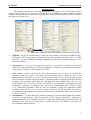
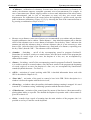
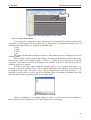
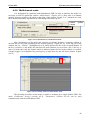
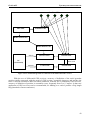
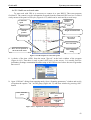
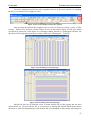
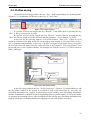
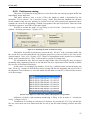
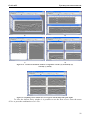
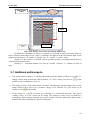
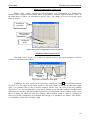
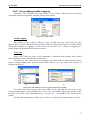
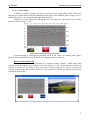
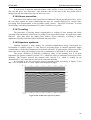
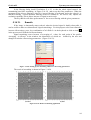
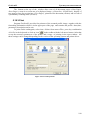
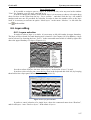
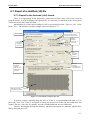
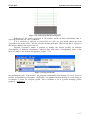
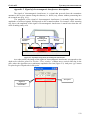
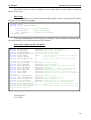
After initialization of the mode and selection of channel quantity a scanning window is
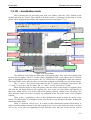
devided into several parts depending on the channel quantity. (Figure 4.4.12). In the top part of the
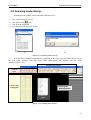
window the key “Number” (highlighted in red), which denotes the № of the recorded channel. If
the key is inactive (is not held), the data from all used channels are saved into a file, if the key is
active (is held), then only the channel which is indicated under the key in the window is recorded.
Channel toggle is accomplished by pressing key up and down by the left mouse button. (Figure
4.4.12).
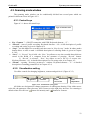
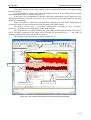
Figure 4.4.12. Scanning window in multichannel mode.
The operating procedure in this mode is similar to scanning by a single-channel GPR. The
mode «Continuous saving» (section 4.5.2), "Decimation" (section 4.3.4.2) can be used
simultaneously with the multichannel GPR.
40