1
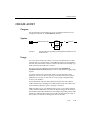
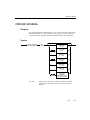
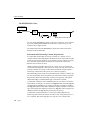
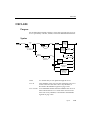
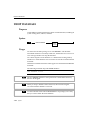
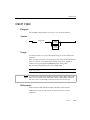
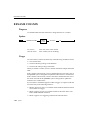
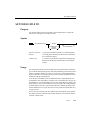
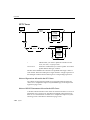
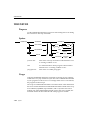
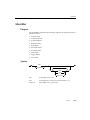
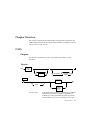
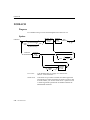
UPDATE
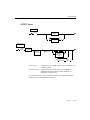
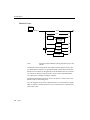
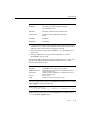
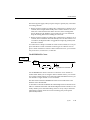
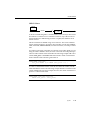
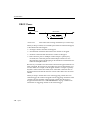
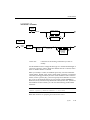
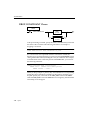
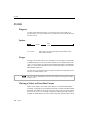
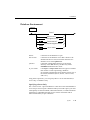
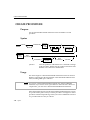
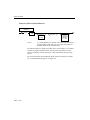
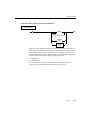
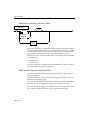
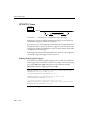
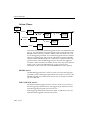
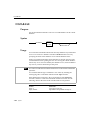
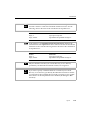
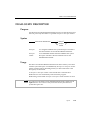
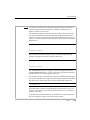
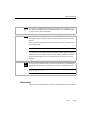
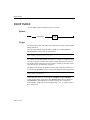
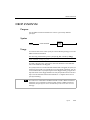
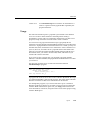
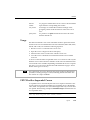
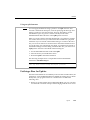
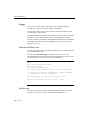
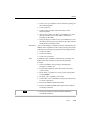
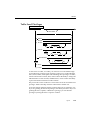
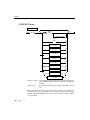
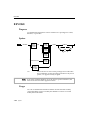
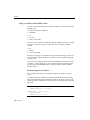
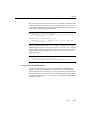
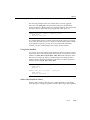
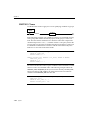
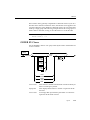
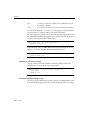
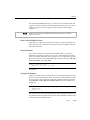
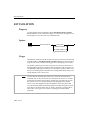
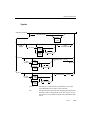
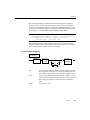
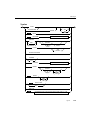
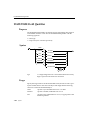
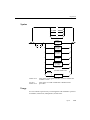
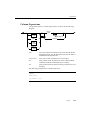
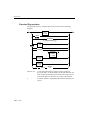
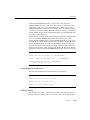
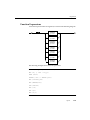
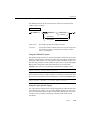
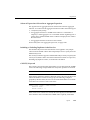
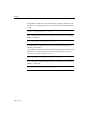
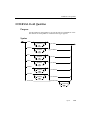
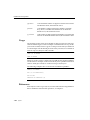
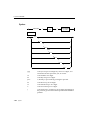
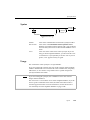
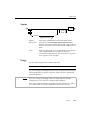
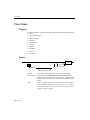
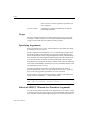
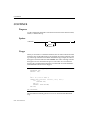
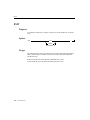
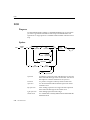
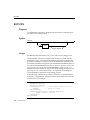
To complete the SET clause, you must list each expression explicitly,
separated by commas and all enclosed in parentheses. An expression list can
include an SQL subquery that returns a single row of multiple values as long
as the number of columns named, explicitly or implicitly, equals the number
of values produced by the expression or expressions that follow the equal
sign.
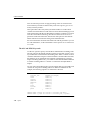
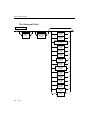
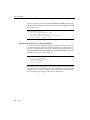
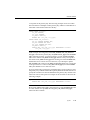
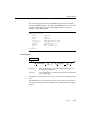
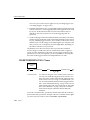
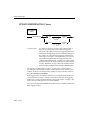
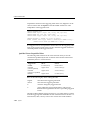
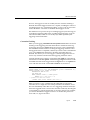
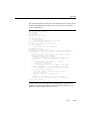
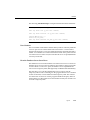
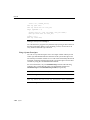
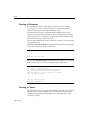
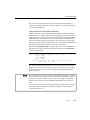
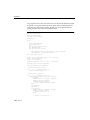
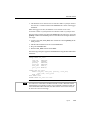
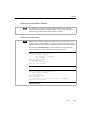
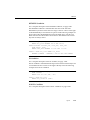
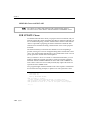
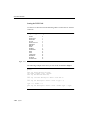
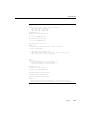
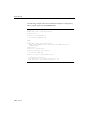
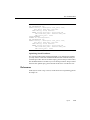
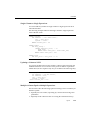
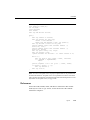
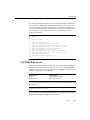
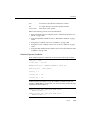
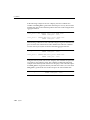
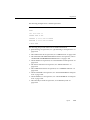
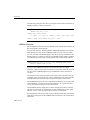
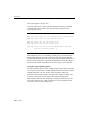
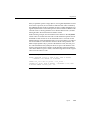
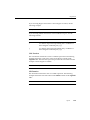
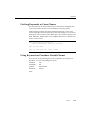
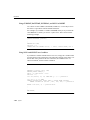
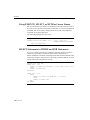
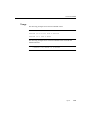
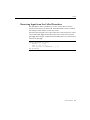
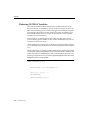
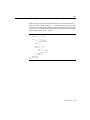
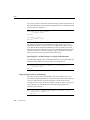
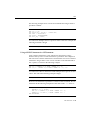
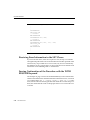
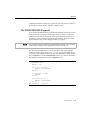
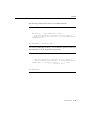
The following examples illustrate the multiple-column to multipleexpression form of the SET clause:
UPDATE customer
SET (fname, lname) = ('John', 'Doe')
WHERE customer_num = 101
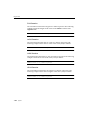
UPDATE manufact
SET * = ('HNT', 'Hunter')
WHERE manu_code = 'ANZ'
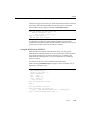
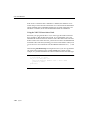
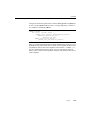
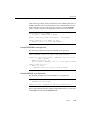
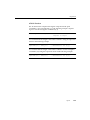
UPDATE items
SET (stock_num, manu_code, quantity) =
( (SELECT stock_num, manu_code FROM stock
WHERE description = 'baseball'), 2)
WHERE item_num = 1 AND order_num = 1001
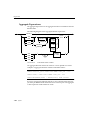
UPDATE table1
SET (col1, col2, col3) =
((SELECT MIN (ship_charge),
MAX (ship_charge) FROM orders),
'07/01/1992')
WHERE col4 = 1001
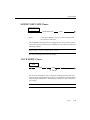
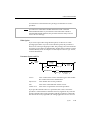
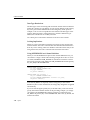
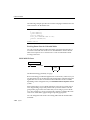
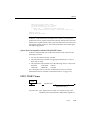
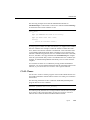
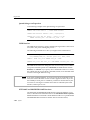
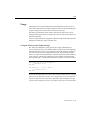
WHERE Clause
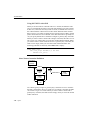
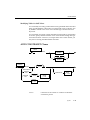
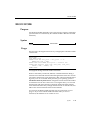
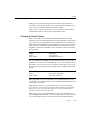
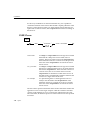
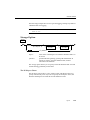
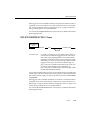
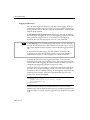
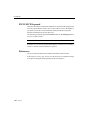
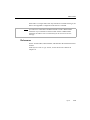
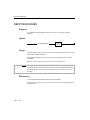
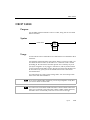
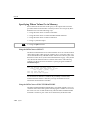
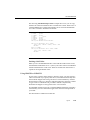
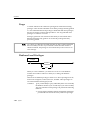
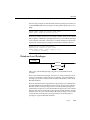
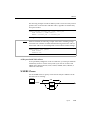
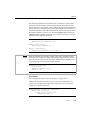
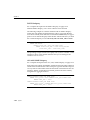
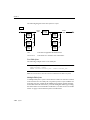
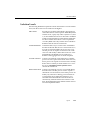
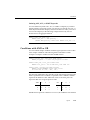
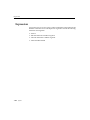
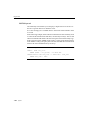
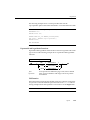
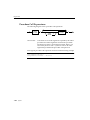
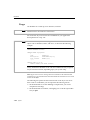
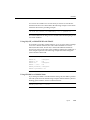
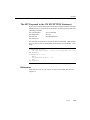
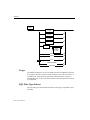
The WHERE clause allows you to limit the rows that you want to update. If
you omit the WHERE clause, every row in the table is updated.
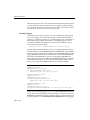
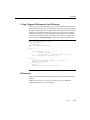
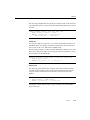
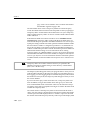
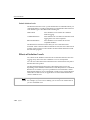
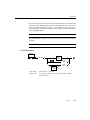
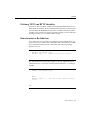
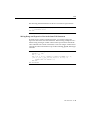
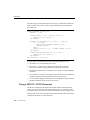
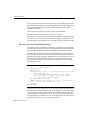
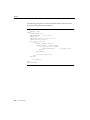
The WHERE clause consists of a standard search condition. (For more
information, see the SELECT statement on page 1-310). The following example illustrates a WHERE condition within an UPDATE statement. In this
1-388 Syntax