1
22
JProbe
Plugins for Eclipse Guide
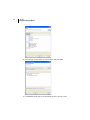
c Add the plugins to your profile by dragging and dropping the JProbe for
Eclipse option over your profile in the Explorer pane.
d Click OK in the confirmation dialog box that appears at the end of the
operation.
4 Complete your profile by adding a JRE.
Note
Sun Java 1.6 (or later) is required.
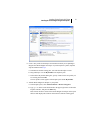
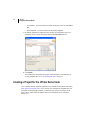
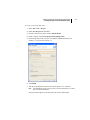
a In the Explorer pane, click Add-on Software > Browse Categories.
b Type java in the search field located in the upper right corner of the Pulse
Explorer interface, and press the Enter key.
Pulse locates the JRE versions available for your selection and displays them
on the Browse Software Catalog pane.
c Select the Sun Java 1.6 (or later) from the list, as recommended in “System
Requirements” on page 14.