1
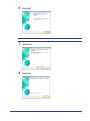
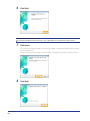
The software for which the check box was selected in Step 3 is installed.
Follow the on-screen instructions.
Next, installation of Product Extended Survey Program starts.
9
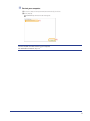
When the following screen appears, read the displayed information, click
[Accept] or [Do Not Accept], and then click [Next].
(1)
(2)
If you select [Accept]:
The Product Extended Survey Program (the program to investigate the state of usage) will be
installed.
The Product Extended Survey Program is the program to send the information related to the
usage of this machine to Canon every month for ten years. Any other information including your
personal information is not sent.
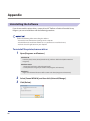
You can also uninstall the Product Extended Survey Program.
See "To uninstall the Product Extended Survey Program" on p. 18
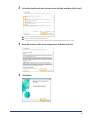
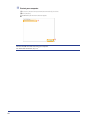
10Check that [
] is selected in [Install], and then click [Next].
The options to be displayed differ depending on your country or region.
11