1
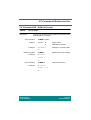
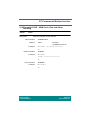
General AT Commands
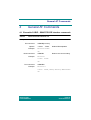
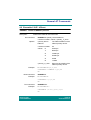
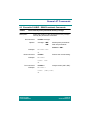
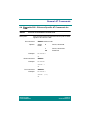
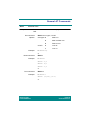
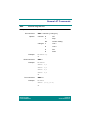
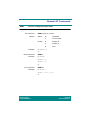
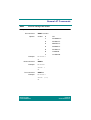
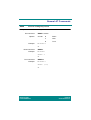
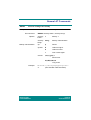
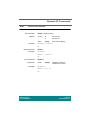
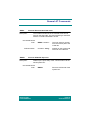
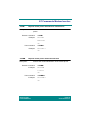
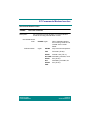
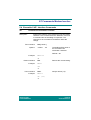
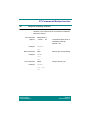
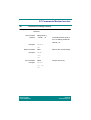
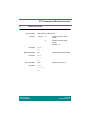
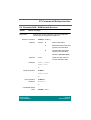
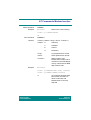
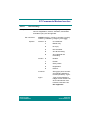
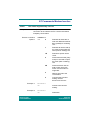
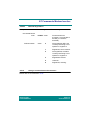
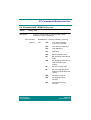
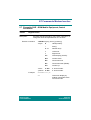
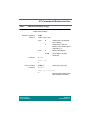
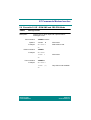
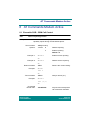
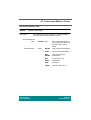
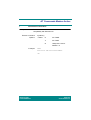
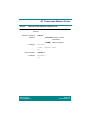
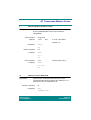
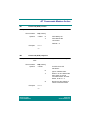
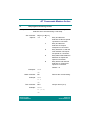
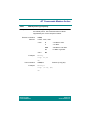
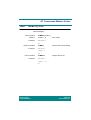
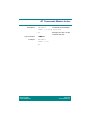
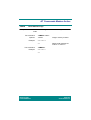
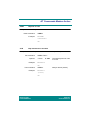
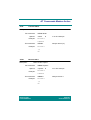
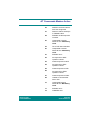
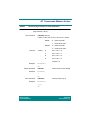
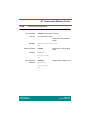
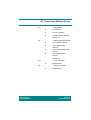
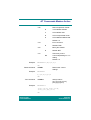
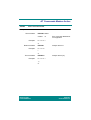
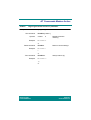
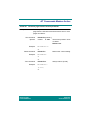
*EMMI
Ericsson man-machine-interface mode
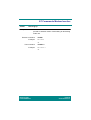
Description:
Enables or disables MMI mode for the MS.
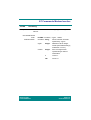
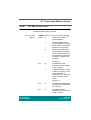
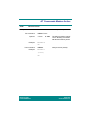
Set command:
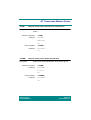
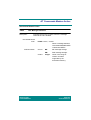
*EMMI=<display mode>,<keypad mode>,
<back light mode>
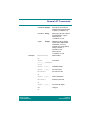
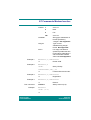
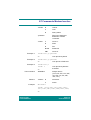
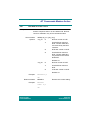
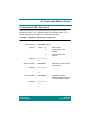
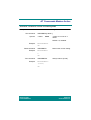
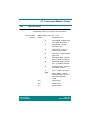
Options:
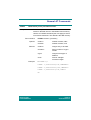
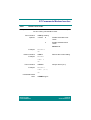
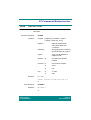
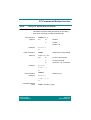
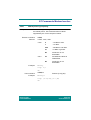
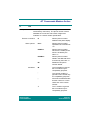
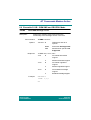
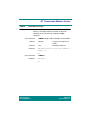
<display mode>
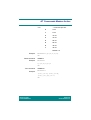
<keypad mode>
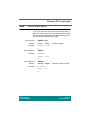
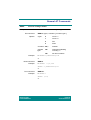
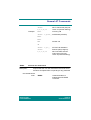
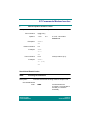
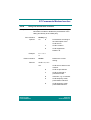
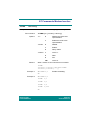
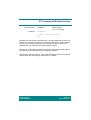
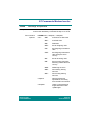
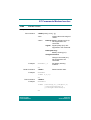
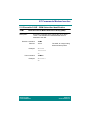
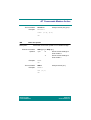
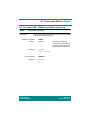
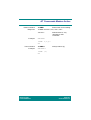
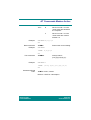
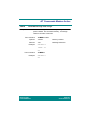
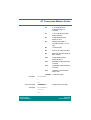
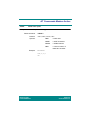
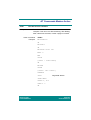
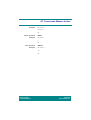
Example:
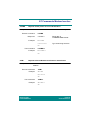
0
Disable display.
1
Enable display.
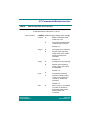
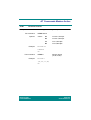
0
Disable keypad.
1
Enable keypad.
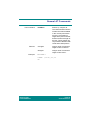
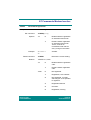
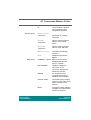
<back light mode> 0
Disable back light.
1
Enable back light.
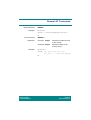
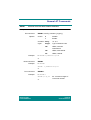
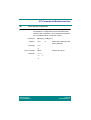
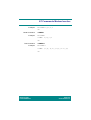
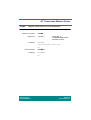
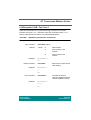
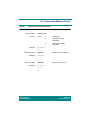
AT*EMMI=1,1,1
OK
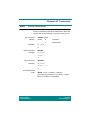
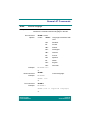
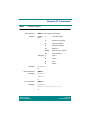
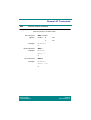
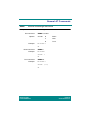
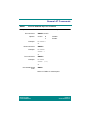
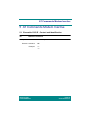
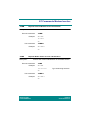
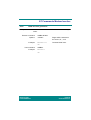
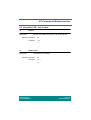
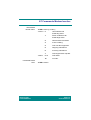
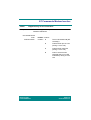
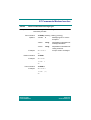
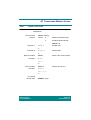
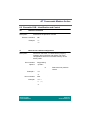
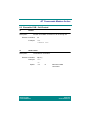
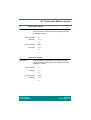
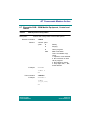
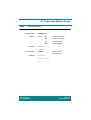
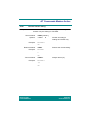
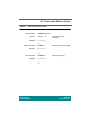
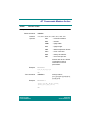
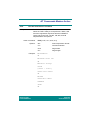
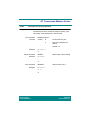
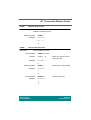
Read command:
Example:
*EMMI?
AT*EMMI?
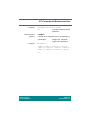
*EMMI: 1,1,1
OK
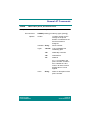
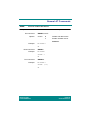
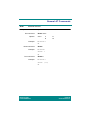
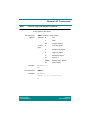
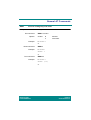
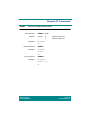
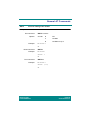
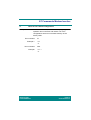
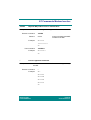
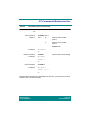
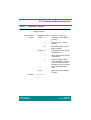
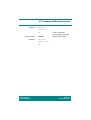
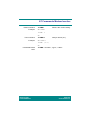
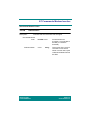
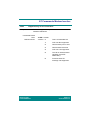
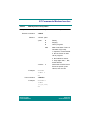
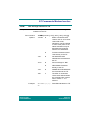
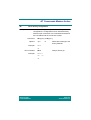
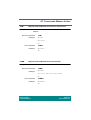
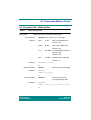
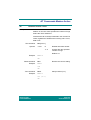
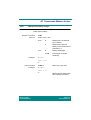
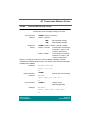
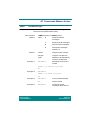
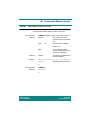
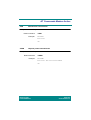
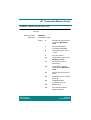
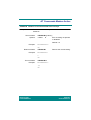
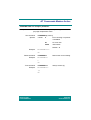
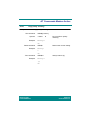
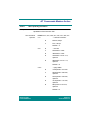
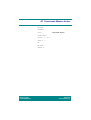
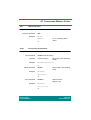
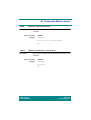
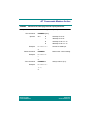
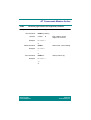
Test command:
Example:
*EMMI=?
AT*EMMI=?
*EMMI: (0-1),(0-1),(0-1)
OK
Revision R1D
Infrared Modem®
Page 52
Online Reference